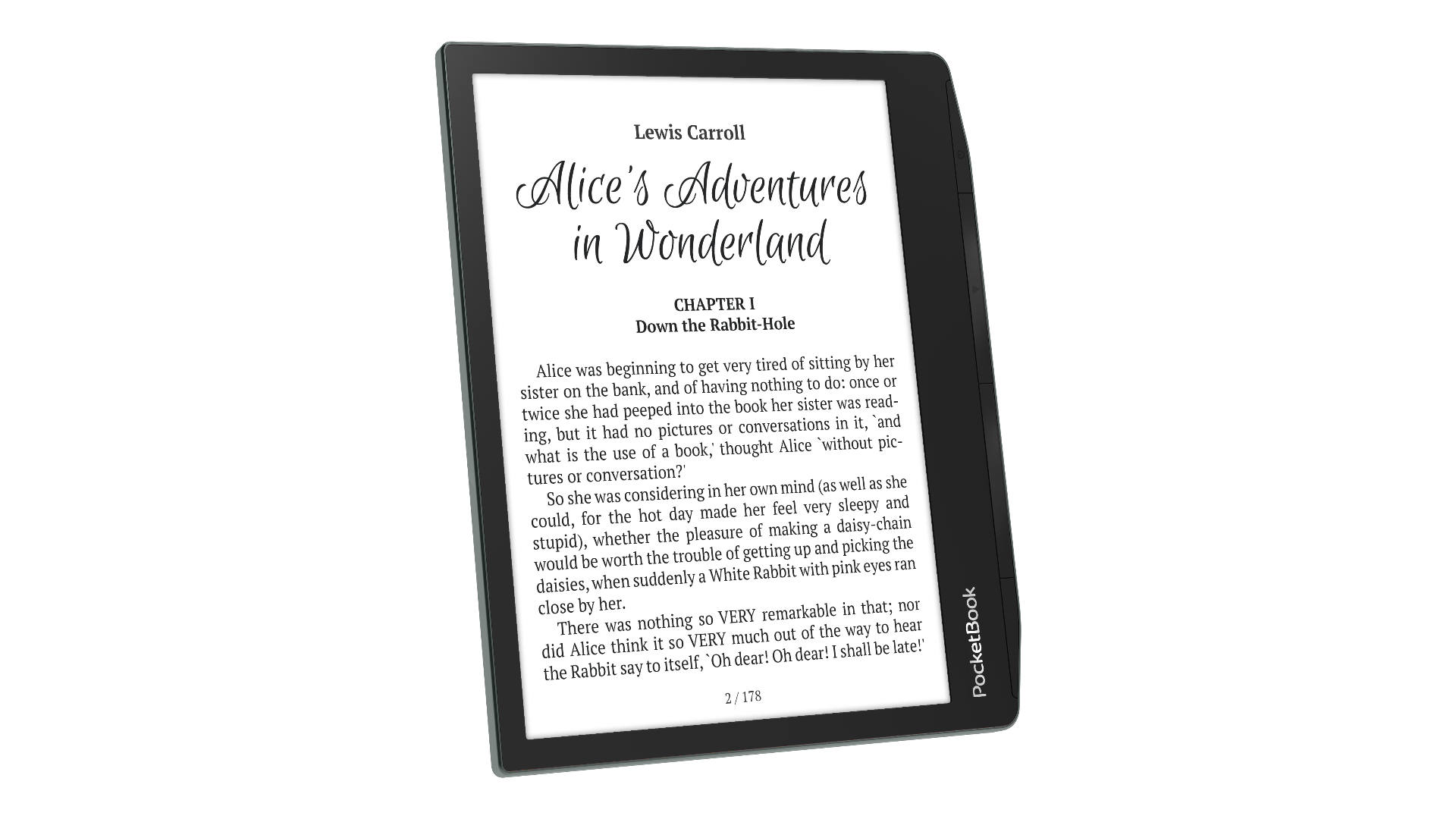
Sometimes, Pocketbook e-readers can get stuck. It can be pretty annoying if you don’t know how to quickly fix the issue. Don’t worry, I’m here to share some tips to get your device back up and running.
(more…)
Sometimes, Pocketbook e-readers can get stuck. It can be pretty annoying if you don’t know how to quickly fix the issue. Don’t worry, I’m here to share some tips to get your device back up and running.
(more…)
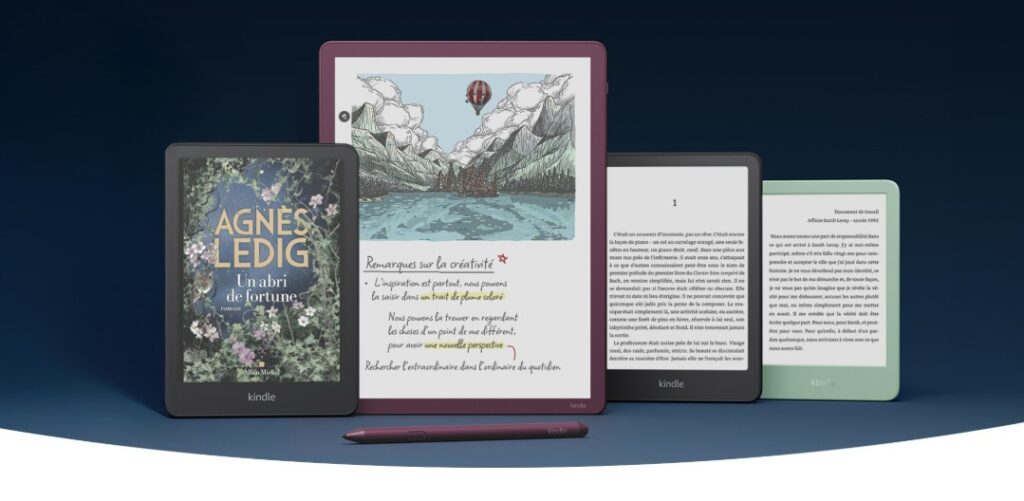
Today, I want to chat about something that can happen to any Kindle user: that annoying bug where your device becomes unresponsive and seems stuck. Don't worry, I’ll share some tips to help you unblock your Kindle in case of trouble.
So, first things first, sometimes our Kindle e-readers freeze. This can show up in different ways:
This is often due to a software glitch. In reality, e-ink screens, like the ones on Kindles, can keep showing information even if the battery is dead. Sometimes, e-readers get stuck displaying a page of text or a book cover when frozen.
So just because your screen shows something doesn’t mean your Kindle is still working.
Here's what to do to unblock your Kindle:
First, plug in your Kindle. Use the USB cable that came with your device or another compatible cable.
Connect it to a power outlet or a computer and let your Kindle charge for at least 5 hours.
It’s super important to fully charge it!
Once your Kindle is charged, keep it plugged in and press the power button for 20 to 30 seconds. This will completely reset the device. Ideally, your Kindle should restart.
Sometimes, nothing seems to happen on the screen, but don't stress. Wait 5 to 10 minutes, then press the power button for 3 seconds for a normal start-up.
This should do the trick and unblock the device.
If it still doesn’t work and your Kindle remains stuck, I’m afraid you’ll need to contact customer service.
Another thing to consider: if your Kindle unblocks but freezes again quickly, it might be a sign that the battery is worn out and doesn’t hold a charge anymore.
Sadly, opening an e-reader today can be pretty tricky because parts are often glued.
In this situation, the best solution might be to buy a new one. If that's the case, feel free to check out the site's buying guide to find a new e-reader.

After over ten years of covering the digital reading world – e-readers and ebooks (mostly in French) – I thought I had seen it all when it comes to DRM. But an important development is shaking things up.
We know that change can be slow, even in the tech world, and even more so in the book industry. The matter of managing digital rights for ebooks seemed settled for a while, with Adobe reigning for about 20 years.
The software that manages an ebook's usage rights is called a "DRM." Think of DRM as a digital lock on a book to: prevent easy copying and free sharing, ensure it's used only on authorized devices (like e-readers, tablets, etc.).
Basically, it's a protection so authors and publishers get paid and to combat piracy. But it can be a bit restrictive for buyers, sometimes limiting where and how you can read the book you bought.
This is why ebooks bought for Kindle on Amazon aren’t compatible with Kobo devices, for example.
The main DRM is from software giant Adobe. It's called ADE (or ACSM) and it's found on Kindle, Kobo, Pocketbook, or Nook devices.
When you buy an ebook online protected by Adobe’s DRM, you can theoretically read it on a compatible device.
But in practice, it’s often a hassle: installing software on your computer, creating an account, authorizing your e-reader to use that account, needing an internet connection, etc. And you go through this again, sometimes worse, when you switch e-readers, redoing everything if you want to keep access to your digital books.
I have lost count of how many issues I’ve cataloged and the numerous emails I’ve received about Adobe DRM problems. Check out this forum post to see just how widespread these issues are!
Note: Contacting me won't help. The best option is to reach out to Adobe, the book vendor, or the publisher. If you're still stuck, get a refund.
Have you heard of NetGalley? It's an online platform that connects authors and publishers with influential readers – like book bloggers, journalists, booksellers, librarians, and teachers – offering free digital copies of books before they’re published. The aim is to spread the word and create positive buzz before the official release.
NetGalley just completely dropped Adobe Digital Edition DRM ("ADE") for a new one called LCP—which isn't that new, as we'll see.
This is interesting since NetGalley has made protecting literary works a key trust point for book professionals. This switch proves there's a simpler alternative to Adobe for managing DRM.

LCP is not new, and I’ve discussed it a lot. A French company called TEA (now Vivlio) was among the first globally to use this DRM widely in 2015, initially called "CARE," (article in French) and more recently, implemented the latest LCP version in all Vivlio e-readers.
The advantage of LCP is that it simplifies user management while still offering strong copy protection.
LCP also supports library borrowing and allows you to use and read the ebook on all LCP-compatible devices.
LCP is already compatible with Vivlio, Pocketbook, and Bookeen e-readers. You can learn more from this short article in English: Readium LCP.
If all e-reader brands switch to LCP, ebooks will be compatible with all devices!
Now, it’s just a matter of convincing Kindle and Kobo to adopt LCP, finally resolving one of the big hurdles in digital reading that still limits e-reader adoption worldwide.
Especially since Kobo users who also use NetGalley aren't happy and are loudly asking Kobo to adopt LCP too (see on Reddit).

Discovering the Past: Free Access to the Video Game History Foundation's Digital Archive
Today marks an exciting milestone for gaming enthusiasts and historians alike, as the Video Game History Foundation (VGHF) opens its digital archive of video game research materials to the public.
Accessible now at https://archive.gamehistory.org/, this repository is an impressive gateway into the world of video game history that is completely free of charge.
Since its inception in 2017, the VGHF has been on a mission to build a comprehensive digital library centered around the history of video games.
Over the years, they have meticulously gathered a treasure trove of materials including development documents, rare publications, magazines, and behind-the-scenes content. This endeavor ensures that the stories of how our favorite games came to life are preserved for future generations.
The initial collection is a remarkable assortment of items that includes:
These resources are invaluable for understanding both the artistic and business sides of video game development.

While the archive offers an incredible amount of content, it is unfortunate that documents cannot currently be downloaded for use on e-readers like Kindle. This limitation makes it less convenient for those who prefer to read on portable devices. Finding a way to transfer documents for offline access remains a challenge for many users.
EDIT: I find a way to download the retro magazines with the short cut keyboard "CTRL + S" on my computer to save the file as PDF.
One of the highlights of the launch is the Mark Flitman papers, a collection of documents from a retired game producer who worked with renowned companies such as Konami and Acclaim.
These papers embody a detailed record of the video game industry's past, offering unique insights into production and marketing practices that shaped the gaming landscape.
Additionally, the archive boasts over 100 hours of footage from the production of the Myst series, featuring behind-the-scenes content and interviews with the original development team. This access not only enriches the narrative of the Myst games but also supports upcoming projects like The Myst Documentary.
The VGHF Library will continue to expand, looking forward to more exciting additions such as:
With so much to offer, the VGHF’s digital archive is not just a resource—it's a celebration of the vibrant history of video games.
The launch of the Video Game History Foundation’s digital library opens up a new chapter in the preservation and study of video games.
Whether you’re a researcher, a developer, or just a fan, having free access to these incredible resources is an opportunity to learn, explore, and appreciate the art and craft of video game creation.
Dive in at library.gamehistory.org or https://archive.gamehistory.org/ and start your journey through the rich history of gaming today!
That's why I love ebooks: one day we'll have all the information we need at our fingertips in a little device like an ebook reader. But, of course, there's still a long way to go before we get there.

Today, I want to talk about a new device that's just made its debut in USA: the BOOX Note Max. With its large 13.3-inch screen and ultra-thin design, it promises an unmatched reading and work experience. But is it really all it seems?
The Note Max is designed mostly for work, and you can tell from its specs.
With its E Ink Carta 1300 technology and 13.3-inch display, it offers excellent screen quality with clearer blacks and whites, reducing eye strain compared to previous models. This is the most advanced e-paper technology available in 2025, also featured in the smaller format Kobo Clara BW.
However, I think its size makes it a bit bulky and somewhat heavy for long reading sessions. This is true for other similar devices like the Kindle Scribe or the Remarkable Paper Pro as well. The Remarkable stands out with a color screen that might appeal to some users.
Looking at the Boox Note Max, its sleek finish and wide screen clearly target professionals who love digital workspaces. It’s more of a work-friendly device rather than a pure reading companion. The "split screen" feature and 2.8 GHz Octa-Core processor make it a versatile tool for taking notes, annotating documents, or handling projects, all while balancing power and ergonomics.
With 6 GB of RAM and access to Google Play Store (Android 13), it’s like having a mobile workstation.
If you choose the optional detachable keyboard, you can turn the Boox Note Max into a modern typewriter. The idea of typing comfortably on an E Ink screen is exciting, though I have reservations about its portability. Given its size and weight, I see it more as a desktop buddy than an e-reader for daily commutes.

In the end, the BOOX Note Max is an intriguing choice for those seeking an e-paper device for work. Still, it probably won’t replace your lightweight, simple reading devices if that’s your main need. Priced at $649.99, it might attract professionals looking for a digital solution for their projects, though it’s less ideal for reading ebooks, in my opinion.
If you're interested, you can find it now on the BOOX online store and Amazon.
What do you think? Could the BOOX Note Max fit into your daily life, or would you prefer a lighter e-reader? Personally, I'm keen to see how this device competes with the already well-established options.
Technical Specifications for this e-reader:

Remember the surprise announcement of the Daylight Computer DC-1? No? Let me jog your memory: it's a tablet featuring a proprietary system called Sol:OS, a "Live Paper" screen, and a minimalist-focused concept. But where has the Daylight DC-1 gone since its announcement?
The Daylight Computer DC-1 was one of the many products unveiled months ago in San Francisco's famous Silicon Valley. Introduced in May 2024, the announcement was quickly followed by a pre-order campaign for this innovative tablet, priced at $729, which is quite steep — something we'll get into later.
As of now, you can still pre-order this tablet with a $100 deposit, but there's no promised delivery date, not even a vague one. The company's lack of communication about its product doesn't bode well.
To understand why this product might flop, we need to focus on the screen technology used: RLCD, or Reflective LCD (see Transflective screen too). This type of screen has been around for years and is even used in well-known electronic devices. It's a further development of screens found in some 90s video game consoles like the Game Boy.
Today, there's also NXTPAPER technology, which closely resembles what's used in the Daylight Computer DC-1.

Although many manufacturers claim this technology is better than e-ink, that's not the case. The advantage is a higher refresh rate (Daylight claims 60 frames per second), but the precision and display quality aren't as good as the e-ink screens found in 2025 e-readers.
Additionally, Daylight Computer seems to have missed the massive arrival of Kaleido 3 color e-ink screens. In recent months, we've seen the release of many digital notebook-style devices that offer color, like the ReMarkable Paper Pro or some Onyx machines like the Boox Air3 C.
The result? Even before the Daylight launch, it's technically outdated and overpriced compared to its competitors!

It seems obvious that Daylight is either revisiting its plans or looking for investors. But, given the technical delays and the limited value of its in-house operating system, Sol:OS (based on Android), convincing investors to pour money into their product will be challenging.
I think the company is looking towards innovation to justify their asking price, either in terms of software or hardware.
It would be interesting, for instance, to offer this tablet with a color screen or include AI-based professional features.
So, what happened to the Daylight Computer DC-1? The product is simply already outdated before its launch, and the company couldn't ride the wave created at its announcement many months ago.
For more information, visit: Daylight Computer


Here’s a selection of notable blogs and websites about e-readers across different languages. These blogs serve as good resources for anyone interested in the latest information about e-readers and digital reading trends in various languages:

Brace yourselves because 2025 is bringing more digital notepads aimed at boosting productivity. Fujitsu plans to make a mark with its latest gadget, the Fujitsu Quaderno A4C.
The Quaderno line isn’t new; it’s been around for a few years and comes in two sizes: A5 and A4. The naming, using paper sizes, is no coincidence since the brand targets businesses focused on going paperless.
So, what is this Fujitsu Quaderno A4C all about?
It’s a digital device featuring a 13.3-inch colored e-ink display with Kaleido 3 technology. This means it sports the latest in colored e-ink screens and seems to target the ReMarkable Paper Pro head-on.
The Fujitsu Quaderno A4C comes with a stylus that uses Wacom’s battery-free pressure system.
Here are its technical specs:

Feature-wise, the Quaderno A4C seems bare-bones!
It’s only compatible with PDF files, so forget about loading ePub files without converting them first — a bit of a downer.
But remember, it’s built for the corporate world. Thankfully, you can take notes on PDF documents, even in color. But if it plans to compete with the likes of ReMarkable, Kindle Scribe, or Kobo Elipsa, it might need a bit more.
It seems like the Fujitsu Quaderno A4C is primarily targeting Japanese businesses, who tend to be pretty traditional. Using a Japanese product to handle important documents might be reassuring in terms of minimizing industrial espionage risks. Remember, Sony has offered similar products aimed at Japan for a long time.
For those of us living outside Japan, though, this device might not be too appealing. It will be available sometime in March 2025 with a steep price tag of $719.99. See also : best alternatives to the reMarkable
Official site: https://fujitsuquaderno.com/

So, 2024 is over and lots of e-readers came out. It was really the year for color e-ink screen e-readers, with every brand launching a color version of their top models.
But what's on the horizon for e-readers in 2025? Like every year, I'm gonna try to predict what we can expect in the coming months.
But first, don't miss the reviews of the e-readers released in 2024:
Last year, we saw the rise of E Ink Kaleido 3 color e-ink screens. So, it's likely that this tech won't change much, as the factories producing them can handle quantity for brands like Kindle, Kobo, Pocketbook, Onyx, and others.
I don’t see major changes coming for color e-readers. But it’ll be interesting to watch if the competing Gallery 3 tech makes its way into new models.
Basically, if you’re thinking of getting a color e-reader, go for it NOW. It's a great time!
With the release of Onyx digital notebooks I've tested, and the new Kindle Scribe, AI features are becoming more common.
And we can expect this trend to continue in the future. If today’s features are basic yet revolutionary (like summarizing documents, chatGPT, document formatting), imagine what they'll do next.
Picture this: your e-reader could summarize a book in just a few pages. You could chat with Harry Potter and Hermione Granger after loading their books onto your device. Your digital notebook could even create detailed diagrams of work documents.
These advances are likely coming fast, and digital notebooks are the perfect things to host these new AI features.
All the big e-reader brands launched major models in 2024. I doubt they’ll roll out many new ones in 2025.
However, there's always a rumor of a new Kobo Libra 3 with a black-and-white screen coming in 2025.
But I think it might hurt sales of the great color version, the Kobo Libra Colour, so I'm skeptical.
Finally, it's easy to bet that Pocketbook will launch new e-readers in 2025, as they do every year!
Also, I've noticed the rising presence of Asian brands like Onyx in the USA, Europe or UK.
Expect more e-readers from these brands in various sizes (6, 7, even 10 inches or more) with or without color screens. They all run on Android, and that’s likely to stay the same in 2025.

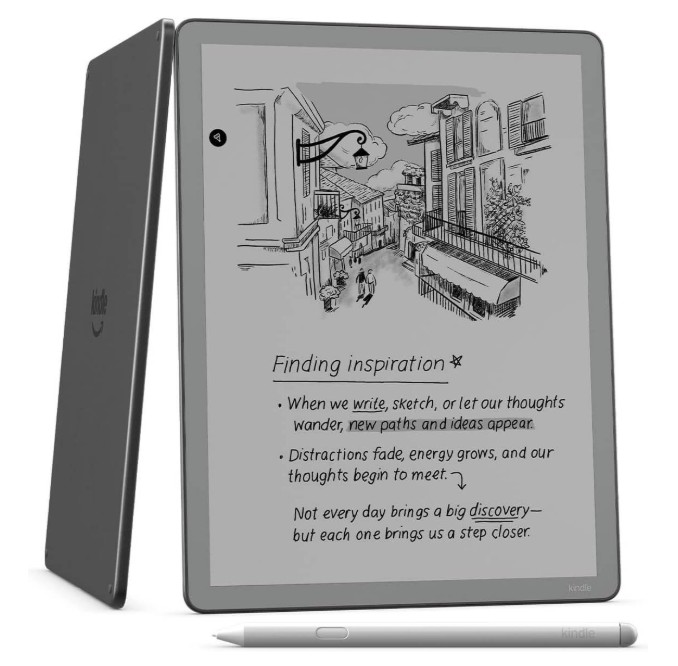
If you’re someone who loves technology and embraces the digital age, but when it comes to taking notes, you still reach for a pen and paper, you’re in for a treat! Today, we’re diving into a comparison of two impressive paper tablets: the ReMarkable Pro and the newly released Kindle Scribe 2nd Generation.
(more…)