Readmoo is an Asian company that is starting to make a name for itself by adopting the latest technologies available to offer innovative reading machines.
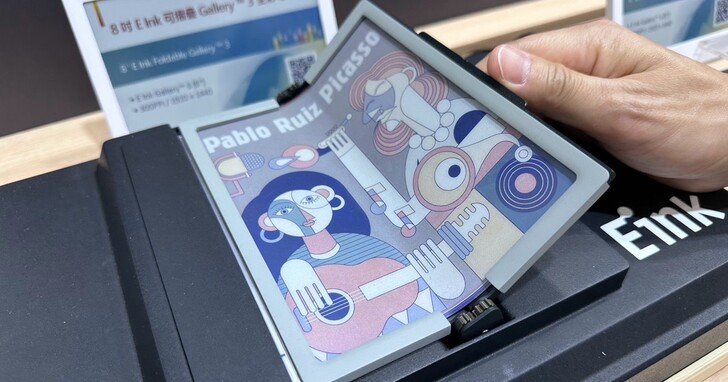
Not only is the screen foldable, but it is also color, with a diagonal of 8 inches and uses Gallery 3, a new way to display colors with electronic ink. It is thus a real innovation which is proposed here for a reader whose use will be undoubtedly dedicated to the mobile readers.
Indeed, a screen of 8 inches offers a nice reading surface for a maximum comfort. The fact that this machine folds on itself – like the recent smartphones proposed by Samsung – makes the reader much easier to carry.
One can easily imagine folding it and storing it in one’s bag at the end of reading in transportation.
A foldable machine also has another advantage: the screen is protected when you are not reading. So there should be no need to add protection to the screen to keep it in shape (or a protective cover).
The Galery 3 screen (based on ACeP: Advanced Color ePaper) will offer color display, which makes this machine particularly attractive.
All this is as exciting as it is intriguing, although we’ll have to judge it on the spot. We know that smartphones that use foldable screens tend to be quite thick when folded. We may have this same feature with this Readmoo reader. If this is the case, it could affect the compactness of the machine and therefore make it less useful and easy to store.
Still, this is only a prototype and, as always, it may never see the light of day. Readmoo and E Ink are nevertheless reassuring, because for both companies this is a reading device that will demonstrate their technological know-how.
A know-how that could pave the way for other ever more innovative readers.
While going back to the Pocketbook adventure, I came across some old models that were very interesting for their time. Here is a selection of e-reader models that had a short career and that have been sometimes forgotten.
Pocketbook Mini e-reader
Kobo had released a small format reader with a 5 inch screen, but the last one to be widely available was the Pocketbook Mini which was still available in 2013.
It had a small 5-inch screen and a small format for a price that was really affordable at the time of about $70.
Its small case made it easy to slip it in your pocket and carry it everywhere.
It was the only small e-reader with the Kobo Mini and the last one in this format to have been widely marketed in the world.
Pocketbook Color Lux e-reader
In 2013, Pocketbook marketed one of the first color readers with the Pocketbook Color Lux.
With its 8-inch e-ink screen capable of displaying 4096 different colors, it prefigured the more recent current e-readers based on a new generation of more powerful color screens.
It was a small success and many readers swore by this model since it was the only one to display colors for years.
Today, Pocketbook continues on this path and the Pocketbook Viva is the most recent evolution of this model.
Pocketbook Aqua e-reader
In 2014, Pocketbook launched the first waterproof e-reader with the Pocketbook Aqua.
With its 6-inch e-ink screen it was thus largely ahead of its time with its IP57 certification that made it resistant to water splashes and dust.
This feature has since been taken up by many brands who now all offer a waterproof model to allow reading in a bath, in the snow, by a pool or on the beach without fear for its reader.
A Pocketbook Aqua 2 reader has also been realsed.
Pocketbook Ultra e-reader
The Pocketbook Ultra was a very disconcerting e-reader.
It is a 6-inch e-reader with features that were way ahead of its time when it was released in 2015.
Thus, it was one of the first models to offer a screen with an embryonic blue light filter. At the time of the test, I was totally baffled by the yellowish lighting of this e-reader.
It should be noted that other manufacturers, such as Kindle, were pushing e-readers with ever-increasing contrast with machines like the Kindle Paperwhite that offered a more flattering display rendering with blacker text on an ever brighter screen.
The flaw of the Pocketbook Ultra was to impose this blue light filter without any adjustment.
But more than that, the Pocketbook Ultra offered another feature that was as original as it was revolutionary: a camera with a character recognition function.
In other words, it was possible to take a picture of a page of a paper book and have a digital transcription using an OCR tool.
Unfortunately, in practice the result was not up to expectations…
Digital reading opens interesting perspectives for people with disabilities, especially for the visually impaired. We are going to see which reading devices and software solutions for visually impaired people exist on the market.
If you have a visual acuity lower than 3/10, you are considered as a visually impaired person by the WHO.
Reading text can therefore become very difficult. But, it is not impossible thanks to some technologies of which reading devices are part.
In this article we will also talk about reading solutions for visually impaired people or for people with age-related macular degeneration (ARMD).
Before going into details, I would like to specify that I am neither visually impaired nor blind. The information you will find on this page is therefore to be taken for what it is: information.
The e-reader to enlarge the characters
First of all, we have to start by talking about e-readers.
These reading devices are financially accessible and allow the reading of digital books.
In my opinion, their interest lies in two main things:
You can buy and download books easily without having to move and the ebook is often cheaper than its paper version
You can adjust the display on the screen to make the characters appear in a large font
The cheapest e-readers are equipped with a 6-inch touch screen.
The new Kindle is a good place to start, as it has an additional lighting feature that improves contrast and readability on the reader.
But, for a visually impaired person, I suggest using a reader with a screen of at least 8 inches.
Using the right font on e-reader
Some fonts used by default on ebooks and e-readers are not necessarily suitable for reading for visually impaired people.
One solution is to add fonts that are better designed for displaying text.
Here is a selection provided by a visually impaired reader that should help you better discern the characters on your e-reader:
Next, you will need to load this new font on your e-reader.
Text-to-speech on e-readers
On Pocketbook e-readers, and some Android readers, you can plug in headphones via a 3.5 mm jack or use headphones or a speaker with a Bluetooth connection.
Then, it is possible to activate the text-to-speech function. The reader will read the text of the ebook in a somewhat robotic way.
If we are still far from the diction of a human, it allows to have easily an audio version of a book not available in "audio book".
We also have access to various sound settings such as the choice between the voice of a man or a woman, the selection of the reading speed and the adjustment of the sound volume.
The audio book
The audio book is obviously a solution for visually impaired or blind people.
If the catalog is still far from being vast, the offer is increasing more and more because audio books are in fashion!
The number one service in reading remains that of Audible which offers a free trial book for any registration.
I want to write a little word about tablets. Indeed, we can think that the idea is good since they are now a fairly large screen.
However, they suffer from a major flaw for people with vision problems: the blue light generated by the screens is too important.
I therefore advise against reading on a tablet, smartphone or computer screen.
It is good to note that the e-readers with lighting also generates blue light but in lesser quantities.
Note that there is software on tablets to reduce blue light. However, these are not always effective and they make reading more difficult because the screen becomes less contrasted.
Text-to-speech software
More and more smartphone applications offer a text-to-speech application.
Because, if it is better not to read on the screen of the smartphone (or a tablet), nothing prevents it from being used to access the text-to-speech function.
The list of applications that offer this function is long, but be aware that it is available in the "Google Books" application, installed by default with most Android smartphones.
This feature has appeared on other devices such as the Alexa personal assistant and its Echo devices that will text to speech on your Kindle books.
The Braille reader
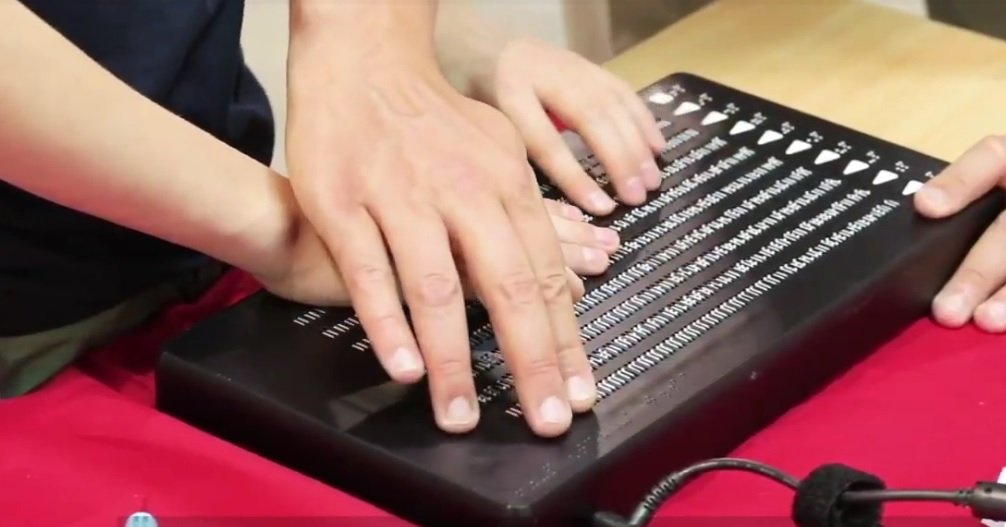
Finally, there is a last device called Canute 360, which is a Braille reader capable of displaying 360 characters.
For the moment, the reader is not available for everyone because it is still a test.
Its commercialization being imminent, it could offer a very interesting solution for people who want to read Braille ebooks.
Conclusion: the best e-readers for the visually impaired
Today, digital technology offers more reading solutions for visually impaired people. But it is still not enough.
Indeed, accessibility is both difficult and easy to implement in digital devices.
We have seen in this article that software and reading devices allow to do text-to-speech. So we wonder why all ebook reading systems are not equipped with it!
I will show you where you can find manga and how you can download them and read them on your Kindle e-readers.
First of all, the reading of digital manga is exploding in the world. It is particularly noticeable in Japan where there are more readers of digital manga than paper ones.
But, I think that the "manga ebook" has also the possibility to develop widely outside Japan.
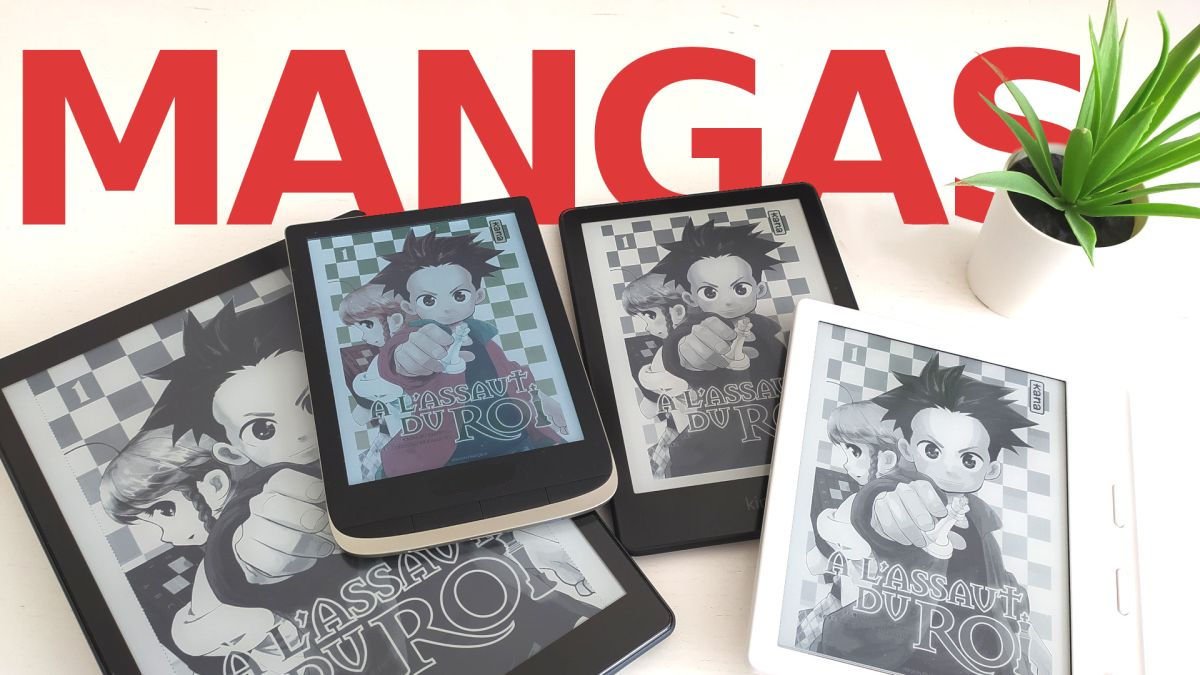
Indeed, because of the absence of color, digital manga weighs less to store than other comics. Moreover, as they are already published in a small format in paper version, e-readers with a screen with a high resolution are at ease for their display (even in 6 inches).
If we add to this the available 7 and 8 inch e-readers and low cost touch tablets, we can think that manga can make a nice digital place in our reading devices.
The problem now is that we don’t necessarily have digital versions of all the manga that are released…
The Kindle Library
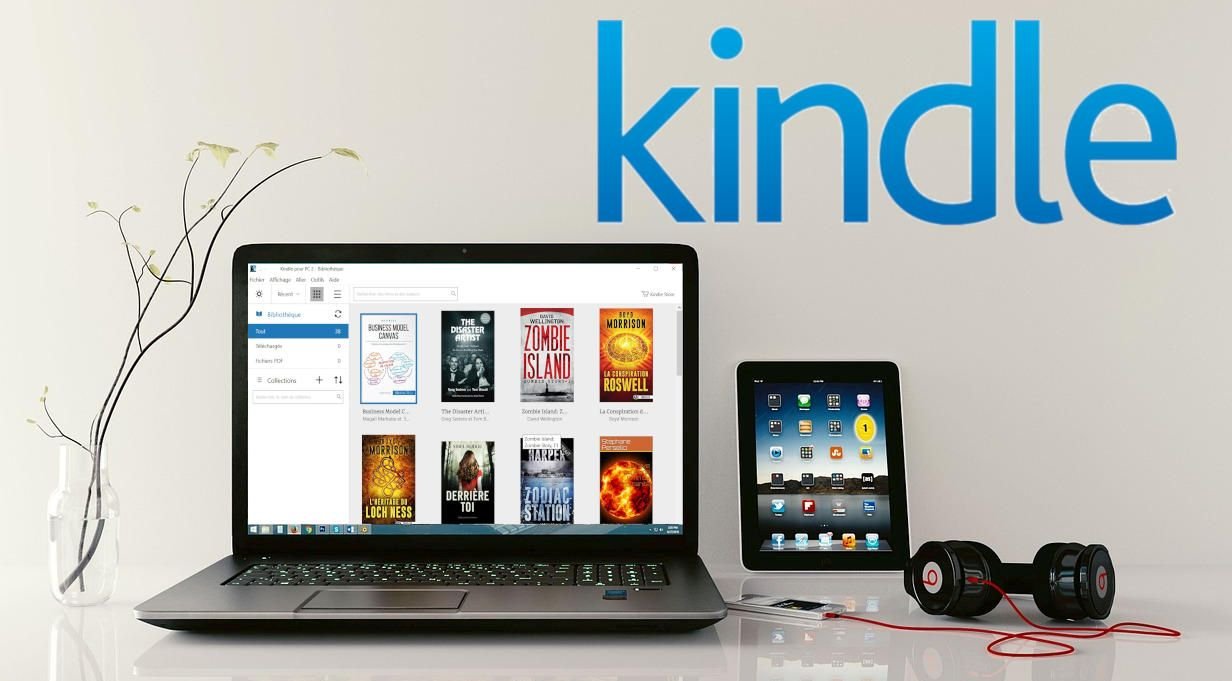
At Amazon, there is a comic book section that allows you to see, on a case-by-case basis, if the volume you are looking for is available on the Kindle e-reader (or the reading application on tablet, smartphone or PC/Mac).
For popular series like Naruto, the digital version costs $4.99 compared to $6 for the paper version. So that’s a nice savings of almost $2 per episode.
What is not bad is that you can search directly and only in the mangas that are available in digital using the search engine of your Kindle e-reader (or on Amazon).
So you can find a lot of things, even if everything is not yet present. I also noticed that recent releases tend to come out in digital too.
So, reissues like GUNNM, have their digital version.
Prime Reading or Kindle Unlimited
With Amazon, you can subscribe to a service like Prime or Kindle Unlimited.
Kindle Unlimited offer the larger choice but you’ll have to pay a small fee each mounth to access the books and the mangas available.
If you have an Amazon Prime membership, you can access to a catalogue of free ebooks and mangas and the Prime Reading (read this article to know more about it) section of the Kindle Library on your Kindle e-reader. (no extra fee if you already a Prime customer)
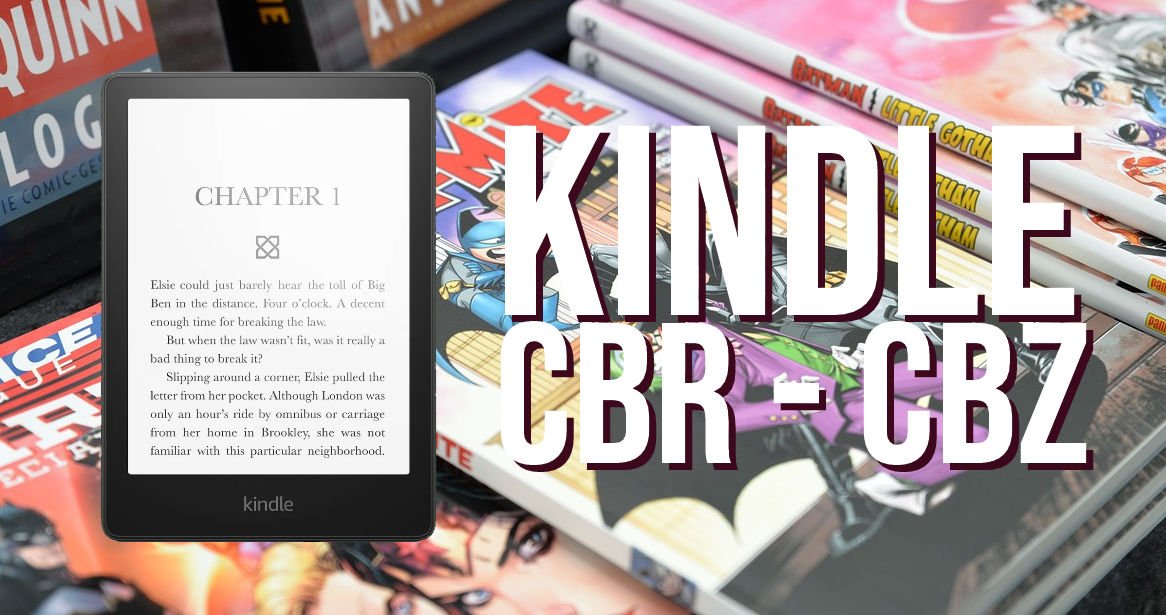
Transfer PDF, CBR and CBZ files to your Kindle e-reader
If you’re interested in digital comics, you’ve probably come across files in slightly exotic formats like CBR or CBZ. Here’s how to convert them to PDF.
Fortunately, thanks to Calibre you can transform these files into PDF files that are easier to use on your different devices: e-readers, tablets, smartphones, PC and Mac.
The advantage of using Calibre to do the conversion is that it offers optimizations regarding the images, in order to display the comics more clearly on a reader (with a black and white screen). But, you can also use another software to do the conversion.
The first thing to do is to install Calibre if you don’t have it on your computer yet. You can go to this site to download it: https://calibre-ebook.com/fr/download
Now you have to import your CBR or CBZ file into Calibre.
You can now transfer PDF, CBR and CBZ to your Kindle device.
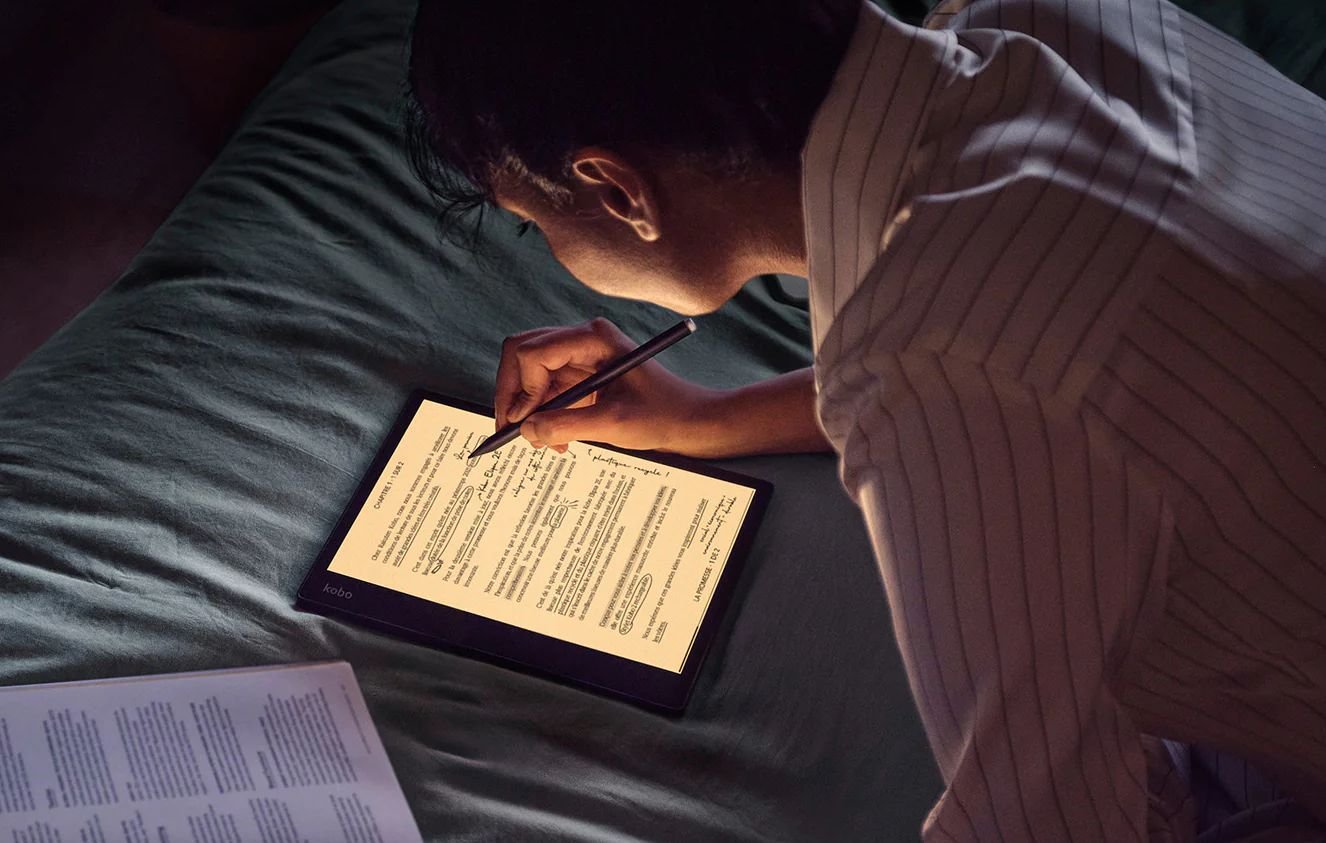
Finally quite soon after the release of the Kobo Elipsa, Kobo announces a new Kobo Elipsa 2E which has the same ingredients as the previous generation.
If you want to read a lot more, you will have to turn to digital reading. Today, it is possible to use websites to download free ebooks, comics but also audio books.
This article gathers the best websites to download free books in English and also in other languages.
These lists are not exhaustive, but they allow access to a large number of freely accessible contents.
https://en.wikisource.org/wiki/Main_Page : a site of the Wikipedia group which aims to make great texts in English accessible to as many people as possible (you can also read them online)
[https://archive.org/details/texts?and[]=languageSorter%3A%22French%22](https://archive.org/details/texts?and[]=languageSorter%3A%22French%22) : hundreds of thousands of books (you have to search a bit, but there are some nice things)
Download free comic books in English (manga, comics)
You can find many online comic books for free download on this list of websites:
https://www.comixology.com/ : you just have to create an account to have access to a lot of albums in English (often tomes 1 of series) – there are also regular promotional offers
https://digitalcomicmuseum.com/ : US Comics from the golden age with western, SF, horror, superheroes (you just have to create an account to download for free)
Download free audiobooks in English and other languages
If you practice English or another language and want to learn and develop your listening skills, you can also download free audio books in English from these sites :
Lit2Go : a free online collection of stories and poems in Mp3 (audiobook) format
Download free audiobooks in French
If you want to enjoy your free time by listening to books in French, here is a list of websites that will allow you to download and listen to audio books for free:
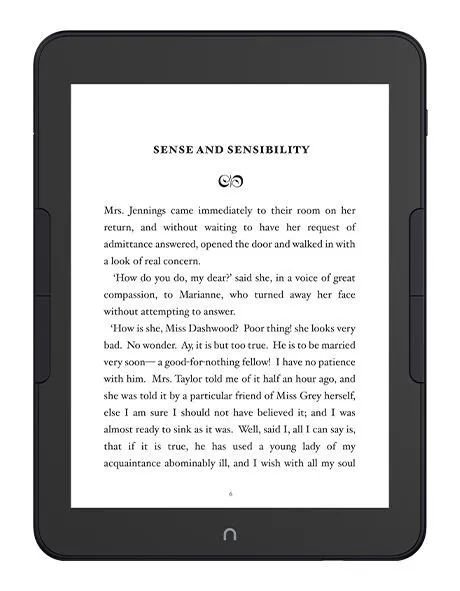
Barnes and Nobles will release a new e-reader called Nook Glowlight 4 Plus with a 7.8 inch screen.
Barnes and Noble is the biggest bookstore chain in the US and has somewhat neglected its e-reader line in recent years, letting Kindle, Kobo and Pocketbook come out with ever more advanced reading machines.
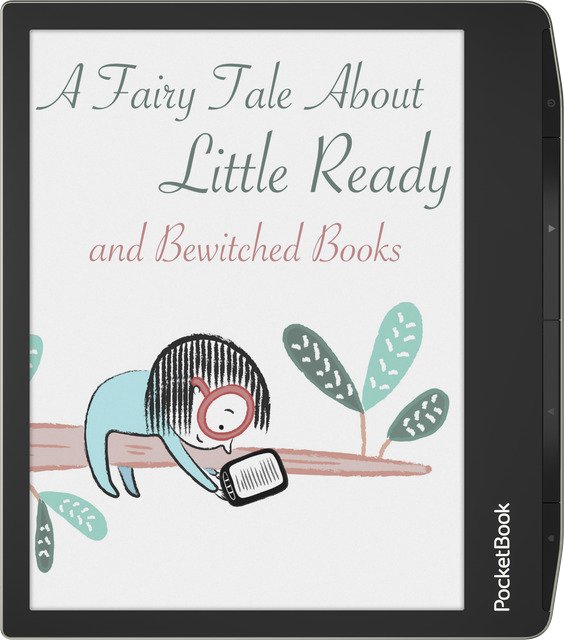
Pocketbook continues to release innovative models and the announcement of the Pocketbook Viva e-reader will delight fans of high-end reading material and those who have been waiting for a new generation color e-reader.
Presentation of the Pocketbook Viva e-reader
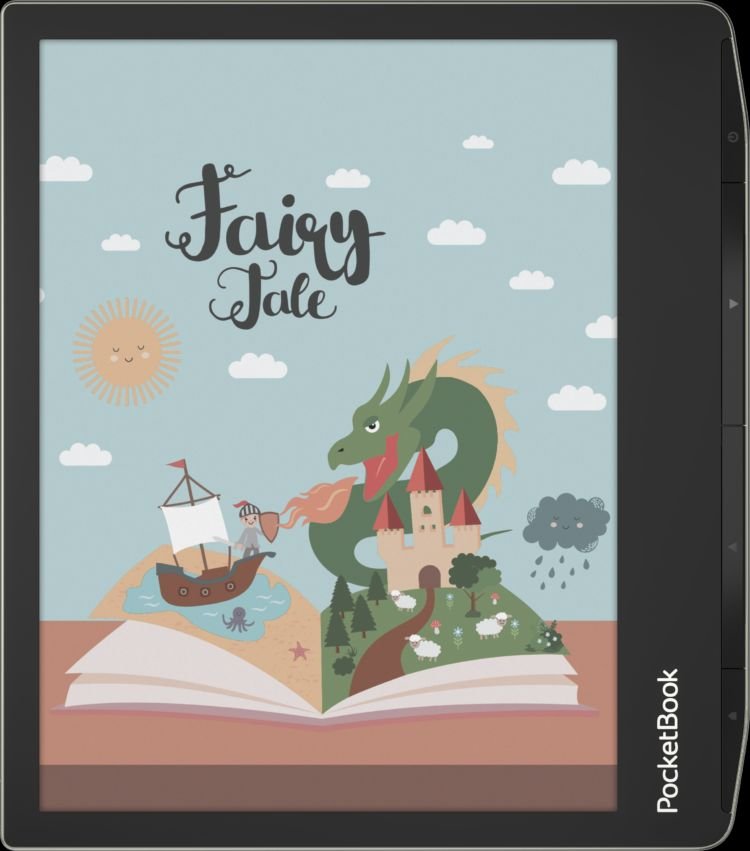
The Pocketbook Viva is a high-end 8-inch color e-reader announced for the end of 2023.
It is also one of the first readers that will use a new generation color screen based on E Ink Gallery 3 technology with a resolution of 1440 × 1920 pixels for both black and white and color.
This is a brand new way of displaying colors that should allow, finally, to have more vivid colors than on the old screens of the “Kaleido” type used, for example, in the old Pocketbook Color reader.
Of course, we’ll have to wait for the release of this Pocketbook Viva to find out for sure…
Pocketbook also seems to want to offer a very high-end color reader, since the announced price is $599!
This price will certainly cool some people down, but it shows the will of the brand to offer high quality material as far as the color reader is concerned.
This is especially true since it is not a digital notebook like the Kindle Scribe or the Kobo Elipsa…
The Pocketbook Viva offers a new 8-inch color screen, 64 GB of storage memory, an IPX8 certification to make the reader waterproof and the possibility to read audio books (see specifications below) and a pretty good design with physical buttons.
I appreciate this new design which tends to become more and more common with each Pocketbook release, as with the Pocketbook Era, another high-end e-reader.
Specifications of the Pocketbook Viva
Here are the technical specifications of the Pocketbook Viva :
Quad core processor
8 Inch Color display Gallery 3
Resolution : high resolution of 1440 × 1920 and 300 PPI for both color and black-and-white
IPX8 waterproff specification
Built-in speaker and Text-to-Speech
Bluetooth version 5.2
64 GB of built-in memory – for a large library, which is always at hand;
A record number of formats without conversion – PocketBook Viva supports 23 formats (19 book and 4 graphic formats), including formats of comics;
Support for 6 audiobook formats – listen to audio files in M4A, M4B, OGG, OGG.ZIP, MP3, MP3.ZIP formats;
Dual band Wi-Fi and PocketBook Cloud services – for synchronization with other devices and convenient management of the library;
The vast number of dictionaries – in addition to 11 pre-installed language combinations, users have 42 combinations available for free download.
Price and release date
As you may know, the Pocketbook brand is distributed all over the world (except in France where it is Vivlio that sells Pocketbook e-readers).
Pocketbook now announces an availability in many countries in the start of 2024. On the Pocketbook Store website the e-reader is on “Pre-Order” that will end in february 2024.
It should be noted that the price is high since the recommended retail price is $599 – which seems quite high for a e-reader, even if it is the best color e-reader available!