
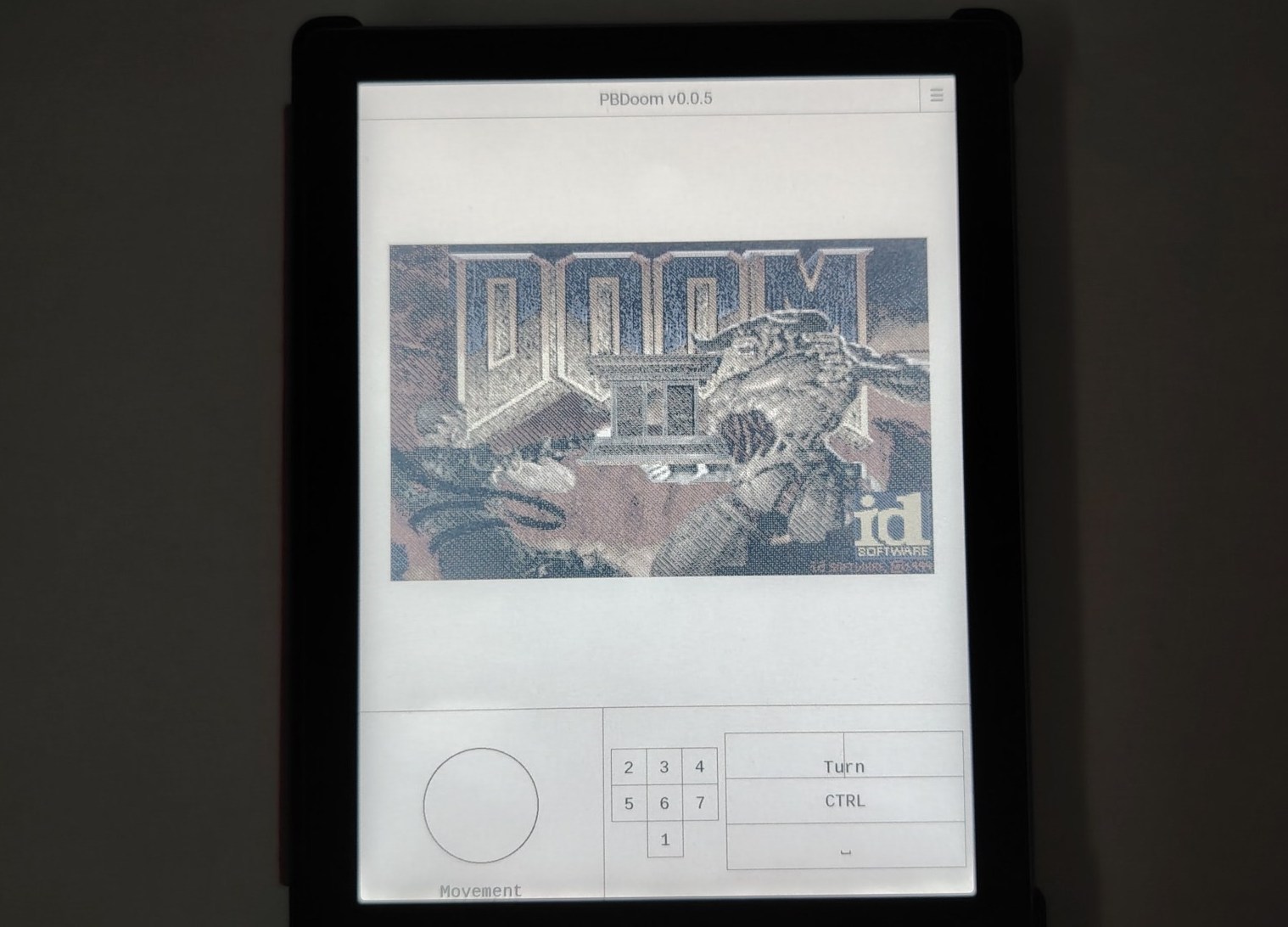
It had to happen eventually, and I’ve finally managed to play the video game DOOM on a Pocketbook e-reader. Plus, I’m explaining how to do it yourself on this page (and in this video).
The video game DOOM was released in 1993 on personal computers (PC) and remains one of the best-known games. It has had many sequels.
DOOM has been ported to a multitude of platforms for several key reasons. First, its immense popularity in the 90s created a strong demand for the game on all possible media.
Secondly, its source code was made public, which allowed amateur and professional developers to adapt it to different architectures and operating systems.
Finally, the idea of having DOOM playable everywhere, from PCs to game consoles, to calculators or even vending machines, has become a fun challenge for many, contributing to its exceptional distribution. So it was logical to see DOOM arrive on e-readers.
So, to play DOOM you will have to use a Pocketbook e-reader.
I relied on the PBDoom project available at this address but also on the availability of levels for the DOOM 2 game available on archive.org.
So I created a small project available as a downloadable ZIP file.
You can retrieve this file for FREE, which allows you to play DOOM on your Pocketbook e-reader, by subscribing to the site’s free newsletter (click here).
Once registered, you will receive an email that will contain the download link.
All you have to do is connect your Pocketbook e-reader to your computer to transfer the ZIP file you received to the “applications” folder.
You must finally unzip it to obtain this file structure:

With in the pbdoom folder:

See this video if you want to see DOOM running on a Pocketbook e-reader: