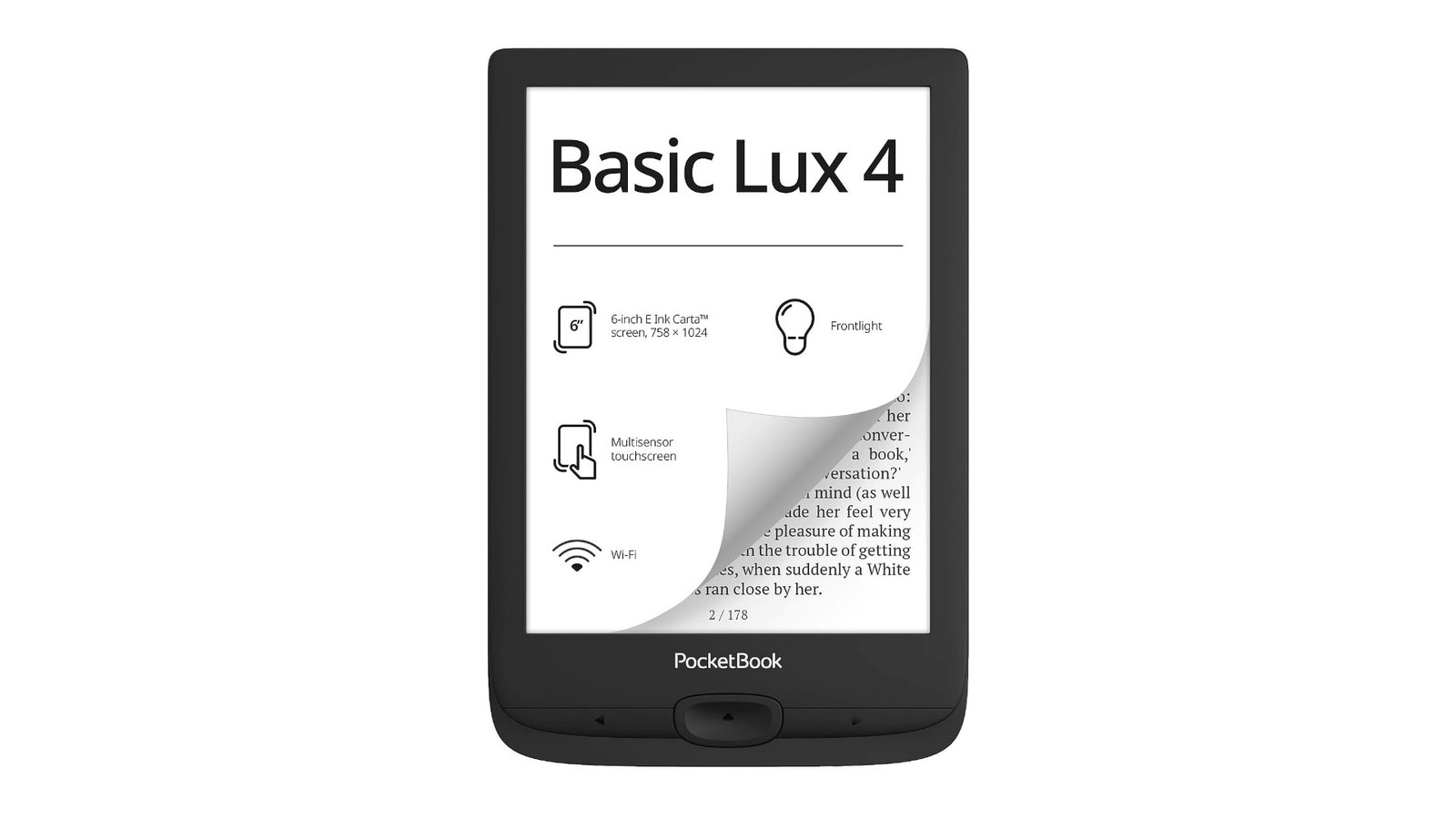
Pocketbook is redoubling its efforts to bring out new ereaders, and it’s only logical that the manufacturer should go for an entry-level model with the Pocketbook Basic Lux 4.
Continue reading

Pocketbook is redoubling its efforts to bring out new ereaders, and it’s only logical that the manufacturer should go for an entry-level model with the Pocketbook Basic Lux 4.
Continue reading
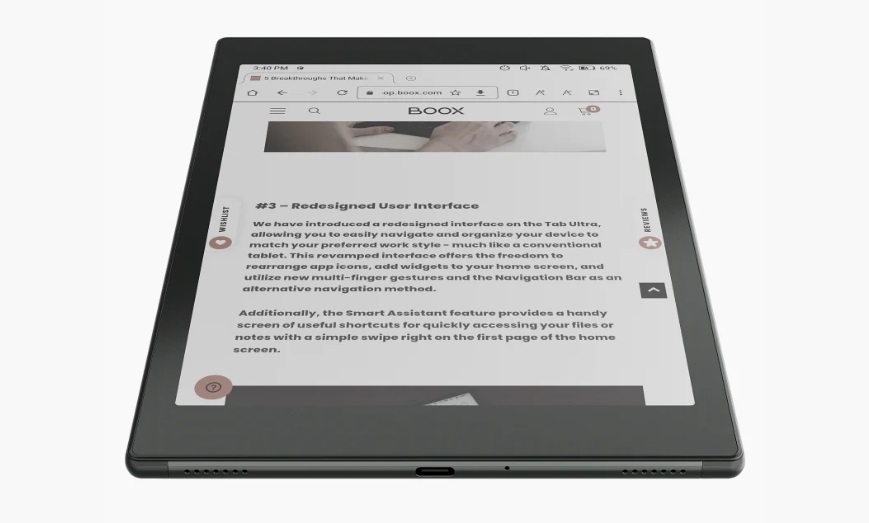
The Onyx Boox Tab Mini C is the first 7.8″ color e-reader available with the latest generation Kaleido 3 e-ink screen. While its price may be a little steep, it does have a number of assets that could make it attractive.
Continue reading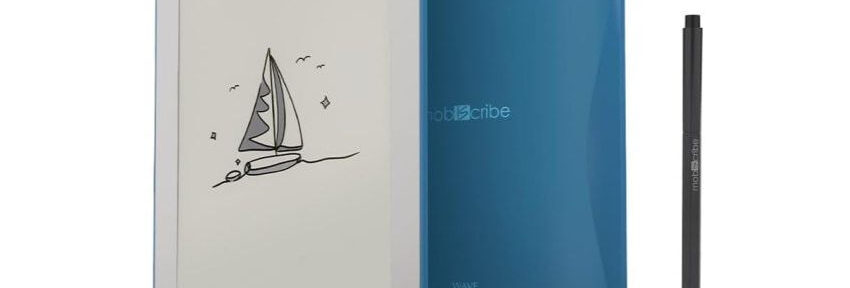
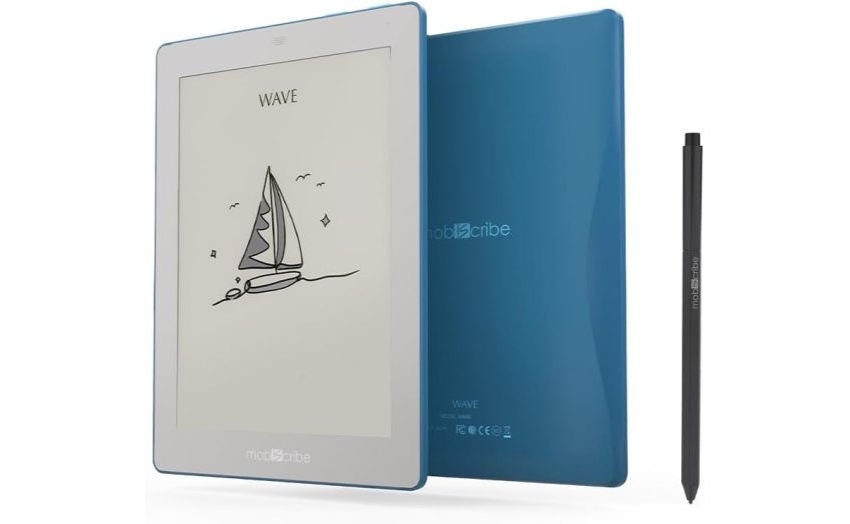
MobiScribe is an Asian e-reader manufacturer specializing in note-taking tools with e-ink screens. These readers are also designed for work.
Continue reading
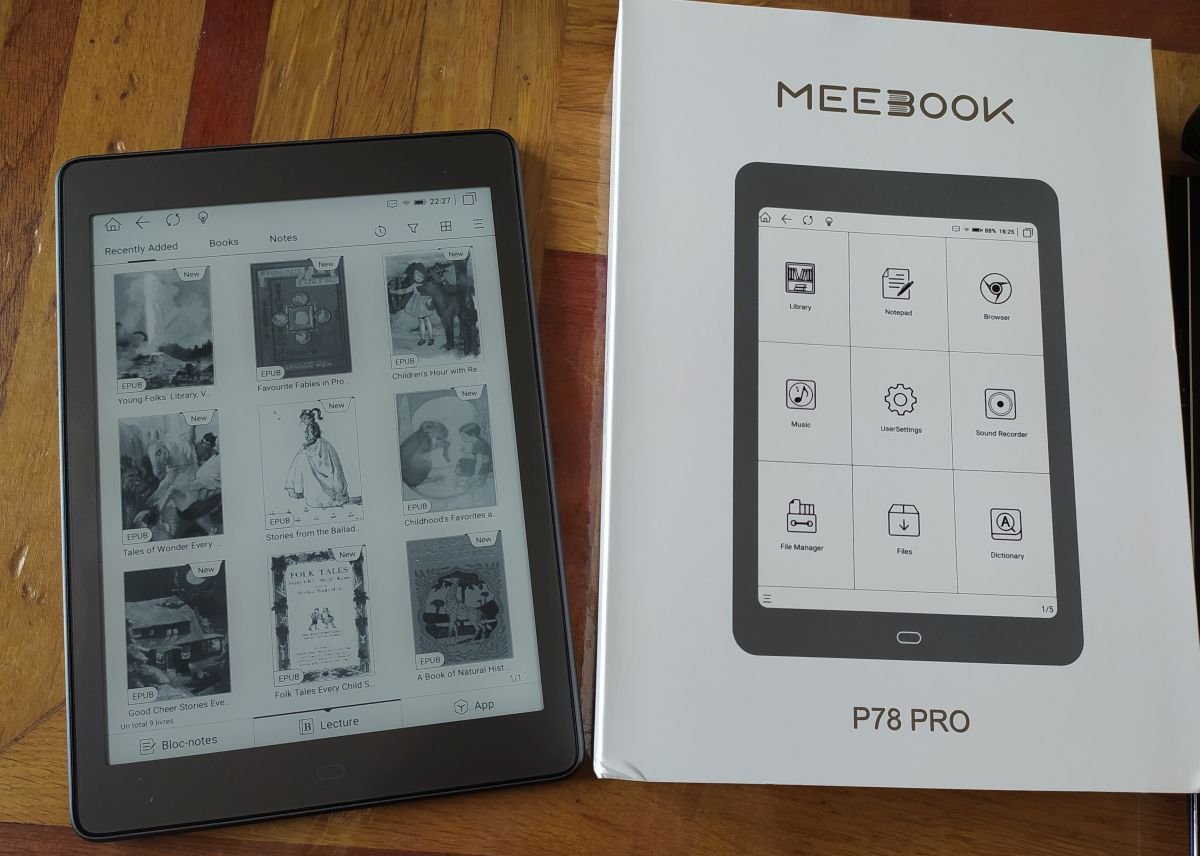
Review of the Meebook P78 Pro: a large-format e-reader/tablet with a 7.8-inch screen, Android 11 and Google Play.
Continue reading
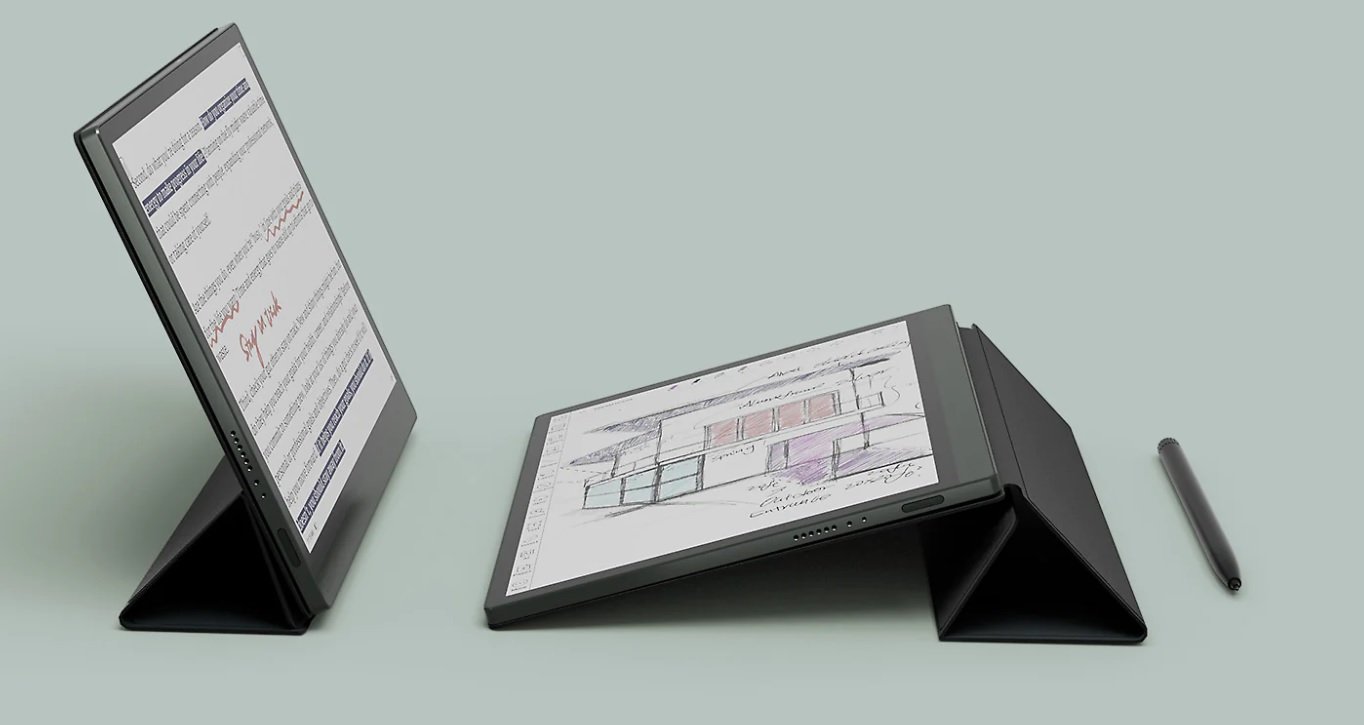
Onyx is back with a tempting e-reader proposition: a large format, an Android system and a color screen. So what to make of this Onyx Boox Tab Ultra C?
Continue reading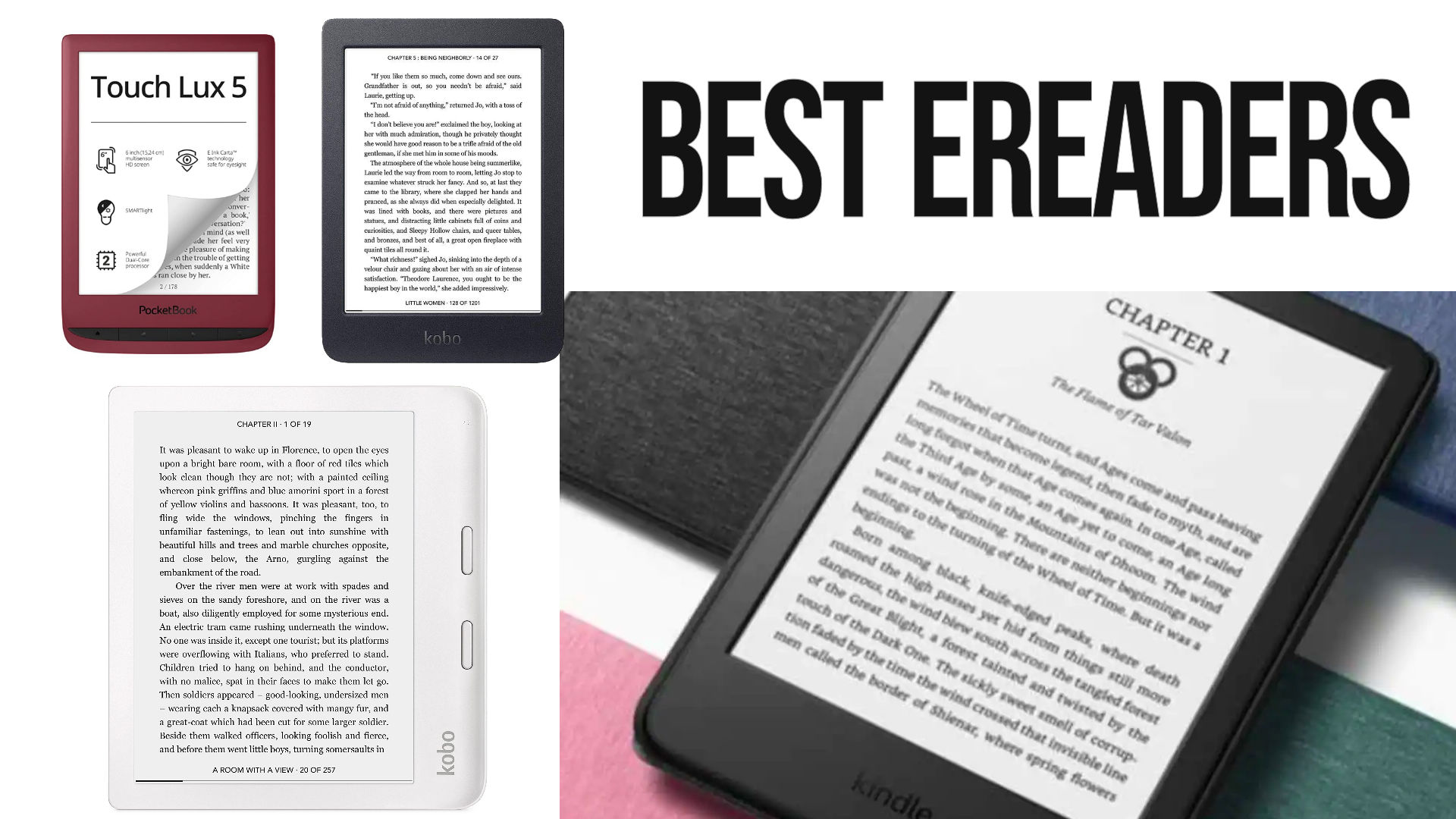
Here’s the comparison of electronic ebook readers (or ereaders) for the year 2025: Kindle, Kobo, Pocketbook, Nook, Onyx, Meebook, etc.
After years of reviewing e-readers, I’m beginning to know a thing or two about them.
So, every month, I compile the latest information, reviews and rumors and deduce which are the best e-readers to buy.
This guide will be very useful when it comes to (buying) a e-reader. By reading this page you should be able to buy the e-reader that suits you best.
Yes !
All the new Kobo e-reader have been released and you now have a lot of choice.
A number of new e-readers (6″ screen and over) have been released in recent months or years and are very good:
If you want a good, inexpensive 6″ e-reader, there’s plenty to choose from at Amazon Kindle, Pocketbook and Kobo, with great models like the Kindle, the Kobo Nia or the Pocketbook Verse and the Pocketbook Verse Pro and Kobo Clara Colour for high-end models.
If you want a large-format Kobo, the Kobo Libra Colour is available. It’s a 7-inch, waterproof, touch-sensitive e-reader with lighting and a all new electronic ink color screen. All at an excellent value for money.
But if you’re thinking of settling for an 8-inch e-reader, the Pocketbook InkPad 4 is an excellent choice. The same goes for the Kobo Forma (or Kindle Scribe), an excellent high-end e-reader.
So don’t forget to check for “Bargains” (on e-commerce websites) for the latest discounts and bargains.
Find here all discounts on ereaders at the moment:
Here are the e-readers you should consider if you’re looking to make a purchase.
This selection presents the best e-readers of the moment (in my opinion), not necessarily the cheapest or most popular:
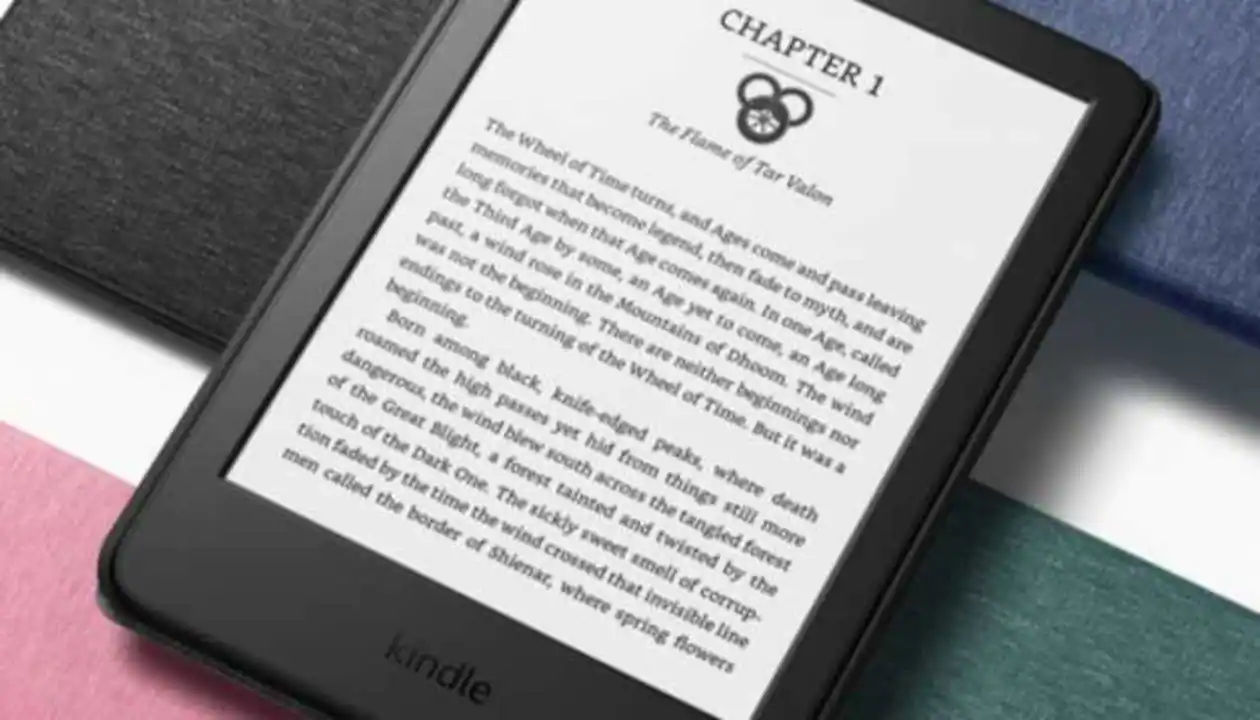
Kindle: this e-reader is an entry-level model available from Amazon. It is the best budget ebook reader you can buy.
It’s very easy to use, thanks to the system set up by Amazon, and is very reasonably priced, making it a very good e-reader for beginners, with all the classic options, including a useful light for reading at night.
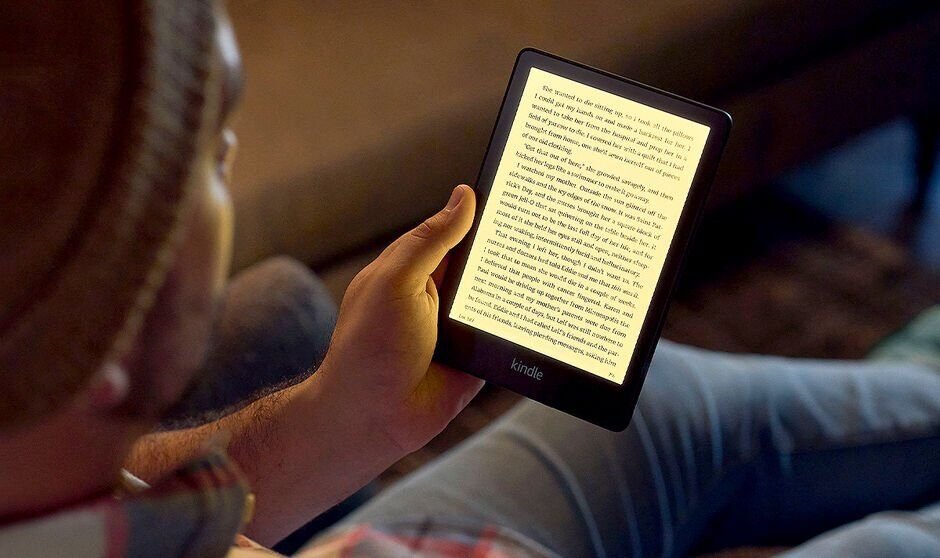
The new Amazon Kindle Paperwhite with a large e ink screen (6.8 inches) is simply excellent with its large screen and very affordable price. You can store thousands of books in this ebook reader.
It’s a waterproof e-reader with a beautiful, illuminated 6.8-inch touchscreen and a great battery life.
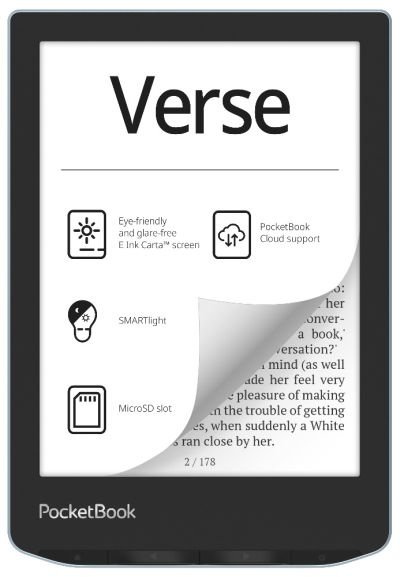
The Pocketbook Verse offers excellent value for money, with its illuminated touch screen and blue light filter.
It supports EPUB files out of the box and a large quantity of ebook formats.
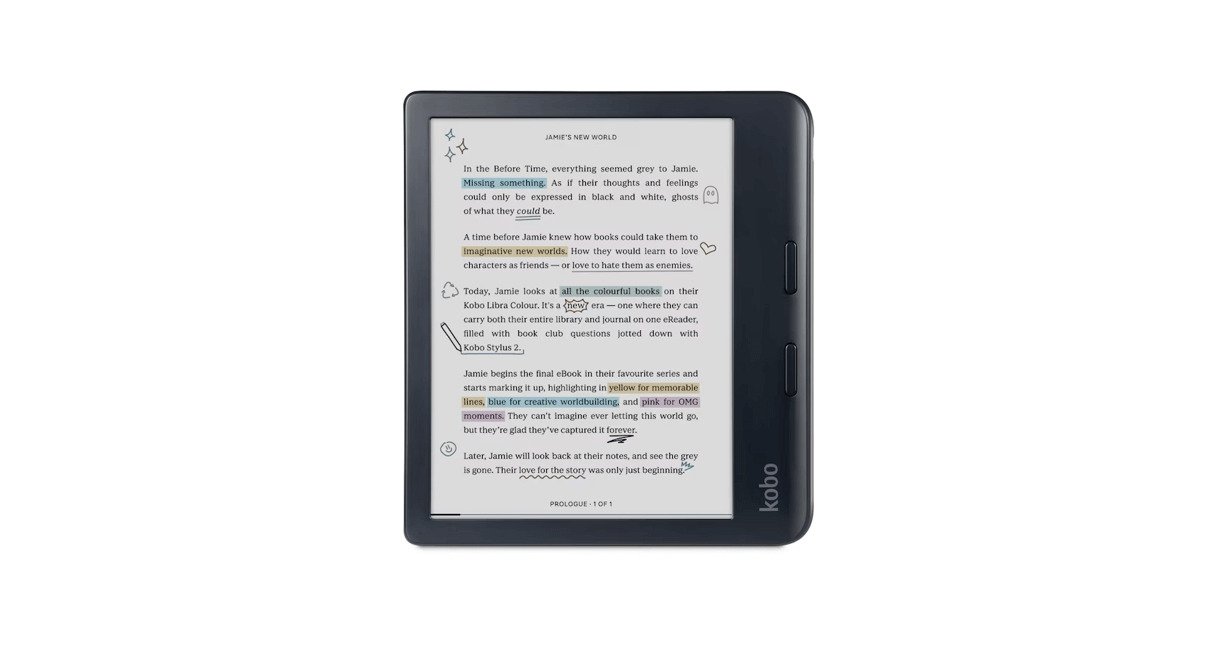
Slightly more expensive, the Kobo Libra Colour also has a larger 7-inch color e ink screen.
The Kobo Libra Color ebook e-reader works perfectly with the Overdrive service, which lets you borrow library books. It can also play Kobo audiobooks from the Kobo store.
It’s one of the best e-readers around and best value for the money.
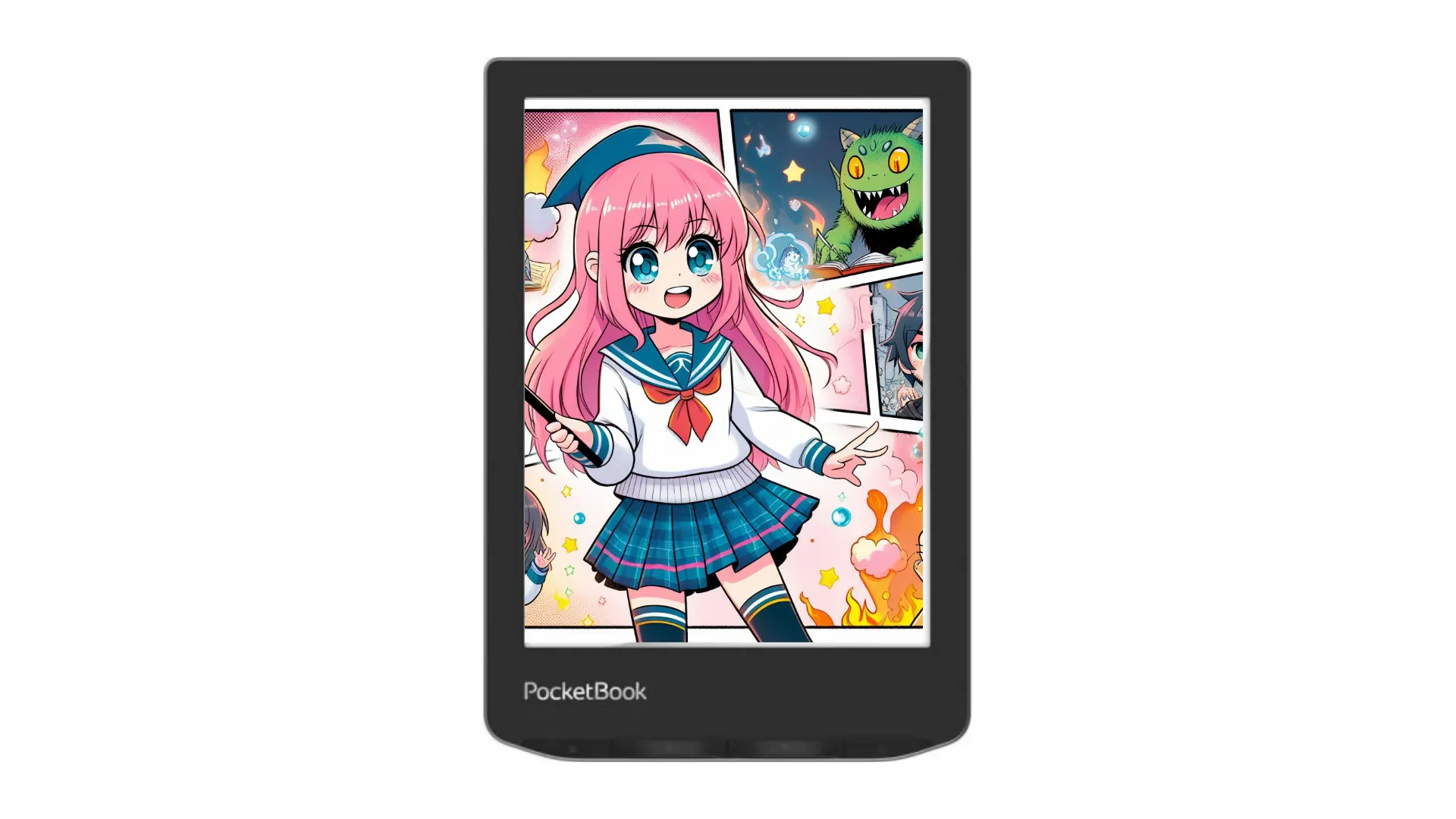
The new Pocketbook Verse Pro Color offers great features and a color e ink screen in a compact 6-inch format. Although it’s a little more expensive than the competition, it has everything it takes to be the best 6″ available today.
You can listen to audiobooks, there is text-to-speech and it is waterproof.
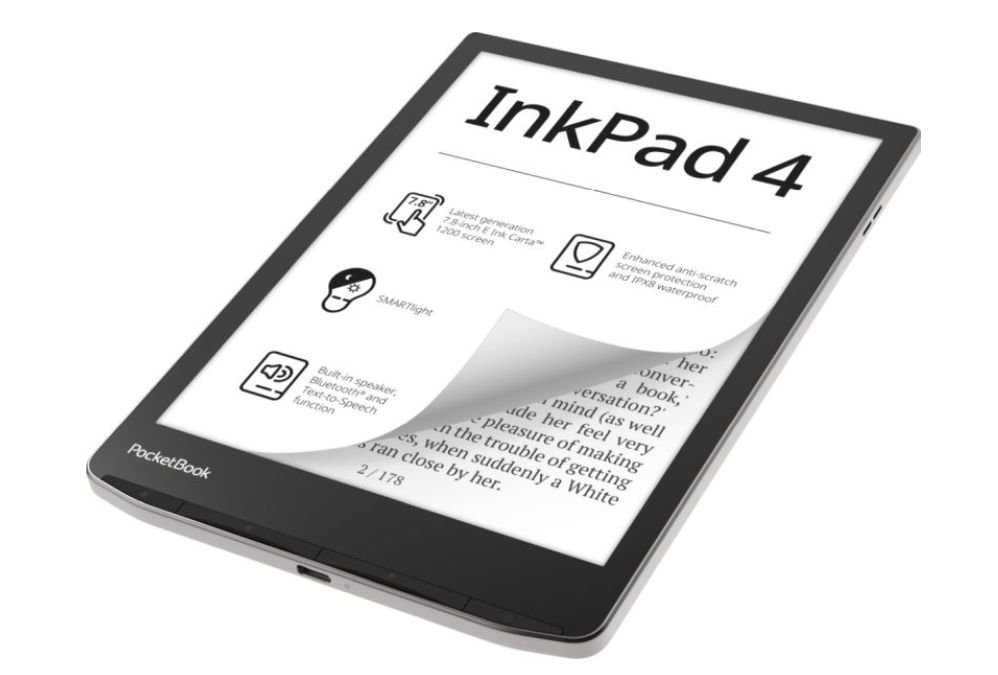
With its large 8-inch e ink screen and numerous functions, this e-reader is one of the best in its category, despite its rather high price. It can play audiobooks.
It has the latest e ink display and offers a very good reading experience.
Here’s a selection of the leading e-readers on the market.
This is not an exhaustive selection, but rather a selection of today’s main and most popular e-reader models (those that sell best and are easy to find).
For this guide, I’ve selected the best-known brands widely available in USA: Kindle (Amazon), Kobo, Nook and Pocketbook.
E-reader models that are too obsolete but still available for sale on certain sites are deliberately excluded.
Models not officially available from US retailers are also excluded from this selection (such as ReMarkable, Meebook, Likebook, Onyx, Bookeen, Vivlio or Xiaomi e-readers), as are models that are not of good quality (some Chinese e-readers that we know nothing about and that are very expensive, for example).
The different e-readers are grouped by brand.
Rating /Review: this is a general assessment of the e-reader based on my personal opinion, but also on the ratings of users who have bought the e-reader (e-commerce site) and other sites specializing in digital reading and e-readers.
Kindle e-readers are manufactured and distributed by Amazon.
The Kindle Scribe is best suited for PDF with a great reading experience because of its larger screen.
Kobo e-readers are manufactured and distributed by Rakuten.
Kobo e-readers work perfectly with the Overdrive service, which lets you borrow library books.
The Kobo Elipsa 2E is best suited for PDF with a great reading experience because of its larger screen.
Here are some older Kobo e-eraders you may still find in stores :
Pocketbook e-readers are manufactured and distributed by Poketbook an european company.
6″ screen Pocketbook e-readers:
7″+ screen Pocketbook e-readers:
Nook is a Barnes&Noble e-reader brand.
Choosing your e-reader is quite simple:
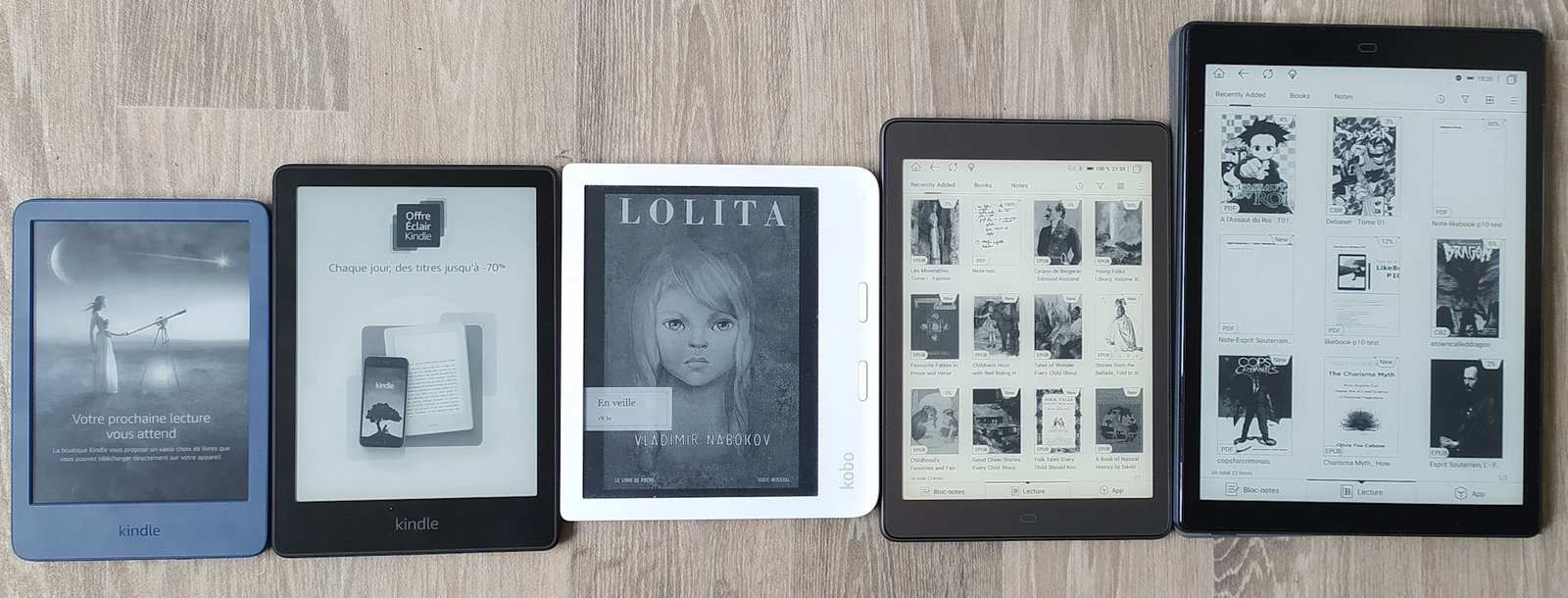
The standard e-reader screen size is 6 inches, but today you’ll find models of 7 inches (or 6.8), 7.8 inches and even 10 inches and more for some professional models.
Today, all e-readers use the same electronic ink technology. The only difference is size.
So this is an important parameter. If you want a screen bigger than 6 inches, you’ll have less choice. That’s why I advise you to look at the Kobo Libra 2 (7 inches) or the Kindle Paperwhite (6.8 inches) for a good-looking e-reader without breaking the bank.
You can learn more about ereader size here.
All e-readers feature a touch screen, which simplifies use and ergonomics.
Even the cheapest Kindle on Amazon offers lighting.
However, there are a few differences: some readers offer lighting with color temperature adjustment to filter out blue light (see Kobo and Vivlio, or Amazon’s Kindle Oasis and Kindle Paperwhite).
Others offer a text-to-speech function (Pocketbook Color, InkPad 4 and Touch HD Plus for example).
If you’re planning to take your e-reader everywhere, I’d also advise you to choose a waterproof model that will protect it from water, snow, sand and dust.
Some models also have an expansion port to add a micro-SD card to increase the e-reader’s storage capacity (if you only intend to read books like novels, however, this shouldn’t be a criterion).
Of course, all these options add a little to the price of the e-reader.
Choosing the brand of e-reader comes down to choosing which file formats the e-reader will support:
All e-reader brands support more or less the same ebook file formats, except that the Kindle cannot read the EPUB format, and other brands cannot read the AZW format.
Since the EPUB format and Kindle e-readers are popular, we can still make the two cohabit in this way:
1) Buy the e-reader from Amazon, but make sure you buy a large proportion of your ebooks from online stores that offer DRM-free editions in EPUB format (the digital book standard).
2) You’ll then have EPUB ebooks that you can transfer to your e-reader using Calibre software (which converts file formats for you).
3) So, if in the future you need to change your e-reader and you don’t get one from Amazon, your ebooks will be compatible with your Kindle using software like Calibre.
E-readers are devices that allow you to read books on a screen with electronic ink that doesn’t tire your eyes.
As a result, reading comfort and ergonomics are similar to those of a paper book. Unlike conventional screens, you can read in direct sunlight without any problem.
E-readers have a large storage capacity, enabling them to carry hundreds of books. They are now all touch-screen, and most (if not 100% of models) have built-in lighting for reading in the dark with blue light filter.
You can see why you should buy a e-reader in this article.
If you want to read your ebooks just about anywhere, you don’t have many solutions at hand. You’ll have to opt for a e-reader or a tablet.
The e-reader offers greater reading comfort and less eyestrain than the tablet. But the tablet offers more functions (videos) and can display content in color.
The e-reader is therefore the best choice if you intend to read a lot of books.
The choice depends very much on whether you’re going to use the e-reader or the tablet.
But one thing is certain: when it comes to reading comfort, only paper can beat the e-reader.
You can learn more on this article : Should you get an ereader or a tablet?.


You may have seen it pop up on e-commerce sites: the Woxter Scriba 195 S is a tiny e-reader with a 4.7″ screen that fits in the palm of your hand. Easy to carry and inexpensive, it seems perfectly suited to the nomadic reader in search of a reading device that’s easy to take anywhere.
Continue reading
Here’s an investigation that led me to scour the depths of Internet forums to determine whether or not it’s possible to make a lot of money being a self-published author. But, above all, you’re about to discover a veritable hellish world where anything goes to sell books.
Continue reading

The Digital Comic Museum features thousands of free downloadable American comics from the early days of the medium through to the 1950s.
Continue reading
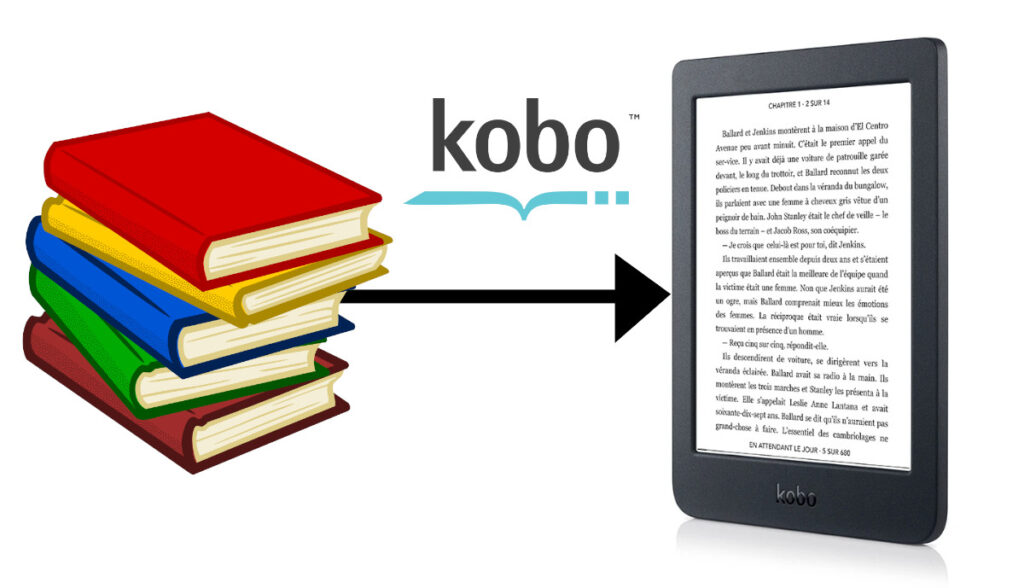
Kobo e-readers are widely distributed in American stores and on the Internet. For many people, using a e-reader is easy, but for the rest of us, this tutorial will help you transfer your ebooks in EPUB format onto your Kobo e-reader.
Continue reading