Even if a ereader is very easy to use, you may sometimes wonder how to perform certain actions on a Kindle.
Continue reading

Even if a ereader is very easy to use, you may sometimes wonder how to perform certain actions on a Kindle.
Continue reading

Pocketbook is offering a new e-reader called Pocketbook Era. And there’s going to be some change!
Continue reading

The Pocketbook InkPad 4 is Pocketbook’s new large-format e-reader with a 7.8-inch screen. It’s a “top-of-the-range” e-reader, with a beautiful screen and advanced features for demanding ebook lovers.
Continue reading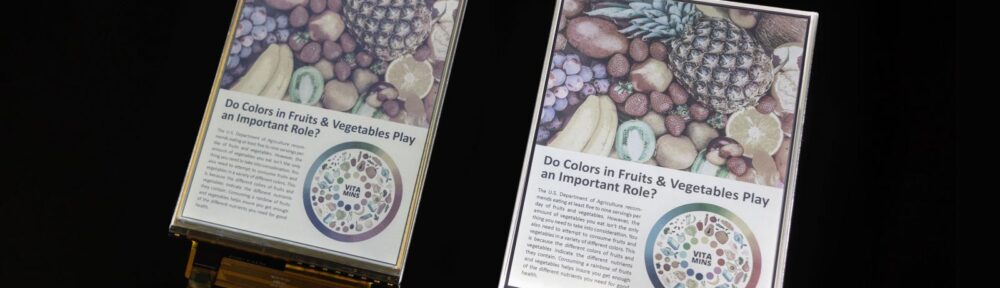
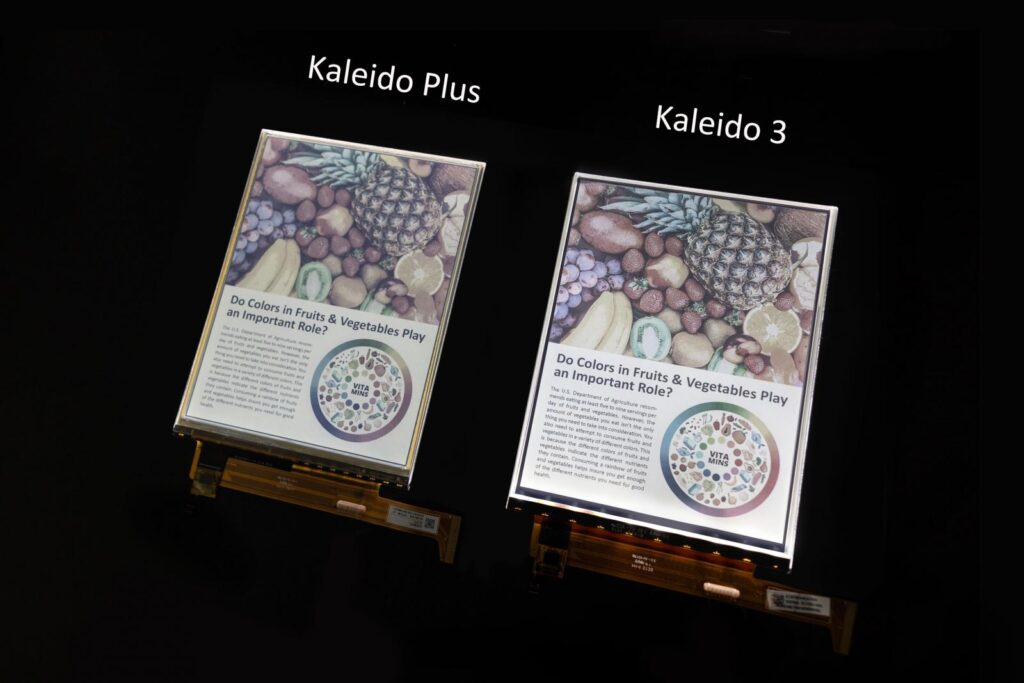
Kaleido technology has been around for a few years now. While it still holds real promise for color e-readers, we’ve yet to get a real glimpse of this future. Will the Kaleido 3 color screens finally revolutionize the e-reader market?
Continue reading
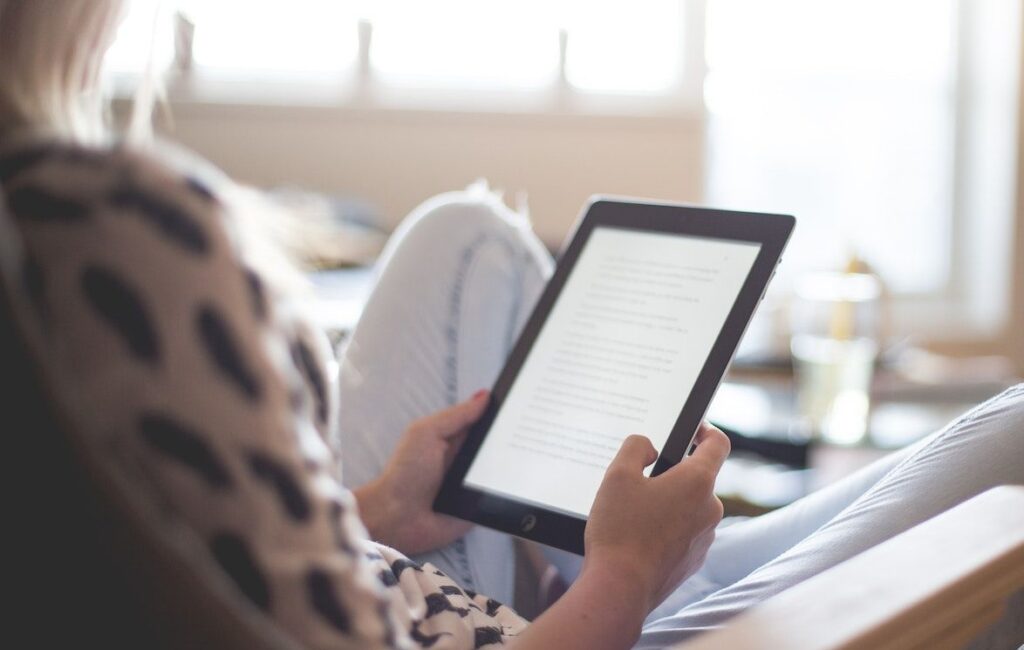
If you want to read ebooks, you’re probably wondering which device is better for your eyes: a Kindle or an iPad?
Continue reading
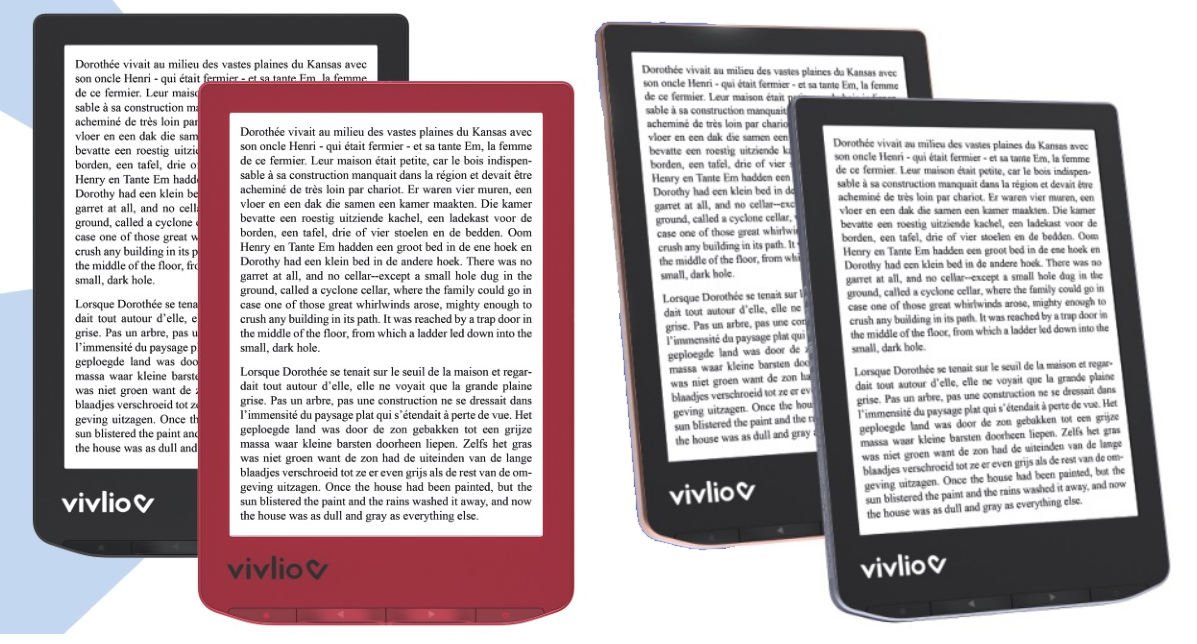
Two new e-readers exclusive to France are announced: the Vivlio Light and the Vivlio Light HD.
Continue reading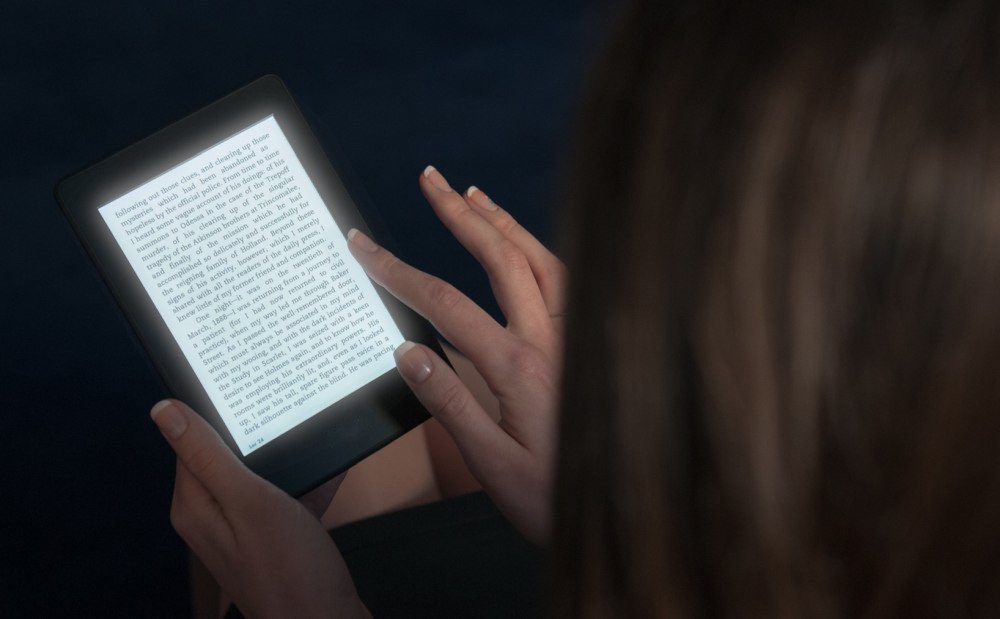
The debate on blue light and tools to reduce this light source is not over. But, following various queries from readers, I decided to investigate whether or not a blue light filter is necessary on e-readers with a light.
The answer is as follows: on an e-reader the blue light filter is useful if the lighting is activated, but the blue light of e-readers illuminations is less violent than that of other devices with LED screens, which makes it less harmful to health.
And we’ll see in detail how I arrive at this conclusion.
Blue light is light with a wavelength below 445 nanometers.
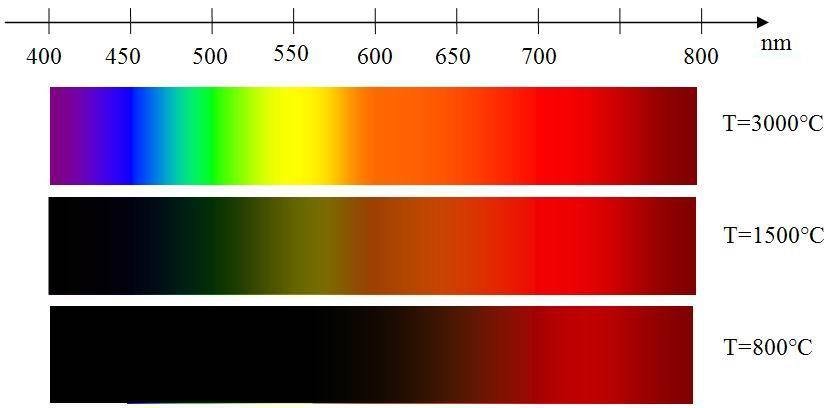
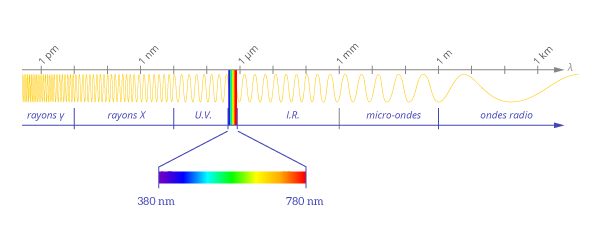
This is because light is a wave, and the shorter the wavelength, the more blue the color. On the other hand, the longer the wavelength, the more reddish the color. Blue light therefore has a very short wavelength.
The problem is: the shorter the wavelength, the greater the energy. So it’s this energy linked to the color blue that’s harmful.
There are now numerous studies on the subject, and it’s safe to say that blue light is indeed not good for your health.
There are several reasons for this.
Firstly, the earliest study showed that blue light could deregulate the body’s internal clock. This clock, known as the circadian rhythm, regulates sleep.
That’s why we recommend not using a smartphone, tablet or TV before bedtime: the avalanche of blue light received by the body (especially the eyes) can prevent us from sleeping.
But there’s a potentially more serious reason: a study shows that the photons that make up blue light can damage retinal cells. The photons create oxidation in the retina, releasing molecules that are harmful to the eye.
So you see: too much blue light could reduce our eyesight and even damage the retina.
These in-depth studies show that there is indeed a health risk associated with exposure to blue light.
The problem is that this risk is heightened by the use of LED technology, which is now found everywhere from public lighting to smartphones to the frontlights of e-readers…
What’s interesting about this issue is the debate in the scientific community about blue light.
As we’ve just seen, exposure to blue light is proven to be harmful to the human eye and the internal clock.
However, this light comes from LEDs, a technology used to reduce energy consumption and therefore rather good and useful for the environment.
So the question is:
> Should we pollute more and ban or avoid LED lighting – given that we don’t have a better solution at the moment?
Of course, there’s no question of banning or advising against it, because the studies haven’t settled a major question: how long and at what frequency and power must you be exposed to blue light before it causes irreversible damage to the eye?
In fact, to date, there are no proven cases of health problems linked to blue light in humans. All the data we have is based on controlled laboratory studies.
Here are some links to studies I found online, where available. Keep in mind that some articles may be behind a paywall, depending on your access to academic journals:
The screen of a tablet or smartphone is often close to the face and eyes. Does this mean there’s no danger to our eyes?
Not entirely, if the lighting is located high up and at a good distance from our eyes, devices such as smartphones, computers, tablets and even e-readers are used just a few inches from our face.
In this case, exposure to blue light is much greater and potentially much more dangerous.
On more and more computer devices, there are solutions for reducing or “filtering” blue light from screens.
For example, you can install the f.lux software on your computer, or use the night mode available on more and more devices (called Blue shade at Amazon on fire Tablets, for example).
You can also use blue-light-filtering glasses (most opticians now offer this option) or buy highly effective, low-cost glasses specially designed for this purpose.
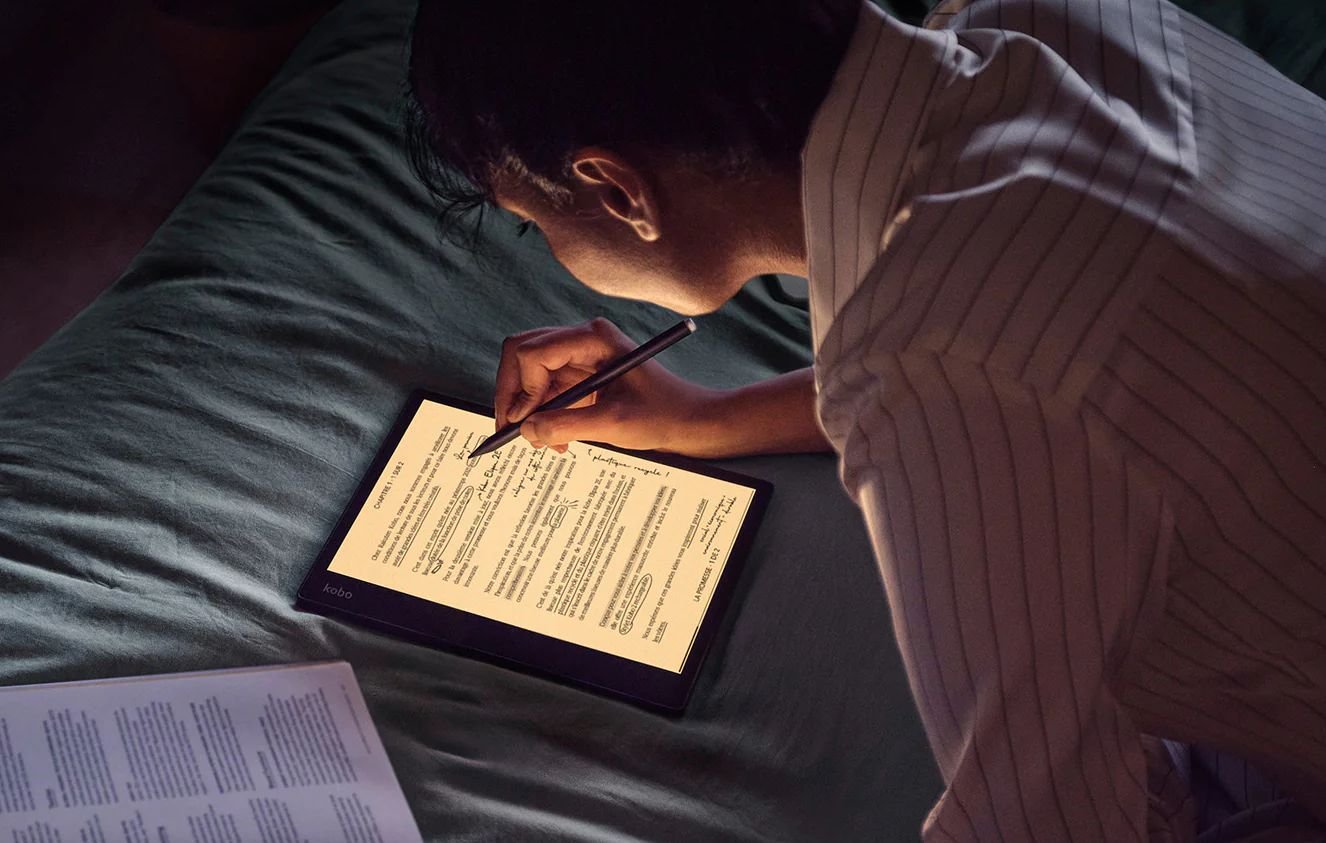
For several years now, the main e-reader models have been equipped with a lighting system that allows you to change the tint of the screen to suppress, or attenuate, blue light.
On the other hand, other manufacturers have chosen not to integrate this type of option into their equipment, which raises a few questions: is there a danger for e-readers?
The first thing to understand is that the screen of an e-reader looks nothing like the screen of a tablet or smartphone.
The light sent by a smartphone (or tablet) LED screen arrives directly in the eyes, whereas with a ereader, the light is first reflected by the screen.
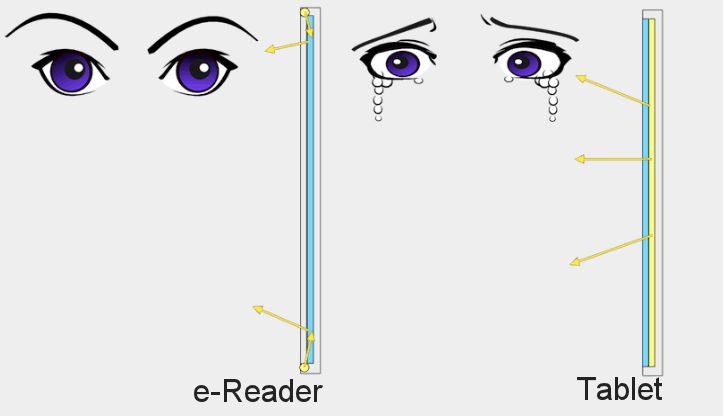
LEDs are widely used to illuminate the screens of e-readers.
These LEDs produce a white light that combines green, red and blue, which means that there is indeed some blue light.
However, the light loses some of its energy when it hits the screen. What’s more, in my experience, e-readers produce far less light than smartphones or tablets, with the lighting set to minimum.
But this doesn’t totally eliminate the problem: blue light remains.
This was demonstrated by a study which showed that people who read on e-readers with lighting had much more trouble sleeping than those who read without lighting or on a paper book.
The blue light filter is therefore useful on e-readers, even if the blue light emitted is less than on a smartphone or tablet.
Obviously, the problem only arises on a e-reader when you activate the lighting.
If you switch off the lighting, no blue light is emitted by the e-reader, which is still a big advantage over a tablet or smartphone.
As we’ve seen, most e-readers come with a device to attenuate the blue light emitted by the lighting.
E-reader sales figures are kept secret by the manufacturers (Kindle, Kobo, Pocketbook, etc.), but thanks to various industry figures, it is possible to make estimates of Kindle e-reader sales.
According to my estimates, Amazon will sell around 900,000 Kindle e-readers in 2023 in the USA alone.
First, let’s look at the worldwide e-reader sales figures to estimate sales of Kindle e-readers and other brands. These figures are estimates and are published by Technavio (https://www.technavio.com/report/e-reader-market-industry-analysis).
The e-reader market is estimated at $20 billion for 2023.
While the study is not free, it does contain some interesting figures.
First of all, there’s this graph showing the evolution of the e-reader market over time, with forecasts for the future:
The figure of a market worth around $15.6 billion for 2017 is also present.
With 5% average annual growth, we get a market worth $20 billion for the year 2023 (actually almost $21 billion, but I prefer to make a lower estimate).
But this figure seems too large to me, even if it concerns the whole world. In this other article, we learn that the US e-reader market is closer to $200 million: https://www.statista.com/topics/1488/e-readers/#topicOverview.
That’s the figure we’re going to use, so we’re going to focus on the US market.
There are different Kindle e-reader models available at different prices.
For the purposes of this article, I’m going to take the Kindle Scribe out of the equation, since it’s a recent release and its price means that it’s likely to sell far less than other Kindle e-readers.
The average price of a Kindle e-reader available for sale is around $179. This price does not take into account the various discounts that often apply (Mother’s Day, Christmas or Prime Day).
I therefore prefer to take an average price of $150 to have a lower and more accurate estimate of the average price of a Kindle e-reader sold.
Next, we need to know the market share of Kindle e-readers.
For this, we have studies on sales of digital books (ebooks): https://www.mordorintelligence.com/industry-reports/e-book-market and https://wordsrated.com/amazon-publishing-statistics/
The figure that comes up most often is Amazon’s 67% market share for digital book sales. But this figure includes sales of Apple and Google ebooks.
It seems more conservative to use the figure of 70% to 80% market share for Amazon in e-book sales for e-readers. We also assume that every reader and user of a Kindle, Kobo, iPad or Pocketbook reads the same number of books.
These figures give us an idea of Kindle sales.
The numbers are :
We therefore estimate sales of Kindle e-readers at around 900,000 for 2023.
This figure also only concerns the USA, and is obviously an estimate of Kindle sales.
But, according to the various studies I’ve been able to find, it seems to reflect reality fairly well, and the e-reader is still a device that appeals to many people.
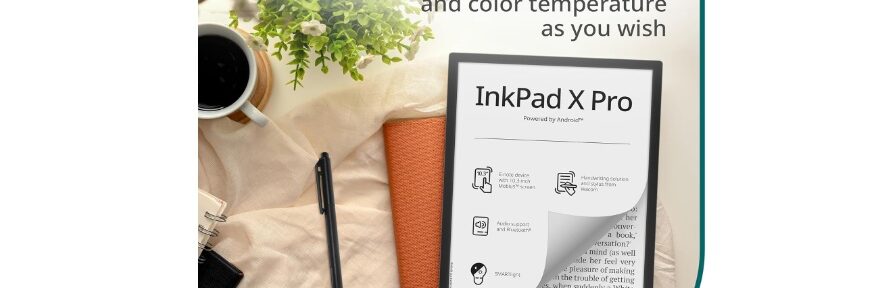
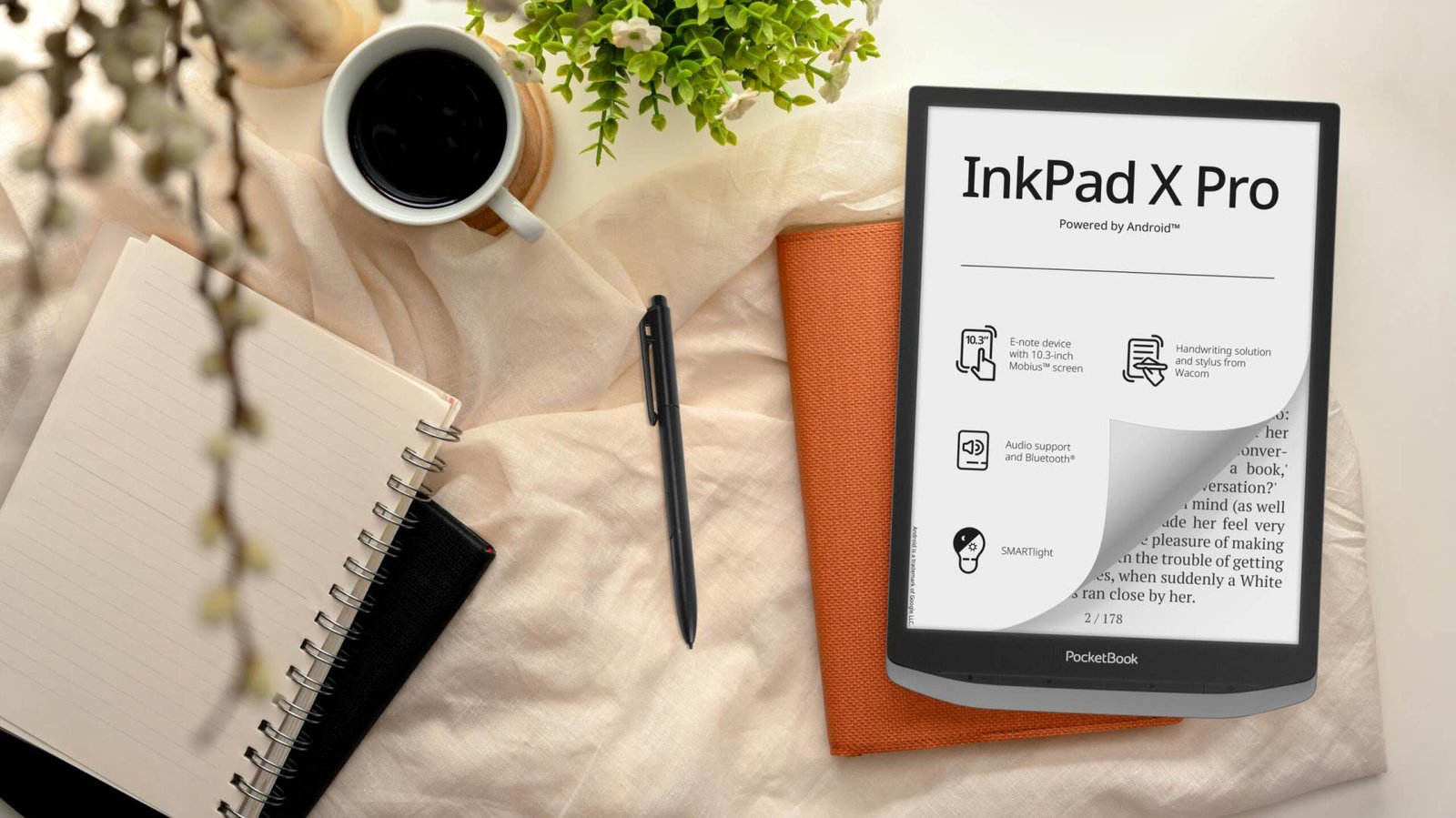
Pocketbook continues to bring us new e-readers with the Pocketbook InkPad X Pro, adding a machine dedicated to both reading and work to its range.
Continue reading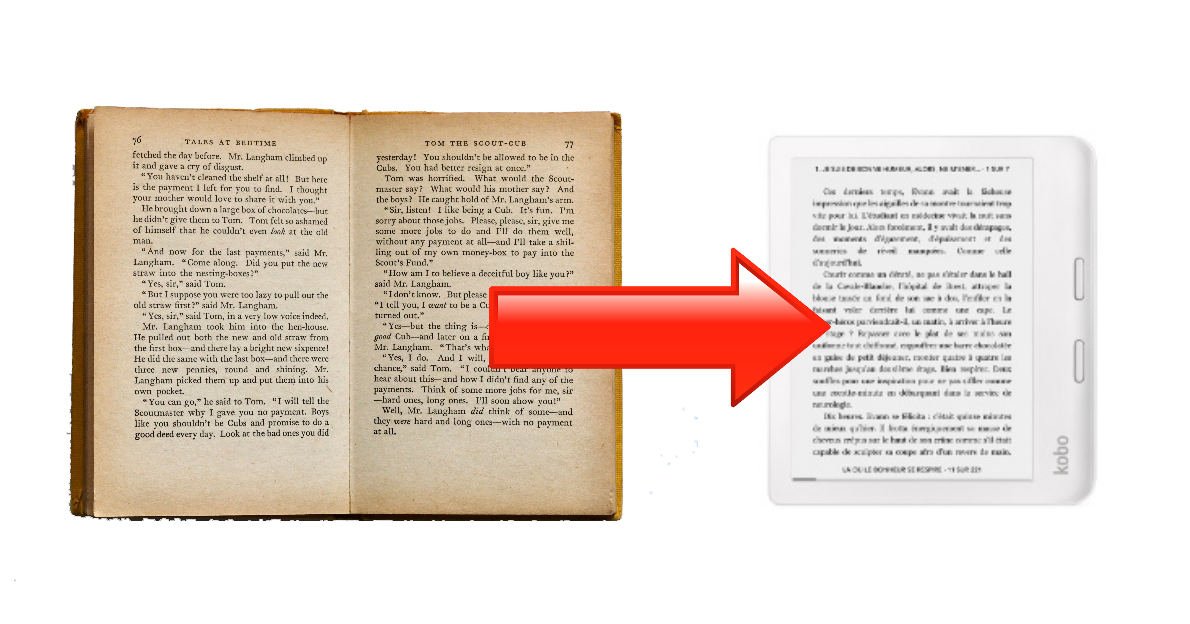
For some people, reading on an e-reader seems too modern and too far from the experience of reading a paper book. I’ve come up with a solution that transforms the display of any ebook into a style that mimics an old book.
Continue reading