
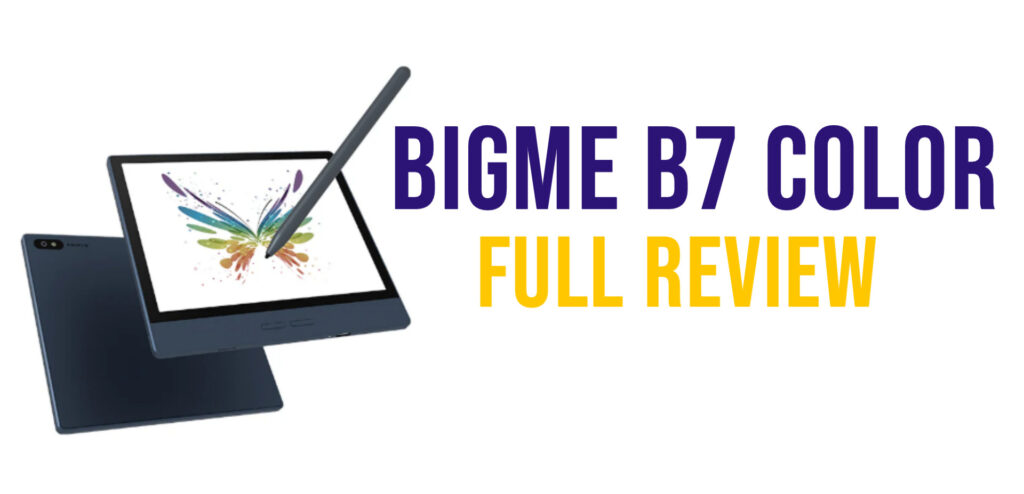
Bigme regularly expands its lineup of e-readers, or rather tablets, equipped with a color e-ink screen. With the Bigme B7 Color, the brand brings Android 14 to a 7-inch form factor. Here’s my full hands-on review of this versatile device!
Note: Bigme loaned me this device so I could provide a thorough review.
TL;DR: The Bigme B7 Color is a 7-inch color e-ink tablet running Android 14, priced around $329. Its biggest strength is versatility: install Kindle, Kobo, and Nook apps to access all your digital libraries on one device, take notes with the included magnetic stylus, and run any Android app from the Play Store. The Kaleido 3 screen delivers 300 PPI in B&W and 150 PPI in color, which is solid for both novels and manga. It also packs 128 GB of storage, 8 GB of RAM, and even a SIM card slot for 4G calls and texts. The catch? It requires more setup than a traditional e-reader, and the default reading app is worth replacing. Best suited for tech-savvy readers who want maximum flexibility.
Video Review of the Bigme B7 Color
Buy a Bigme e-reader online
Bigme on Amazon.com (click here)
Bigme official website (click here)
Unboxing and First Impressions
When you open the box, you’ll find the Bigme B7 in a sturdy cardboard case that opens like a book. Inside, there’s the e-reader along with a quick start guide. A USB-C cable and stylus are also included.
You can also pick up a magnetic protective case for your device (which I highly recommend to keep your e-reader safe).
The Bigme B7 Color’s design is all about simplicity: straight lines, sharp angles, a minimalist look that brings to mind some industry benchmarks like Apple products.
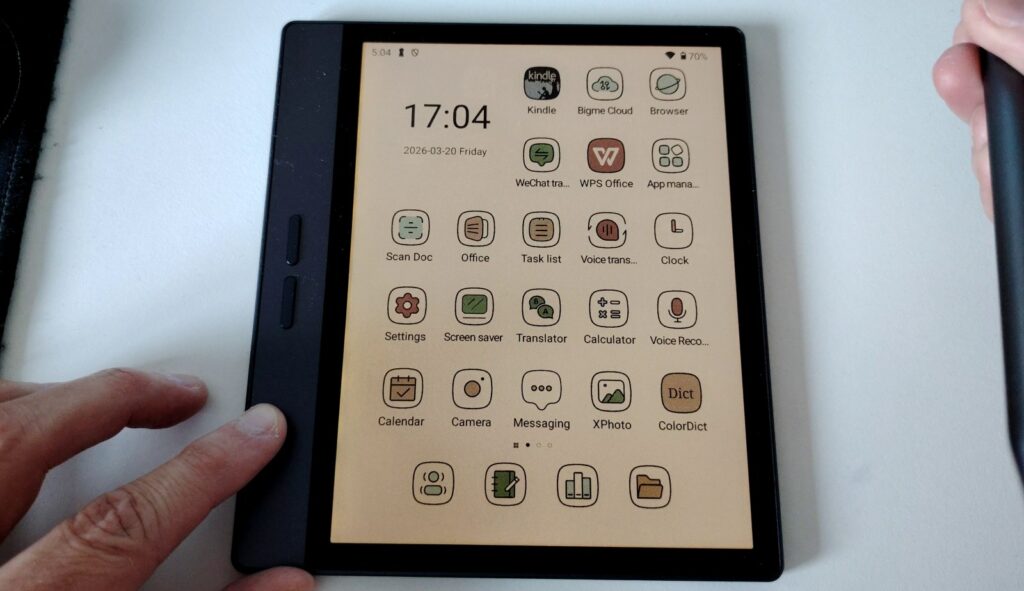
The rigid plastic shell feels almost metallic (I think it’s plastic, but I honestly wasn’t sure!). Build quality is solid and it feels comfortable in hand despite the fairly sharp edges. Once the magnetic case is attached to the back, comfort improves further, with the flap doubling as screen protection.
The power button is on the top edge. There’s also a small built-in speaker, handy for listening to audiobooks or podcasts without needing Bluetooth, though that option is of course available too.
The USB-C port is oddly placed on the left edge, and it handles both charging and computer connectivity. With 128 GB of onboard storage, the Bigme B7 Color offers plenty of room for books, notes, and audio files.
There’s also a SIM card slot: you can use this device as a phone to make calls, send texts, etc. I did not test the phone features on this Bigme.
The initial setup follows the same steps as any Android smartphone: a few configuration screens, and you’re on the home screen with Android’s familiar icons.
7-Inch Color E-Ink Display
The Bigme B7 Color features a 7-inch Kaleido 3 color e-ink display. The extra screen size compared to a 6-inch e-reader like the Bigme B6 Color is immediately noticeable: more display area means a more comfortable reading experience.
Resolution reaches 300 PPI in black and white and 150 PPI for color – both figures are standard among color e-readers.
Display quality is convincing, and there’s something genuinely pleasant about using your favorite apps on a screen that looks close to paper. That said, there is an adjustment period: e-ink is so different from LCD and OLED screens that you really need time to figure out if it works for you.
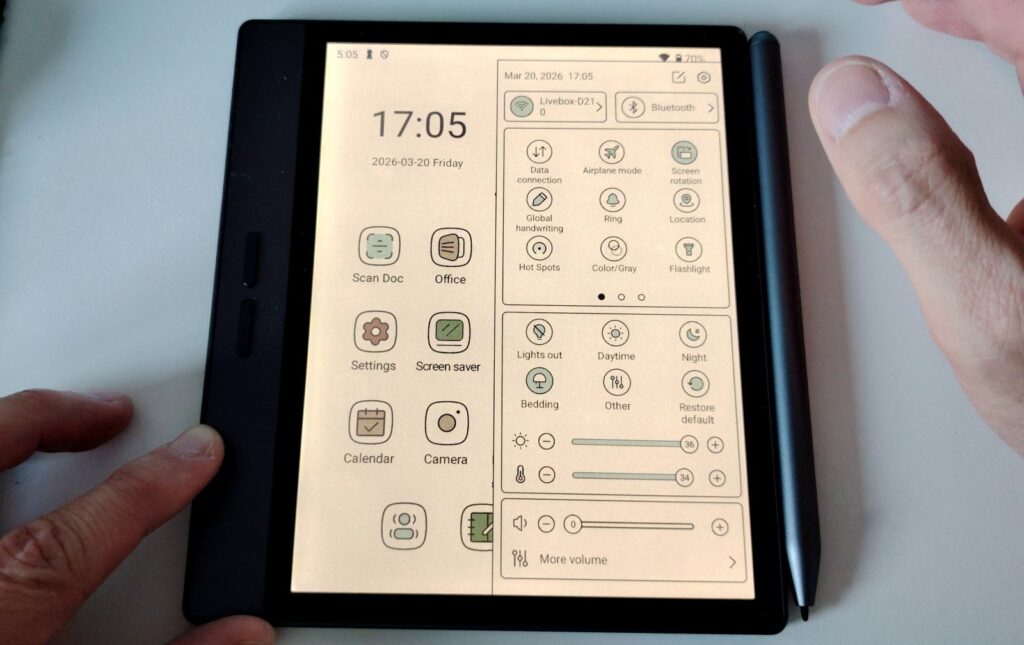
The screen is of course touch-enabled and has adjustable backlighting. You can also adjust the color temperature to shift the display toward warm tones, orange or yellow, which is especially useful for reading at night or reducing blue light exposure.
Unlike the B6, the Bigme B7 Color doesn’t have physical shortcut buttons below the screen. All navigation is done through Android’s touch interface, just like on any tablet or smartphone.
Reading Ebooks on the Bigme B7 Color
The default reading app on the Bigme B7 Color gets the job done, but I quickly found its settings too basic for daily use.
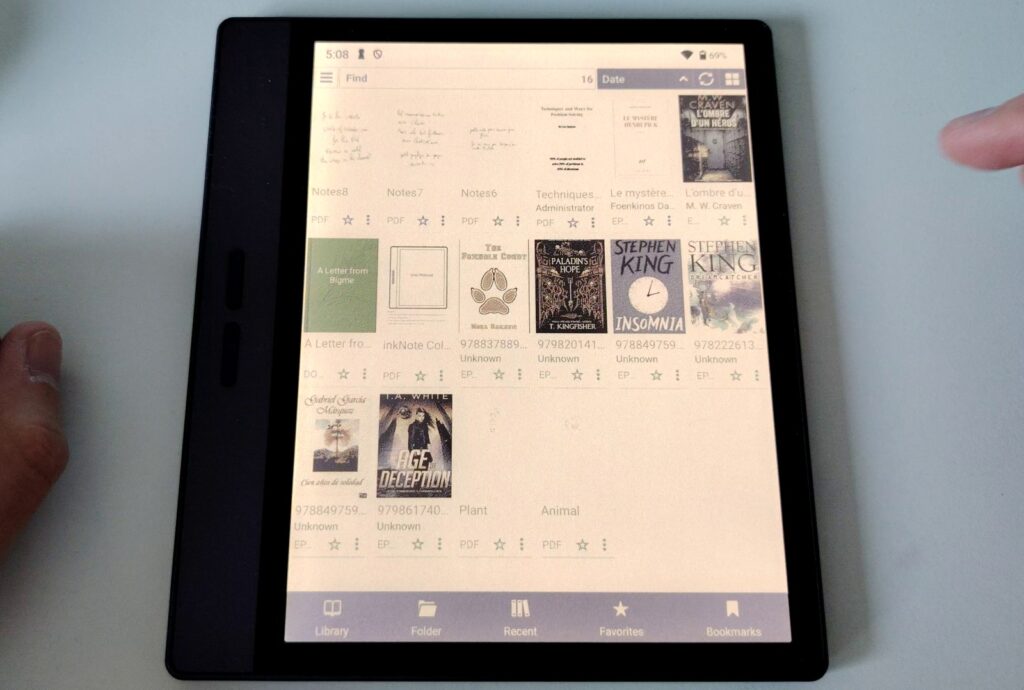
You get the essentials: font size, typeface selection, margin width, line spacing.
One real advantage of using the default app: the buttons on the left side of the e-reader let you turn pages in an ebook. But if you use a different app, those buttons control the volume instead!
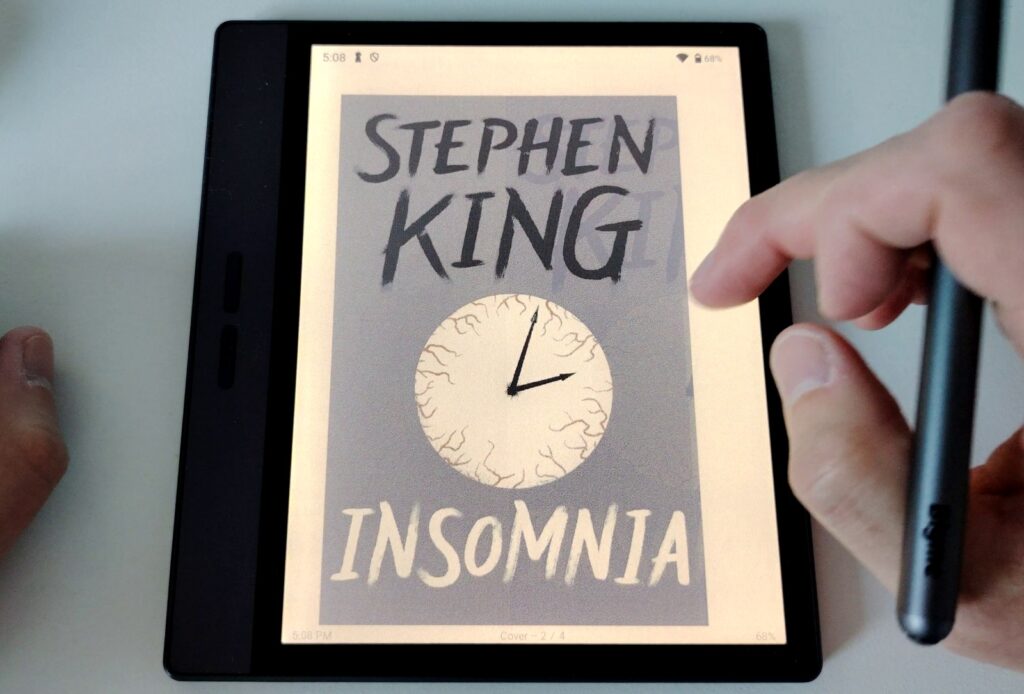
Since I didn’t find the built-in reader customizable enough, I switched to Librera FD, an alternative that better matches what I want from a reading experience. The trade-off, of course, is that the side buttons no longer work for page turns.
Using a third-party app has several perks: more features, more frequent updates, and sometimes better text rendering (depending on the app, obviously).
That said, nothing stops you from using major reading apps: Kindle, Kobo, or Nook all work perfectly fine on this device.
I used the Kindle app for several hours without a single issue and easily found all the books linked to my account. Same story for Kobo and Nook.
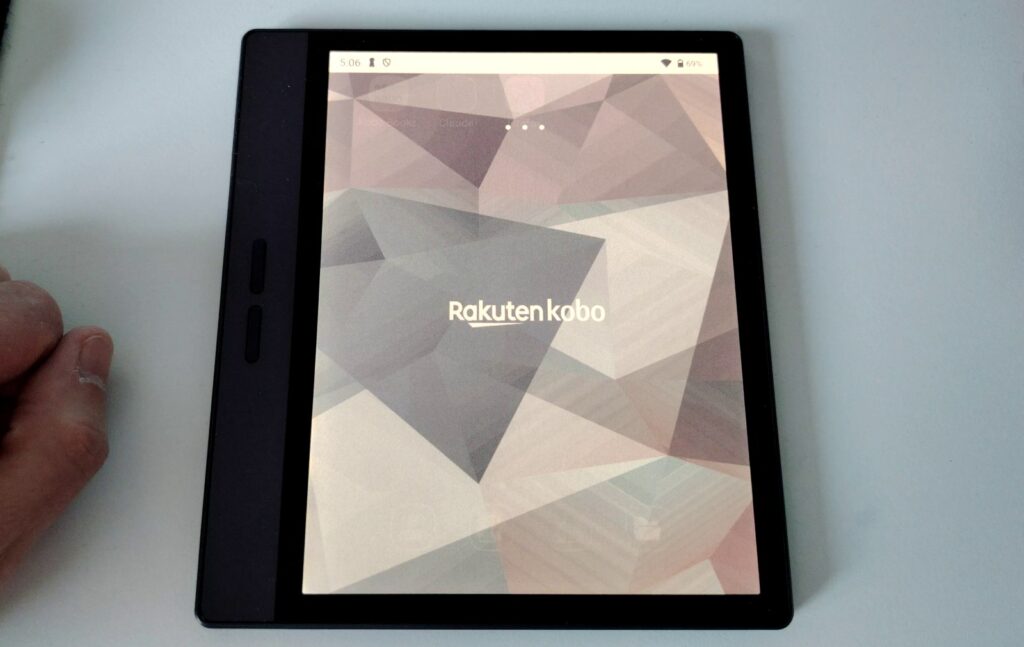
In all three cases, the reading experience is very satisfying. Just keep in mind that you’re using the Android versions of these apps, which differ slightly from the experience on each brand’s dedicated e-readers.
Ultimately, the Bigme B7 Color handles ebook reading well. The only downside is the same one you’ll find on every Android e-reader: you need to take the time to install and configure each app, just like you would on a phone or tablet.
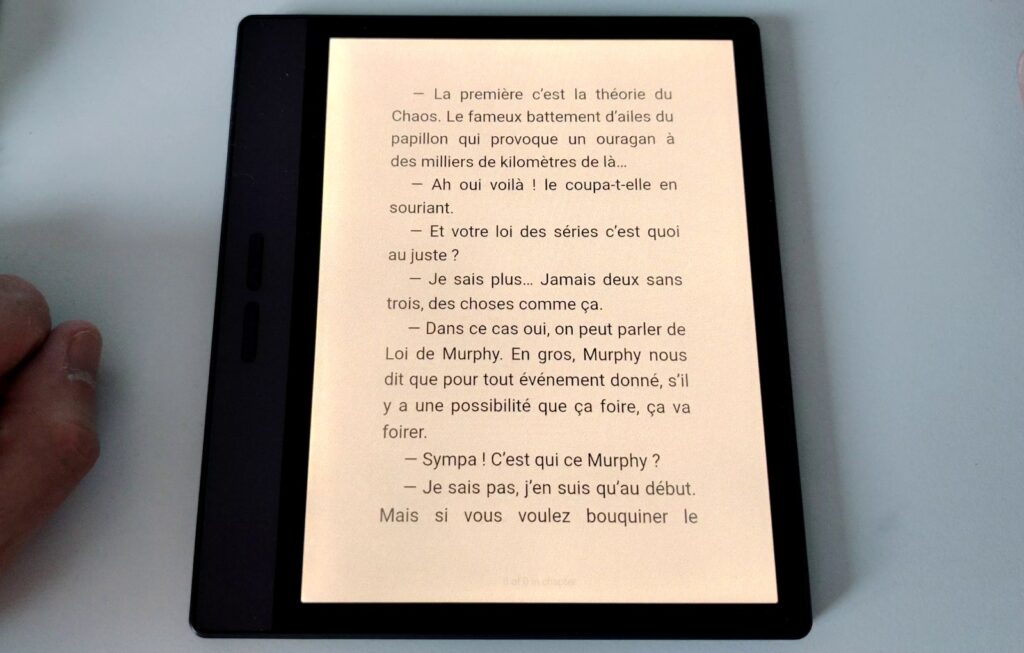
How to Load Ebooks onto the Bigme B7 Color
The Bigme B7 Color is fully compatible with Calibre, the go-to free software for managing ebooks.
You can send EPUB files directly from Calibre to the e-reader. Just connect the B7 to your computer via USB-C, then authorize file sharing from Android, a notification will pop up on the e-reader’s screen.
Once connected, you can freely browse the device’s file system from your computer. Books go in the “Books” folder; a simple drag-and-drop is all it takes.
Personally, I used Calibre for the transfer, but you’re free to do it however you prefer.
Worth noting: the Bigme B7 has a fully functional web browser, so you can download ebooks directly on the e-reader by visiting your usual websites.
You can also access your Kobo, Kindle, or Nook libraries by installing the corresponding apps from the Google Play Store.
Android Apps and Software
The Bigme B7 Color runs Android 14, which opens up possibilities well beyond just reading.
Every app on the Google Play Store is available, as long as you sign in with a Google account. Once that’s done, the entire Android app library is at your fingertips.
Reading, productivity, creative tools (the use cases are numerous). Just keep in mind that some types of content aren’t ideal on an e-ink screen, starting with video games, but also video, which doesn’t look as good as on a regular screen.
For my part, I had no trouble using the Kindle, Kobo, and Nook apps. The Bigme B7 becomes a single access point to all the major digital bookstores.
For those who prefer to skip the Play Store, the F-Droid app is a solid alternative: it lists entirely free and open-source software. Installing it requires using the built-in browser to download the APK from the official site.
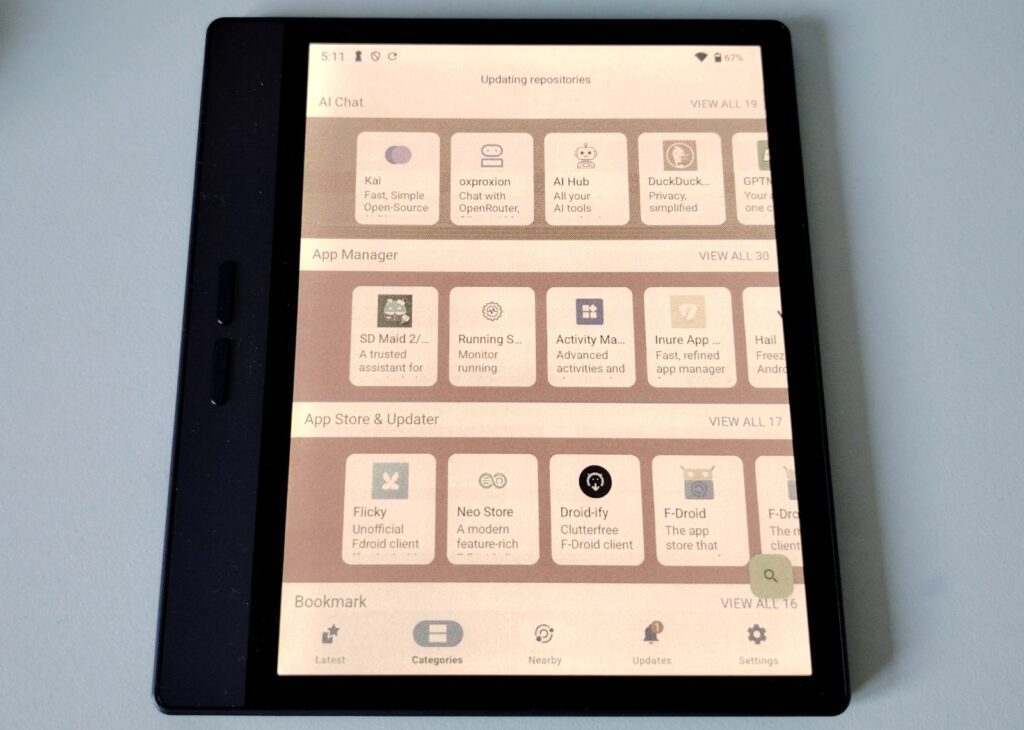
F-Droid’s catalog doesn’t include the popular apps you’ll find on Google Play, but it offers good alternatives like Librera FD for reading ebooks.
For the curious, you can install and use the YouTube app with no issues (sound comes from the speakers, but you can connect Bluetooth headphones).
Reading Manga, Comics, Graphic Novels, and Magazines
Many Android apps let you enjoy illustrated content like magazines or comics.
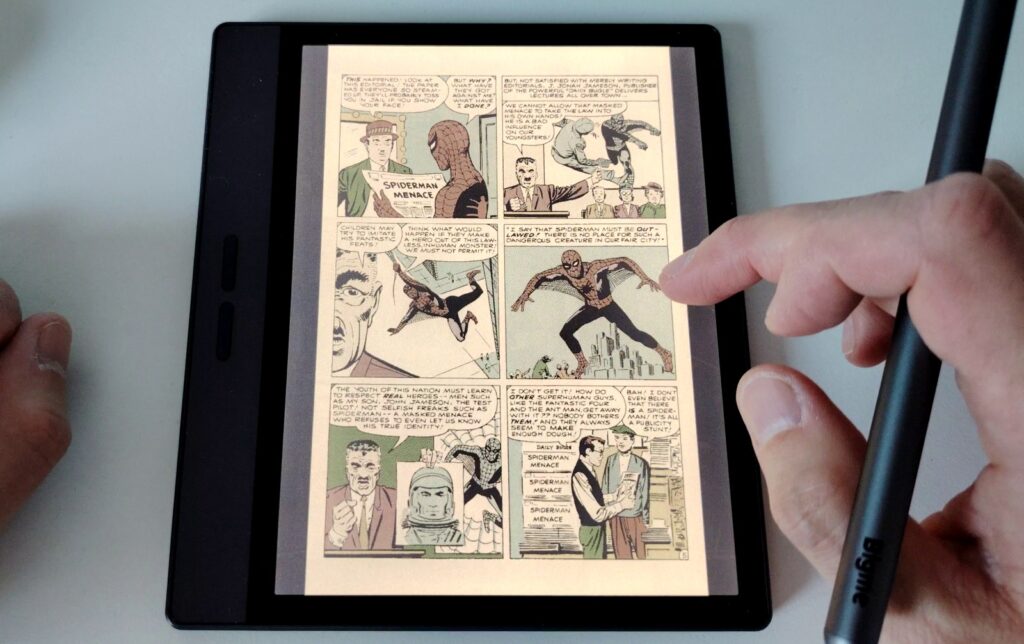
On this front, the Bigme B7 Color clearly benefits from its 7-inch screen compared to a 6-inch e-reader like the B6. The extra screen real estate translates directly into a display closer to a standard manga paperback size, making reading much more pleasant and less tiring on the eyes. This is a decisive factor if reading manga or comics is part of your routine.
For magazines, apps work fine, though heavily illustrated content (photos, diagrams, artwork) still looks better on larger screens.
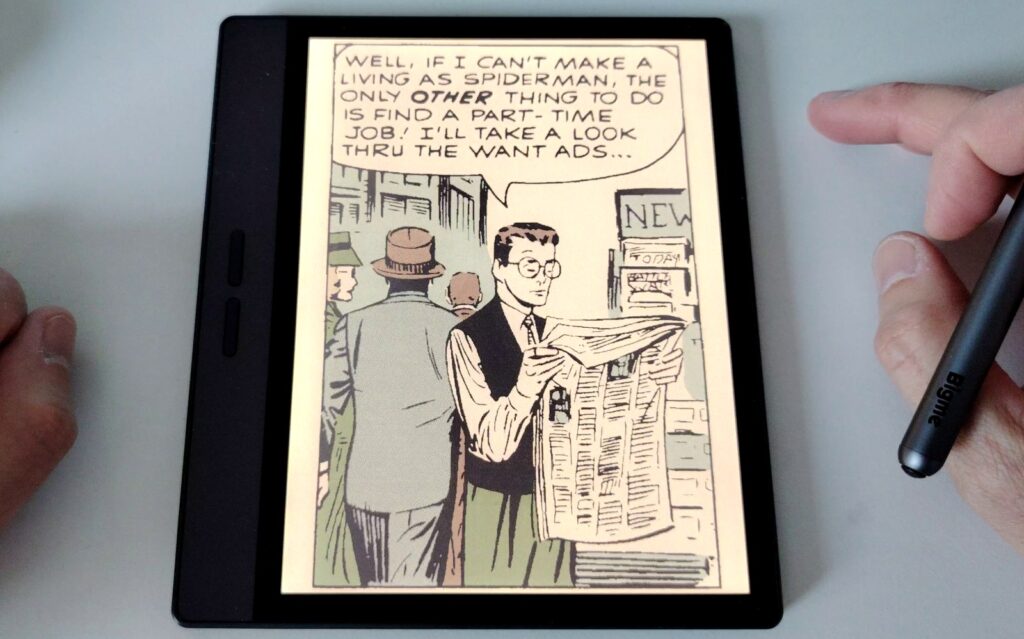
The Bigme B7 proves versatile: comfortable for long-form text like novels or non-fiction, but also clearly more capable than 6-inch e-readers when it comes to illustrated content.
Note-Taking and Stylus
The Bigme B7 Color is more than an e-reader: it’s also a digital notepad, and a stylus is included.
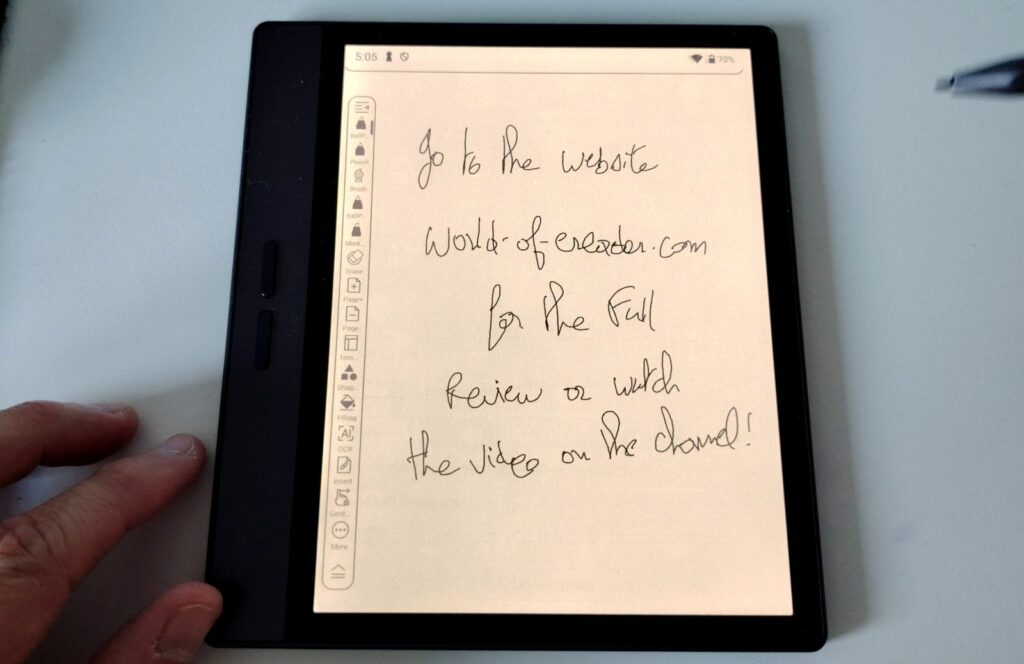
The stylus works well and has a really clever feature: it’s magnetic and snaps onto the right edge of the e-reader, which also charges it! It’s convenient and means you don’t have to worry about charging the stylus separately from the e-reader.
The note-taking app is well designed, and a recent update added a lot of features.
I found the stylus response time to be average: there’s a slight lag between when you write and when the line appears on screen.
Personally, I use a lot of small A6-sized paper notebooks for taking notes, so the 7-inch screen is a good size for me. But you’d definitely be more comfortable on a 10-inch device.
Handwriting Recognition
I didn’t find a built-in handwriting recognition system on the Bigme B7 Color.
However… if you export your notes as a PDF and feed them to an AI like ChatGPT or Claude, the AI can give you a text transcription.
I tested this with Claude (Sonnet 4.6 model) and it works great!
Settings and Custom Interface
Android 14 offers a lot of room for customization, and the Bigme B7 Color is no exception.
During initial setup, pay close attention to navigation gesture settings! I personally chose system gestures: swipe down from the top of the screen for notifications, and swipe from the left edge toward the center to go back.
Bigme adds its own layer on top of Android’s interface, including a small floating “bubble” that gives quick access to certain functions. It can be turned off if you find it unnecessary (which I did).
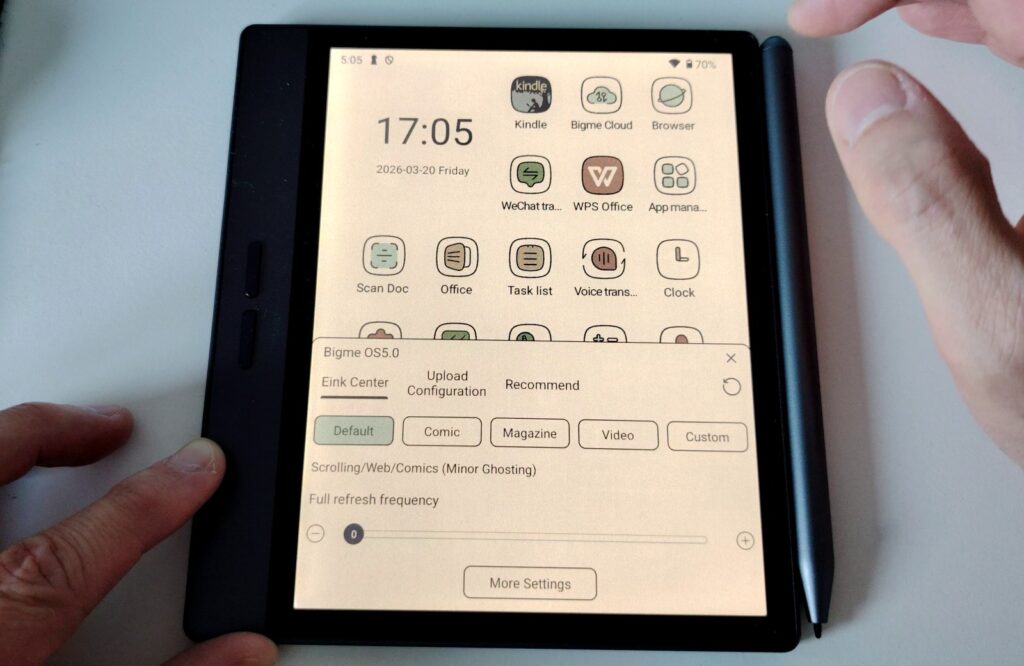
Another feature worth mentioning: the E Ink Center. This tool lets you adapt screen behavior to your current use, with four preset profiles:
- Default: a good balance between smoothness and display sharpness
- Comic: prioritizes precision, at the cost of slightly slower refresh
- Magazine: same approach as Comic mode
- Video: fast refresh, with less crisp rendering
If none of these profiles suit your needs, you can create a custom profile by adjusting each setting to your liking.
AI Tool Integration
The Bigme B7 comes with Bigme GPT, a built-in assistant capable of performing various tasks on demand. It works similarly to ChatGPT, though its capabilities seemed a bit more limited to me.
It can generate text summaries or create images. A nice tool, even if you might question its place on a device primarily designed for reading.
Useful note: voice input requires an external microphone connected via Bluetooth, but text-to-speech works well for hearing responses read aloud.
Other AI apps can of course be installed from the Play Store based on your preferences. I’d strongly recommend doing this if you already use a tool like ChatGPT or Claude.
Bigme B7 Color Technical Specifications
Here are the Bigme B7’s technical specs:
- 7-inch color E Ink display
- 1264 x 1680 resolution in black and white (300 PPI)
- 632 x 840 resolution in color (150 PPI)
- Octa-core 2.3 GHz processor
- 8 GB RAM
- 128 GB storage
- TF card expansion slot
- Bluetooth
- Speaker
- 5 MP camera (on the back)
- 4G compatibility with SIM card slot
- Stylus with 4096 pressure levels
- Android 14 with Google Play Store
- Weight: approximately 7.6 oz
- Dimensions: 6.2 x 5.5 x 0.2 inches
Conclusion: A Versatile E-Reader for Power Users
The Bigme B7 Color is a polished device with a lot going for it. Its main strength is flexibility: by installing the Kindle, Kobo, and Nook apps, you get complete access to all your digital libraries in a single device.
Compared to the B6, the B7 takes a step up with its 7-inch screen, doubled storage at 128 GB, 8 GB of RAM, and two notable additions: 4G connectivity and a camera. The 4G connectivity is especially welcome (I didn’t test it!): it lets you stay connected outside of Wi-Fi range, and you can also make calls and send texts by simply inserting a SIM card – essentially turning the e-reader into a backup phone. The 5 MP camera won’t win any photography awards (quality is very mediocre), but it can come in handy for scanning a document or snapping a quick photo in a pinch.
It’s worth noting that you’ll need to invest time setting up and managing an Android device, which requires more involvement than a plug-and-play e-reader.
If you’re comfortable with the Android ecosystem and want a powerful, customizable reading device, the Bigme B7 Color is clearly made for you.
If, on the other hand, you’re looking for an e-reader that’s simple to use right out of the box, a more traditional device will better suit your needs.
Either way, the Bigme B7 Color confirms that Android e-readers have reached an impressive level of maturity: the experience is stable, English localization is solid, and I didn’t encounter a single bug during my testing.
At a price of around $329 (roughly, depending on current deals), the Bigme B7 Color is a very compelling option.
Buy a Bigme e-reader online
Bigme on Amazon.com (click here)
Bigme official website (click here)
Pros:
- 7-inch color e-ink display
- 4G connectivity: calls and texts possible with a SIM card
- Full Android 14 with Play Store access
- More than an e-reader: a true mini tablet with stylus
- Generous 128 GB storage and 8 GB RAM
Cons:
- Steeper learning curve than a traditional e-reader
- Default reading app should be replaced
- Camera quality is very mediocre
Leave a Reply