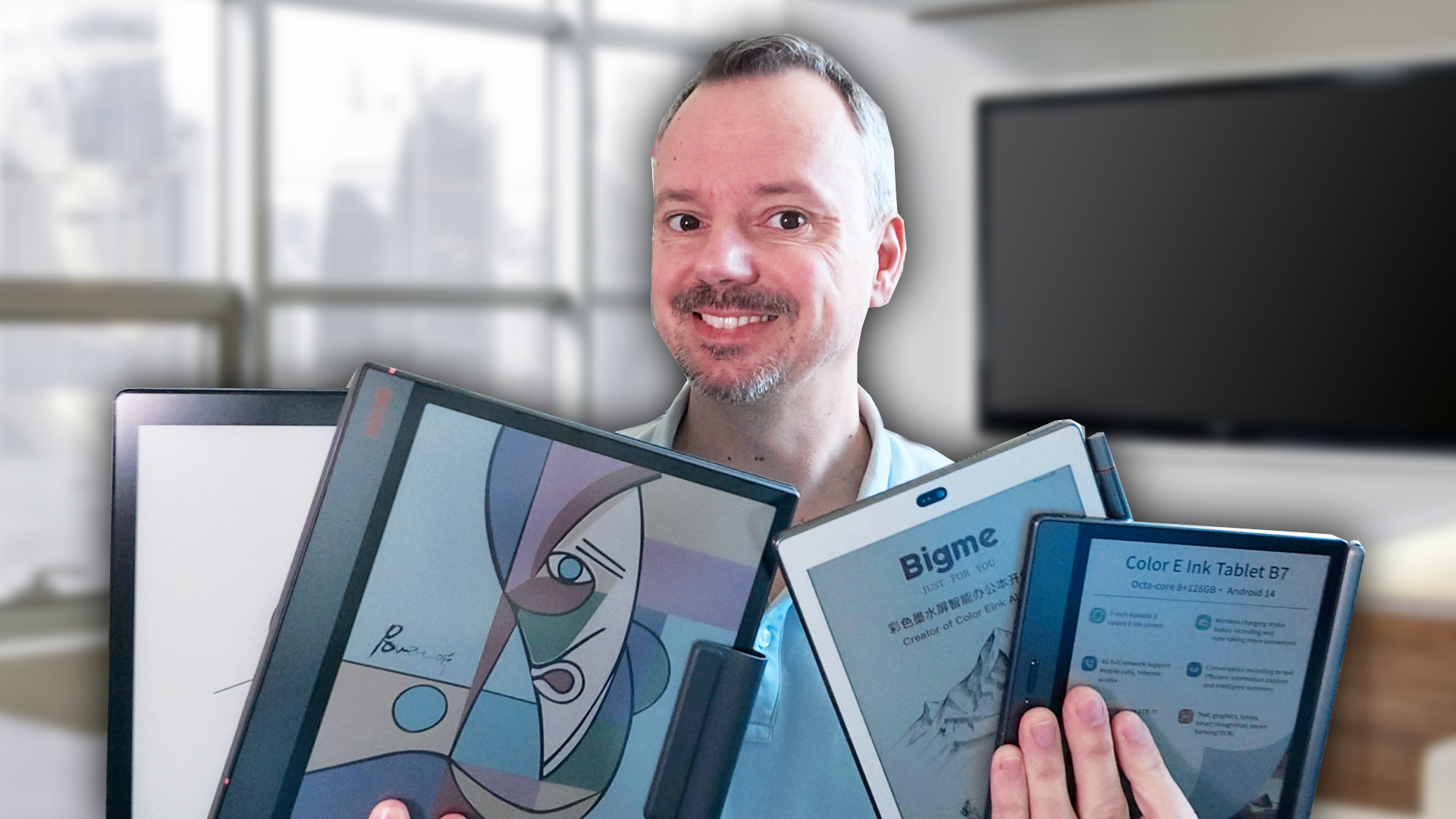
The reMarkable is probably the most popular digital notepad on the market right now. But there are alternatives out there, sometimes significantly cheaper. Here’s a selection worth considering before buying a reMarkable.
Pros and Cons of the reMarkable
First, the reMarkable has one major advantage that still holds up in 2026: an advanced writing experience that closely mimics the feel of writing on real paper.
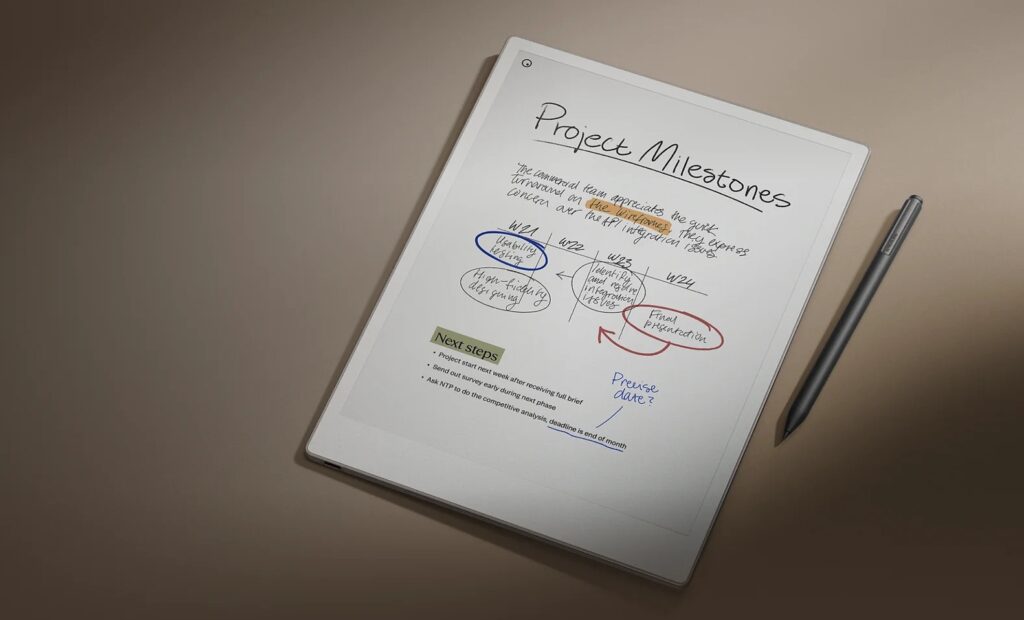
It’s not 100% perfect, but this is where the reMarkable genuinely outperforms other digital notepads of the same type.
It’s also the best notepad in terms of how your stylus input is displayed; writing feels slightly more fluid than on other devices, though the gap has narrowed a lot in recent years and is almost negligible at this point.
That said, there are some real drawbacks:
- This device is more expensive than the competition
- A subscription at $3.99/month is required to access cloud storage, full document search, and so on
- The ebook reading software is more limited
Now let’s look at the alternatives. (reMarkable website)
Kindle Scribe Colorsoft by Amazon
Amazon’s Kindle lineup includes a similar device: the Kindle Scribe Colorsoft.
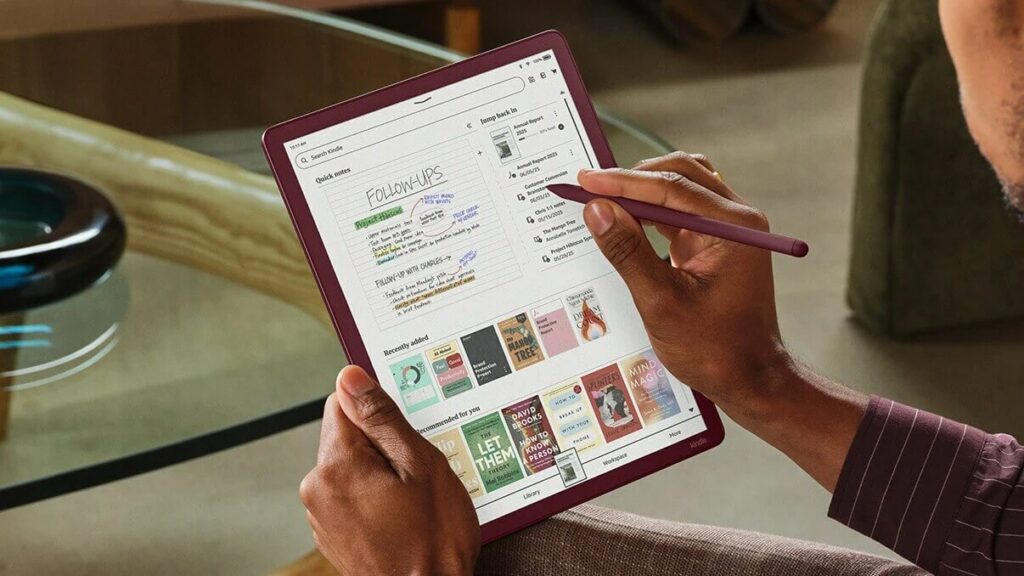
While the writing experience is slightly behind the reMarkable’s, Amazon updates its software regularly and improves things several times a year.
The Kindle Scribe fits seamlessly into the Amazon ecosystem, giving you access to the Kindle ebook store for a great reading experience on its 10.3-inch screen.
You can also take advantage of your Kindle Unlimited or Prime Reading subscription if you have an Amazon Prime membership.
Buy a Kindle e-reader
Kindle on Amazon.com (click here)
Kobo Elipsa 2E
Though a bit dated, Kobo’s digital notepad, the Kobo Elipsa 2E, is still a solid choice thanks to its very competitive price.
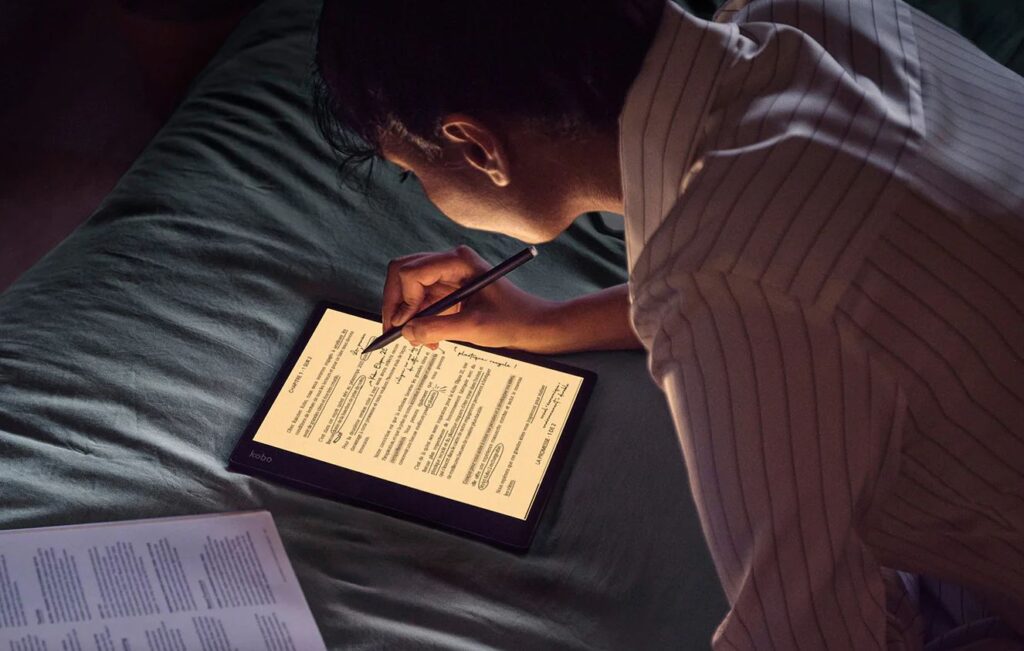
In terms of writing experience, it falls short of the reMarkable or the Kindle Scribe in my opinion, but it has the Kobo bookstore built in.
So if you already have a solid Kobo ebook library and want to enjoy it on the Elipsa 2E’s large screen, this device can be a smart pick.
Paperslate and Paperslate Pro
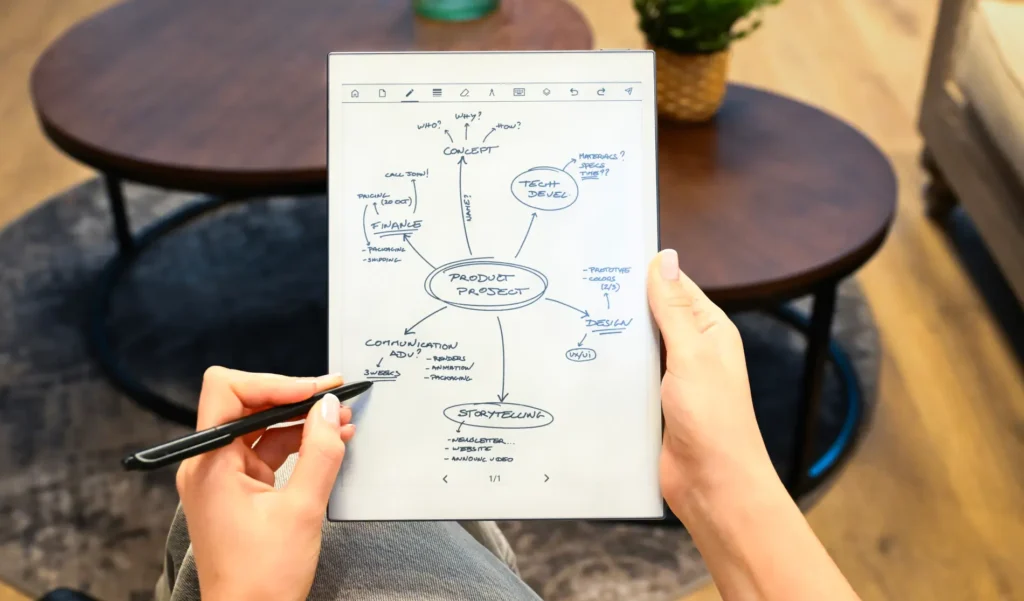
Paperslate is a newcomer to this market. It offers two models: the Paperslate, a simple and affordable option (no frontlight), and the Paperslate Pro, fully loaded to compete with the best digital notepads out there.
Its OCR (character recognition) feature works very well; even my fairly messy handwriting gets accurately converted into typed text.
This device is aimed at professionals, and its ebook reading capabilities are limited but seems only available in France.
Read the review of the Paperslate here.
Supernote Manta (A5 format)
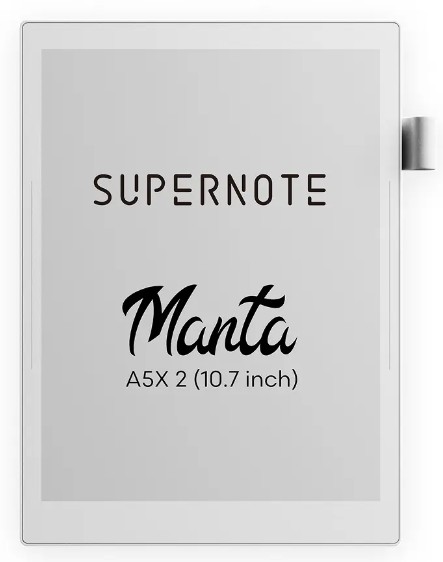
Supernote is a brand that specializes in digital notepads and delivers a product that is very close to the reMarkable in quality, at a slightly lower price.
The writing experience is excellent and very comparable to what the market leader offers.
The only downside is that the stylus is sold separately, though this does open up more choice in terms of color and style.
Otherwise, the features are on par, with solid handwriting recognition.
There is no built-in bookstore, despite the device having an ebook reader. You’ll need to transfer your ebooks to the Supernote using software like Calibre.
Boox Note Air5 C
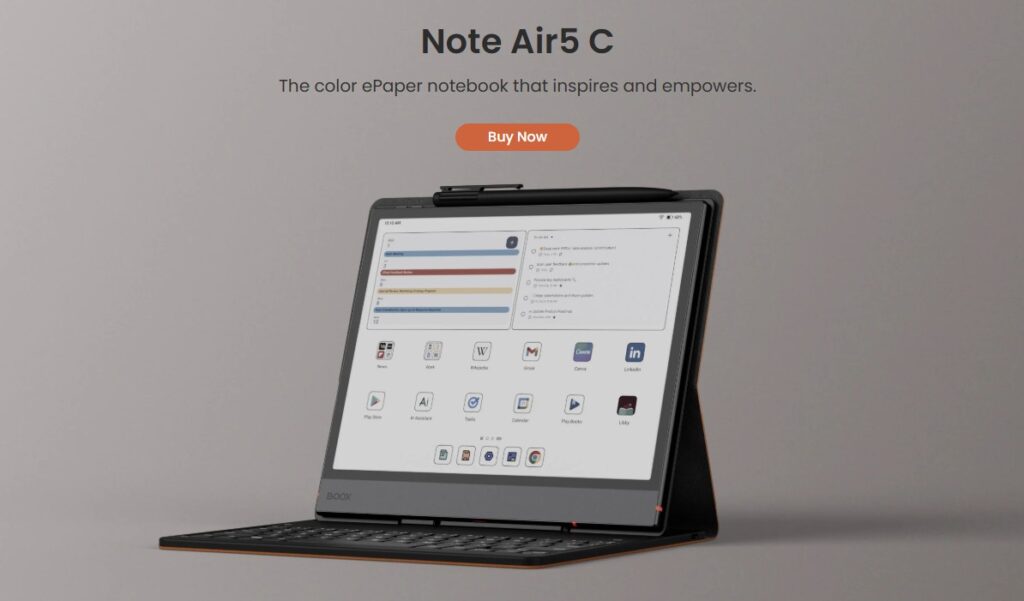
The Boox Note Air5 C is the latest flagship productivity device from Onyx. It’s a color e-ink tablet built for broad productivity use.
In addition to the stylus, you can buy a keyboard accessory, for example.
The note-taking experience feels more like writing on a screen than on paper, which comes with the nature of this device. It runs a full operating system, so you can install apps, read emails, browse the web, and use reading apps like Kindle, Kobo, or Pocketbook.
I had the chance to review a previous version, the Boox Note Air3 C, and it was already impressive.
If you want a note-taking device that does a lot more than the reMarkable, this is a great alternative.
Buy a Boox e-reader (from Onyx)
Onyx Boox on Amazon.com (click here)
Onyx Boox official website (click here)
Bigme B7 Color
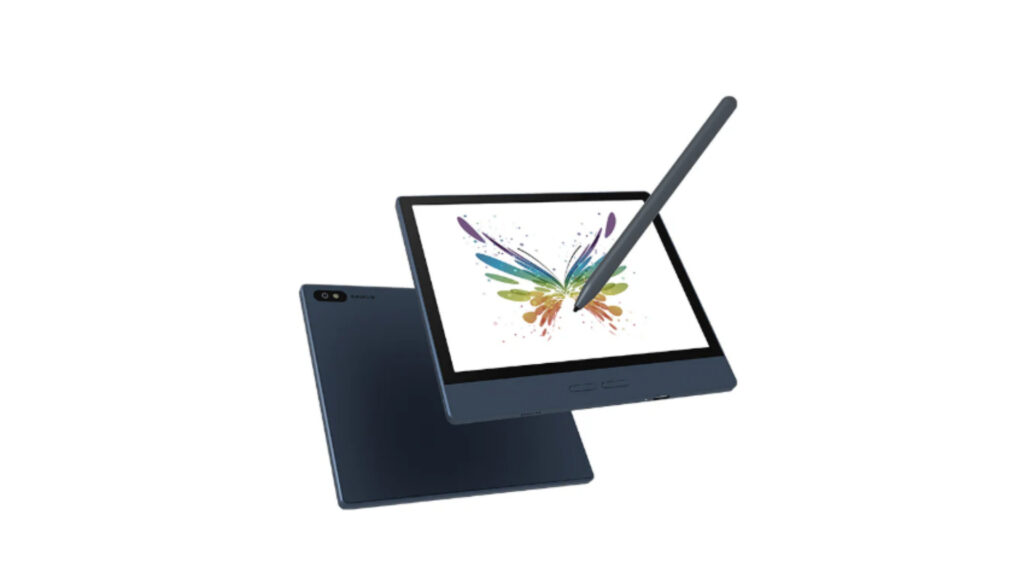
The Bigme B7 Color is an interesting and affordable device with a “compact” 7-inch screen. The screen is color, and the B7 comes with a stylus included.
It runs Android 14 and can handle a wide range of tasks: reading emails, taking notes, reading ebooks, browsing the web.
A standout feature is access to the Google Play Store, and I was pleasantly surprised to find I could use an AI app like Claude or ChatGPT to do character recognition or generate documents from notes written with the stylus.
The downside is that it’s more of a tablet with an e-ink screen than a dedicated digital notepad optimized for a single purpose.
For ebook reading, you can install the app of your choice: Kindle, Kobo, Pocketbook, etc.
Read the Bigme B7 Color review here.
Pingback: A reMarkable for Under $300? Yes! (Well, Almost.) – World of eReader
Pingback: reMarkable Paper Pro Move: Is It Worth the Price? – World of eReader
Pingback: Fujitsu Quaderno A4C: A Japanese Rival to ReMarkable – World of eReader
Pingback: Kindle Scribe vs. ReMarkable Pro: Which Paper Tablet Should You Choose? – World of eReader
Pingback: A new Color ReMarkable e-reader – tablet: reMarkable Paper Pro – World of eReader
Pingback: ReMarkable 2 reader: the tablet that imitates paper is very expensive! – World of eReader
Pingback: The Bookeen Notéa: End of the Line for the ‘French ReMarkable’ e-reader – World of eReader