If you own an e-ink device from Boox or Bigme, you can install new apps on it. Of course, you can use Google’s service, the Play Store, to access the usual favorites. But here’s an alternative based on F-Droid, another Android app store.
TLDR: If you own a Boox or Bigme e-ink device, you don’t have to rely on the Google Play Store. F-Droid is an open-source app store with free, privacy-friendly apps (no tracking, no ads, no Google account needed). This guide explains what F-Droid is, how to install it via sideloading, and the best apps to get: KOReader and Librera FD for reading, EinkBro for browsing, Feeder for RSS, AntennaPod for podcasts, and NewPipe for YouTube audio.
Buy a Bigme e-reader online
Bigme on Amazon.com (click here)
Bigme official website (click here)
What is F-Droid?
To understand why it’s worth it, we need to explain what the F-Droid software is.
F-Droid is an alternative app store for Android, entirely dedicated to free and open-source software. Unlike the Google Play Store, it doesn’t require a Google account, and its catalog only contains apps whose source code is public, verified, and compiled by the F-Droid team.
The good news is that these apps are free and don’t track you with hidden data collectors. They also don’t push you toward purchases and don’t display intrusive ads.
So with F-Droid, you can use your device without a Google account, which is handy if you don’t want to use the Kindle, Kobo, or Pocketbook apps.
If you want to learn more about Boox or Bigme devices, you’ll find reviews of these machines on this page of the site.
How to install F-Droid on your e-reader?
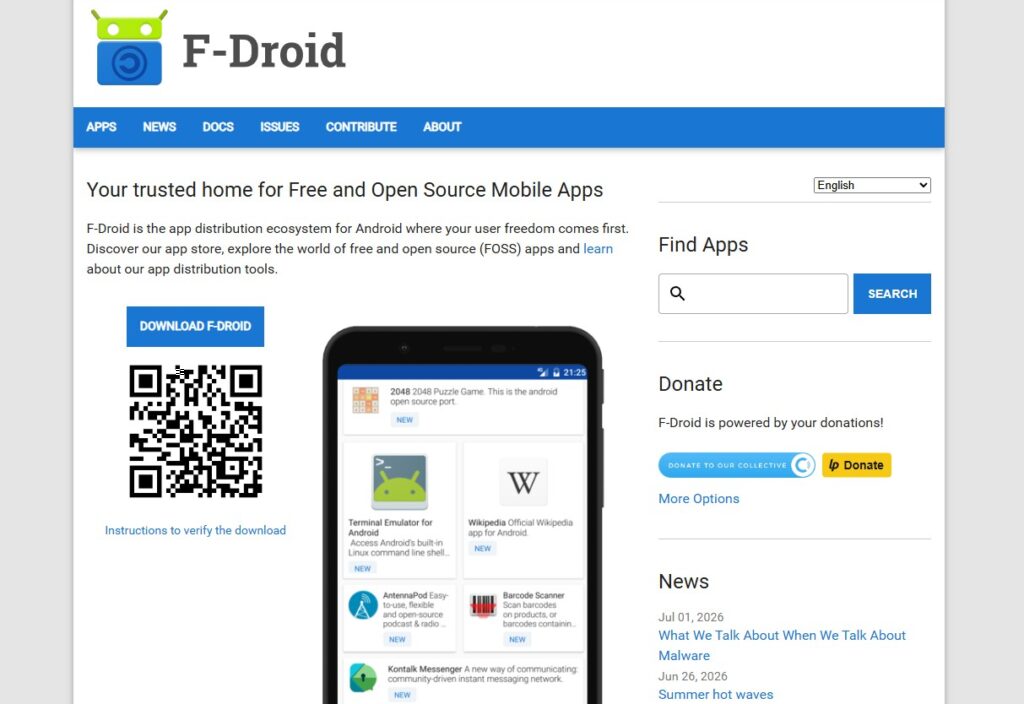
Installing F-Droid on an Android e-reader, like a Boox or Bigme, is done by “sideloading.”
This means you first have to download the app, since it isn’t available on the Google Play Store.
So, on the e-reader, open the built-in web browser and go to f-droid.org.
Download the APK file (the “Download F-Droid” button).
Allow app installations from unknown sources: on Boox, go to Settings > Apps and grant this permission to the browser you’re using; on Bigme, there’s an equivalent process in the system settings (the exact wording varies depending on the Android version).
Open the downloaded APK file and confirm the installation.
Note that you can also do this on any Android tablet or smartphone.
After that, you can launch F-Droid, let the app update its repository index (that is, its list of available apps, which can take a minute or two), then search for and install the apps you want directly from F-Droid.
The best F-Droid apps
Now we can move on to this selection of the best F-Droid apps, starting with the reading apps (but not only those):
KOReader: for reading your ebooks
KOReader is, in my opinion, the most complete ebook reading app. It supports fixed-page formats (PDF, DjVu, CBT, CBZ) and reflowable ebook formats (EPUB, FB2, Mobi, DOC, CHM, TXT, HTML).
Scanned PDF/DjVu documents can be reflowed. Special modes for reading double-column PDFs and manga are also available. https://f-droid.org/en/packages/org.koreader.launcher.fdroid/
Librera Reader (or Librera FD)
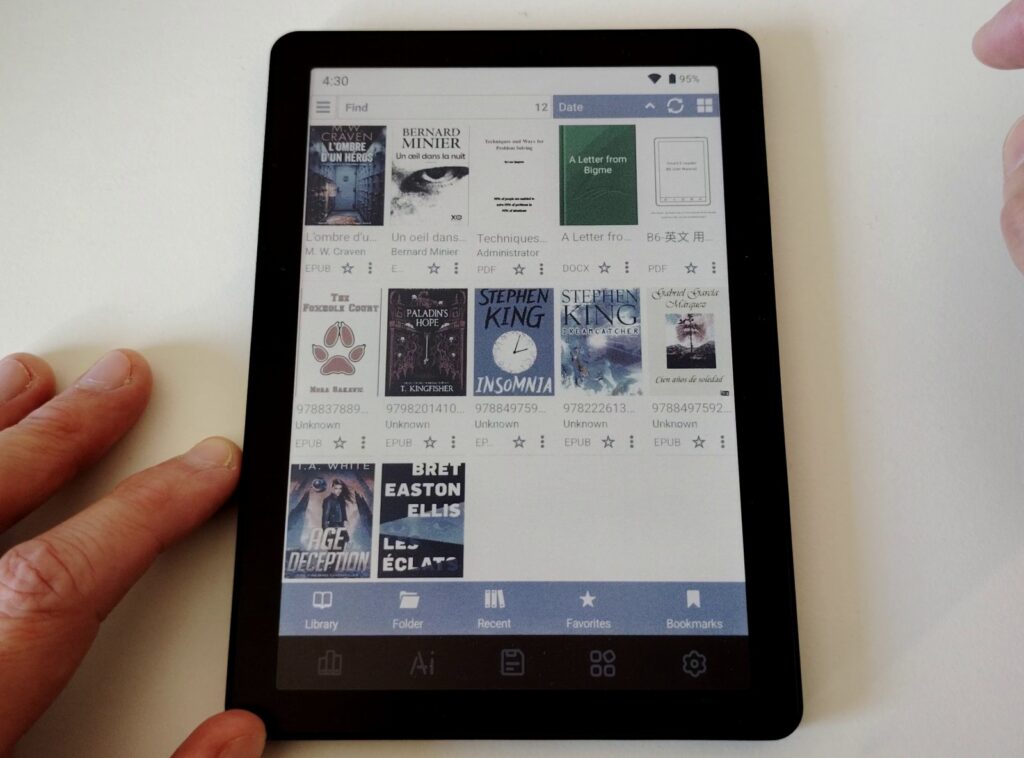
This is also a reading app. It’s very complete too, and it’s often the one I use.
Note that there’s a “Pro” version on the Play Store. This Pro version is tied to your Google account and syncs your ebooks to Google Drive, which is not the case with this F-Droid version. https://f-droid.org/en/packages/com.foobnix.pro.pdf.reader/
EinkBro
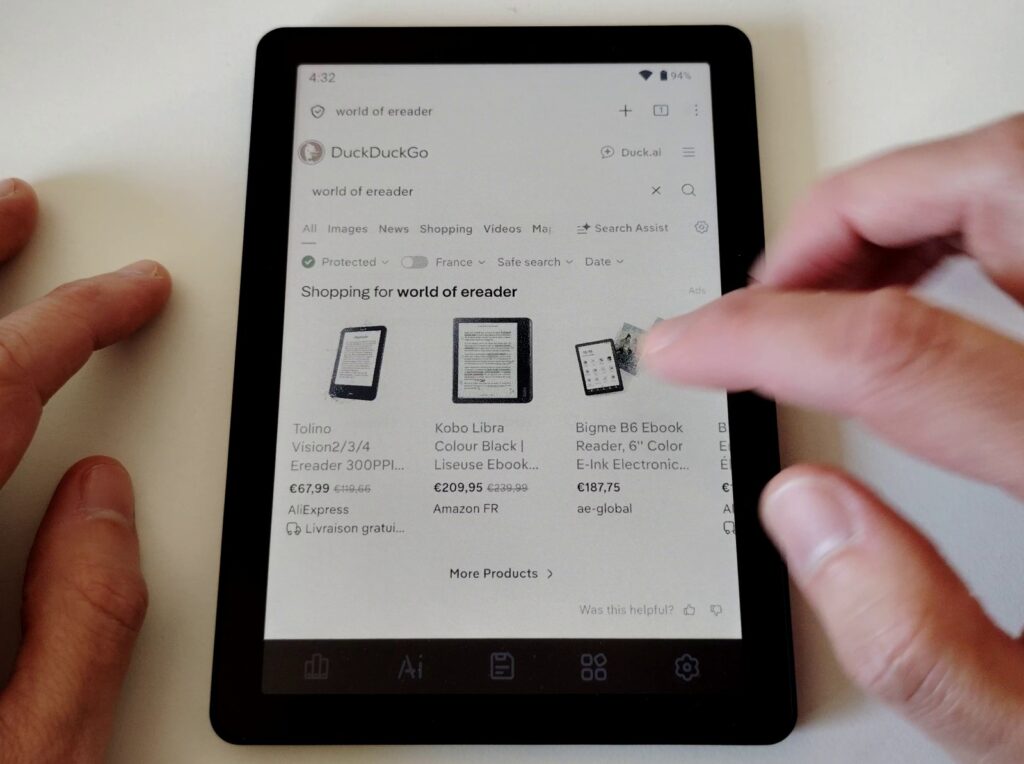
EinkBro is a web browser that lets you browse websites comfortably on an e-ink screen. In my experience, it’s faster to use than Chrome or Edge and displays websites very well. https://f-droid.org/en/packages/info.plateaukao.einkbro/
Feeder
Feeder is an RSS feed reader. It lets you pull in and read the latest news from your favorite sites to build a kind of personal Google News. https://f-droid.org/en/packages/com.nononsenseapps.feeder/
AntennaPod
AntennaPod is an audio podcast app. You can find many shows there, including some of the most popular ones.
Most Boox or Bigme devices have an audio feature, available either through a speaker or via Bluetooth. https://f-droid.org/en/packages/de.danoeh.antennapod/
NewPipe
NewPipe is first and foremost a YouTube video app. But it offers background playback, which I find very handy for listening to music or long shows that don’t necessarily require watching the video at the same time.
Even though it isn’t designed or optimized for e-ink screens, I find it works fine. https://f-droid.org/en/packages/org.schabi.newpipe/
Other F-Droid apps worth considering
This selection is based on my own experience with apps I particularly like. But there are other interesting apps on F-Droid that can also be useful to you.
Here, in no particular order, is a list of apps worth checking out:
- PipePipe: an app very similar to NewPipe, https://f-droid.org/en/packages/InfinityLoop1309.NewPipeEnhanced/
- Tasks.org: a task manager, to-do list, https://f-droid.org/en/packages/org.tasks/
- Etar: a calendar, https://f-droid.org/en/packages/ws.xsoh.etar/
- Markor: a note editor, with Markdown support, https://f-droid.org/en/packages/net.gsantner.markor/
Feel free to leave a comment if you have any recommendations of your own.
Pingback: How Android Apps Work on a Bigme E-Reader? – World of eReader
Pingback: Bigme B7 Color Review (7-inch color e-reader with Android 14) – World of eReader
Pingback: Bigme B6 Color Review (6-inch color e-reader with Android 14) – World of eReader