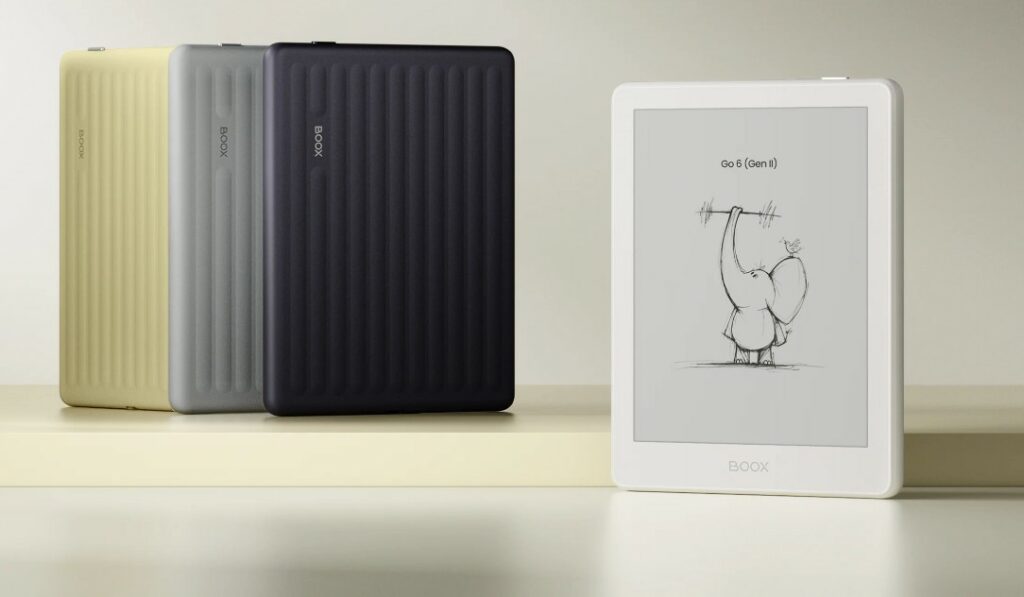
Boox is back with a new version of its flagship compact e-reader: the Boox Go 6 Gen II. On the menu for this review: a full Android system, a very good screen, but in the end not much has changed.
Thanks to Boox for sending me a unit of this device so I could put together as thorough a review as possible.
TLDR: The Boox Go 6 Gen II is a premium, pocket-sized 6-inch black-and-white e-reader that runs a full version of Android 11 with the Google Play Store built in. The E Ink Carta 1300 screen is gorgeous, page turns are fast, and you can install any reading app you like (Kindle, Kobo, Pocketbook) plus productivity tools. The body has been completely redesigned, it now has 3 GB of RAM, and it supports the InkSense Plus stylus so it can double as a mini note-taker. The catch: at around $199.99 it’s on the pricey side for a 6-inch reader, the built-in Onyx bookstore is nearly useless, and you have to add a dictionary and fonts manually to use it fully offline. It’s a great pick for tech-savvy readers who love to customize; if you just want to open your e-reader and read without any fiddling, a simpler device may suit you better. Score: 4.5/5.
Buy a Boox e-reader (from Onyx)
Onyx Boox on Amazon.com (click here)
Onyx Boox official website (click here)
Overview of the Boox Go 6 Gen II
As it has for years, Boox sells premium reading and productivity devices in a nice black box that protects the e-reader well.
It’s worth noting that this is a high-end e-reader with a latest-generation black-and-white E Ink screen (E Ink Carta 1300), priced at around $199.99. That’s important for the rest of this review, because we’re at the top of the price range for an e-reader here.
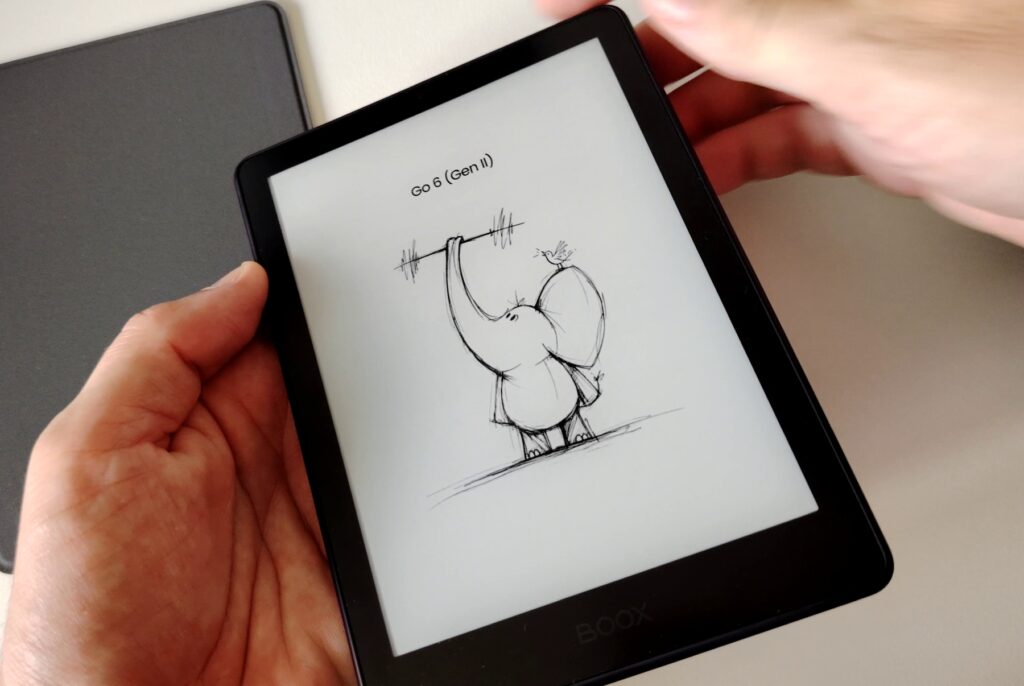
The device comes with a USB-C charging cable and a very light quick-start guide.
The USB cable lets you connect the e-reader to your computer to transfer files, or to a power adapter (not included) to charge it. I noticed that charging is fast.
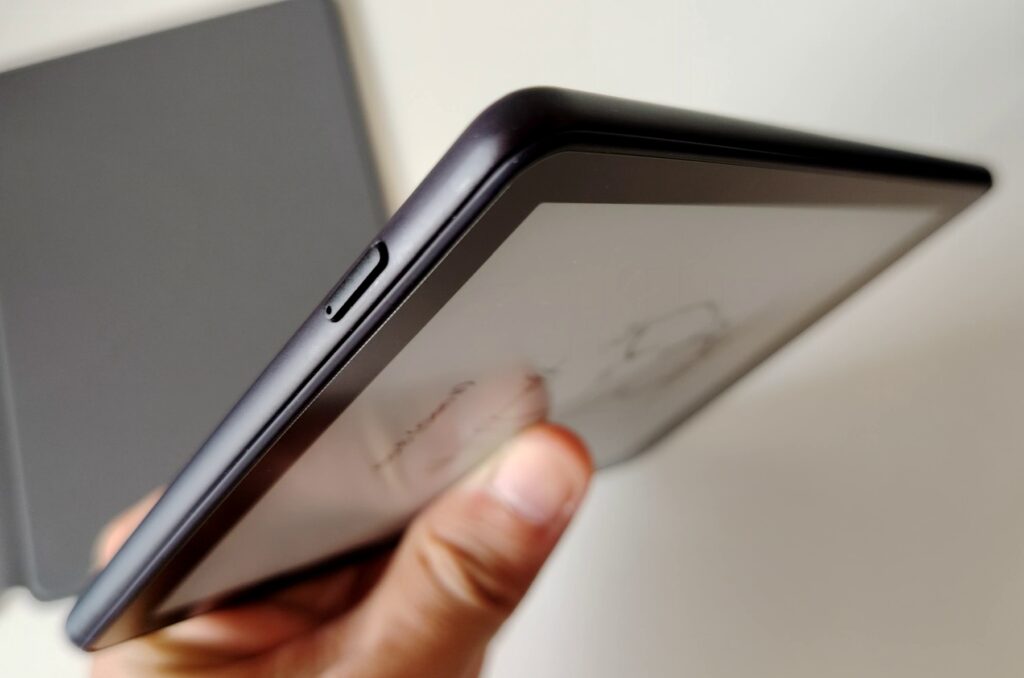
The e-reader has a single power button and a small tray for adding a micro-SD card. It already has 32 GB of internal storage, which will be plenty to hold thousands of ebooks. (About 23 GB of storage is available alongside Android, which makes sense for a device like this.)
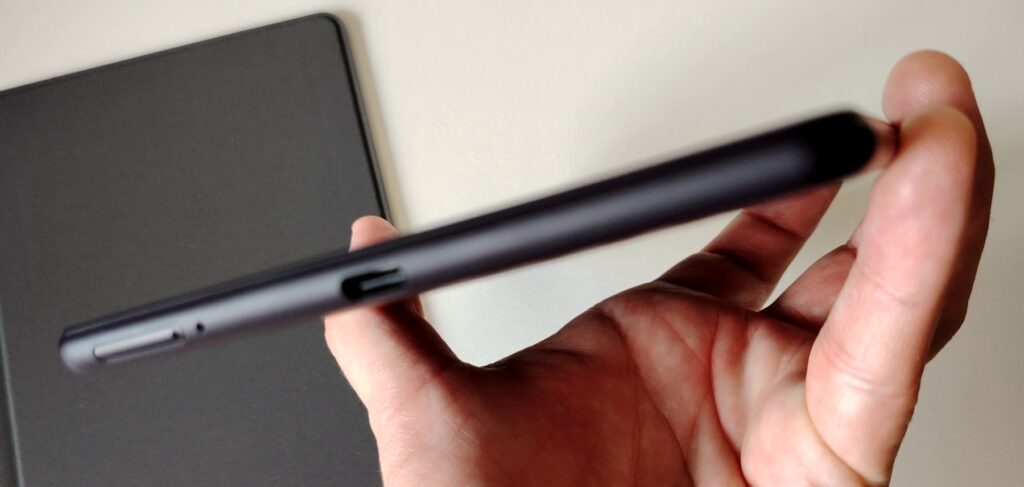
There’s also a microphone next to the micro-SD slot, which lets you use your voice to dictate text or make short audio recordings. For sound, you’ll need a Bluetooth device (headphones or a speaker) to enjoy it.
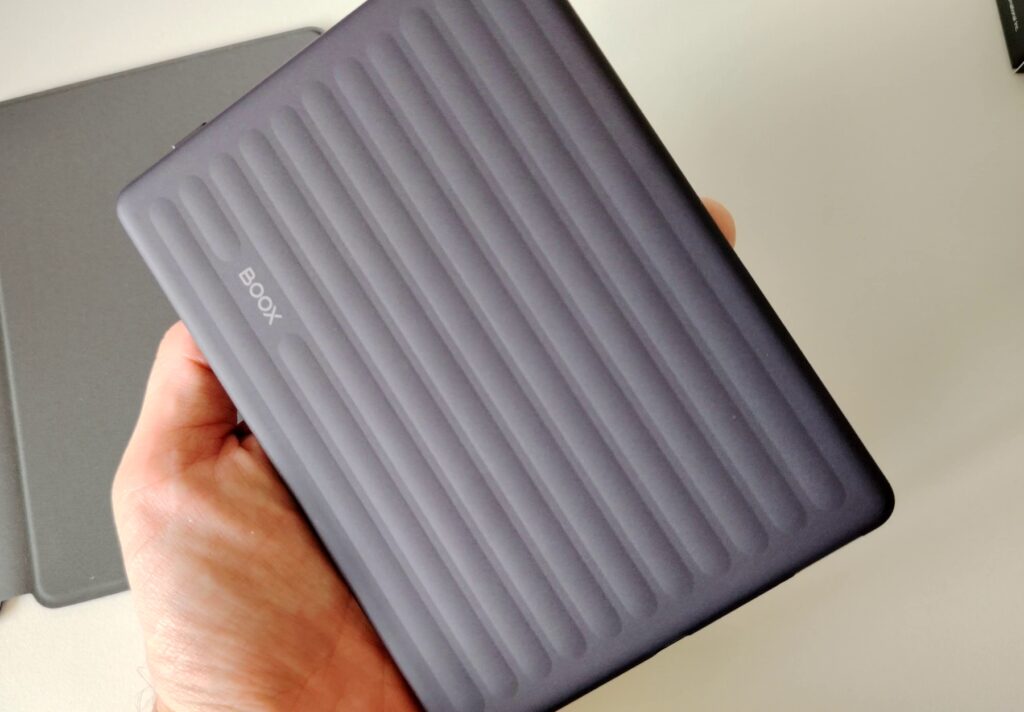
What stands out most with this Boox Go 6 Gen II is that the design has been completely reworked. So this isn’t just a hardware refresh, it’s a full redesign.
The back of the device now has a nice texture in quality plastic, though it’s a little slippery. You can use the protective case from the old version or buy a new one (I prefer the new version).
Getting started is simple: press the power button for 3 seconds and let the setup walk you through the e-reader’s basic settings.
Specifications: 6-inch black-and-white E Ink screen, resolution 1448 x 1072 pixels (300 ppi), capacitive touch, front light with adjustable temperature (warm and cool), octa-core processor clocked at 2.0 GHz, 3 GB of RAM, 32 GB of internal storage expandable via microSD card reader, dual-band Wi-Fi (2.4 GHz + 5 GHz), Bluetooth 5.0, OS: Android 11 with the Google Play Store built in (supports third-party apps), 26 supported formats including documents (PDF, EPUB, EPUB3, MOBI, AZW3, DOCX, CBR, CBZ, etc.), images (PNG, JPG, BMP, TIFF), and audio (WAV, MP3).
E-ink screen and reading
Let me say it right away: the screen is truly gorgeous, with great contrast, and the front light makes it quick to find the right balance between brightness and color temperature (which lets you tint the screen yellow/orange to fight the effects of blue light).
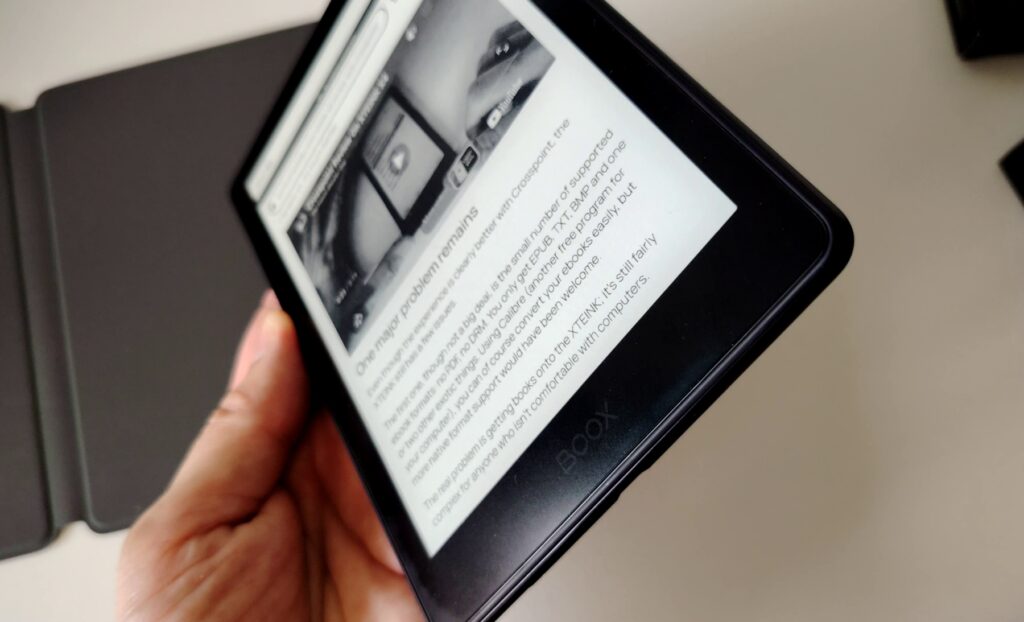
We’re at the top of the class for black-and-white E Ink here. It’s fairly comparable to the Kobo Clara BW and maybe a little better than the Kindle Paperwhite.
The technology comes from the company E Ink, specifically the Carta 1300 panel, which offers the best possible contrast. I also noticed few artifacts when turning pages (these are little bits of leftover text that can appear) and a surprisingly fast refresh. Sure, there’s still the black flash, but it appears so quickly when turning a page that you sometimes wonder whether it’s really there or your imagination is playing tricks on you.
Note that the refresh is fully configurable and can be made to appear very rarely. You can tell big progress has been made on this over the past few years.
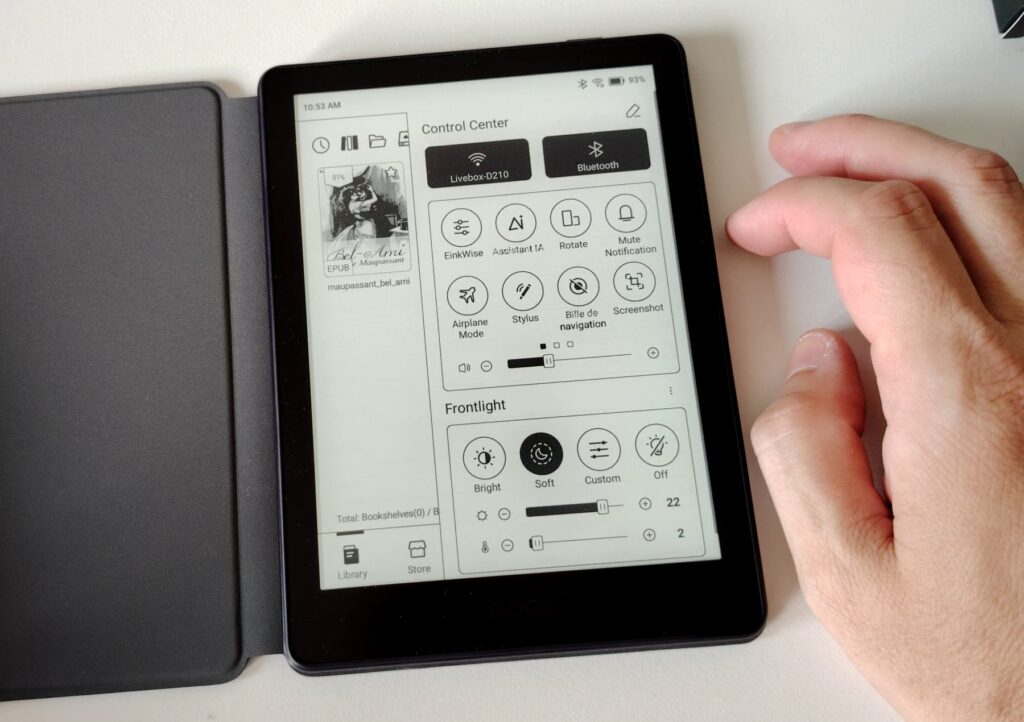
To top it off, the screen is touch-sensitive and responsive, which is good given that the touch layer on e-readers is always slower than on other tablet and smartphone screens (that’s down to the technology).
How to transfer ebooks to the Boox Go 6 Gen II
To load books onto this e-reader, you have several options.
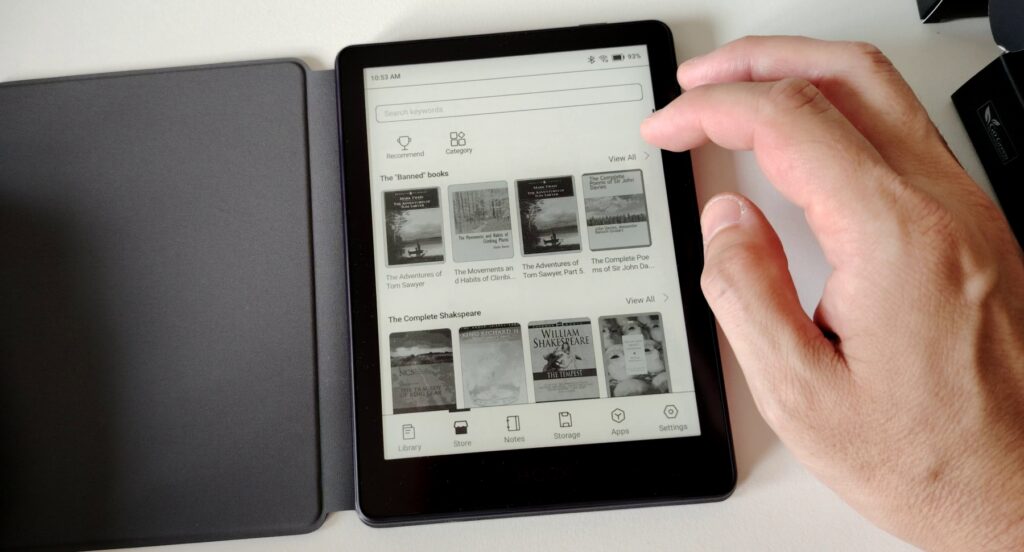
The first is to download books from the Onyx bookstore. Unfortunately, it’s very thin on content (at least that’s what I found from a quick browse). So it’s a poor choice.
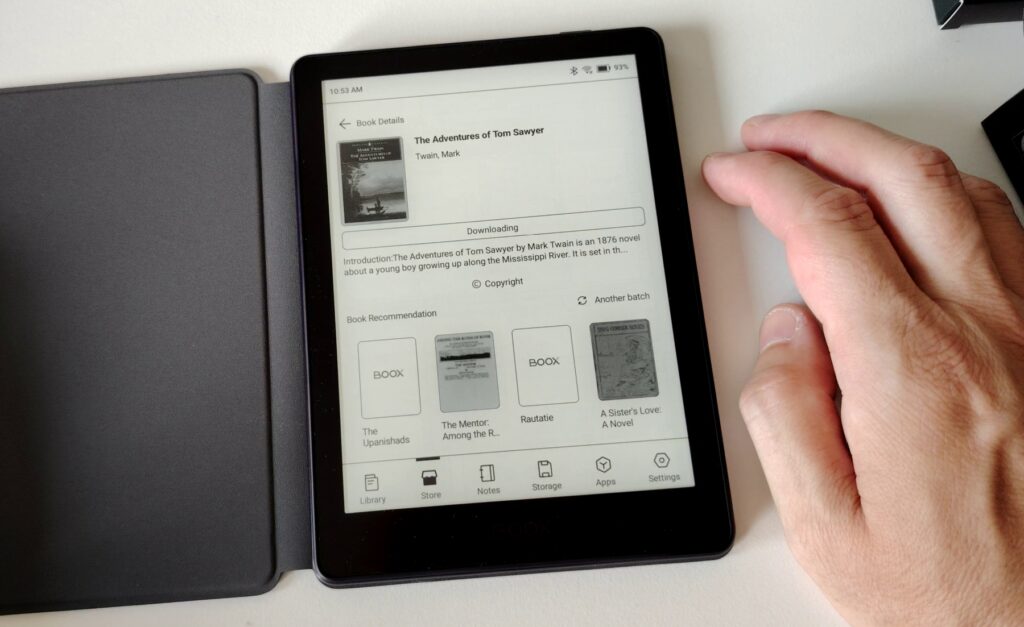
The second option is to use Google Play to install a reading app like Kindle, Kobo, or Pocketbook. To do this, you’ll use your Google account, download the app, sign in to your Kindle, Kobo, or Pocketbook account, and finally download your ebooks.
The last option is to plug the e-reader into your computer to load ebooks you already have on it.
If you don’t have any digital books, you can check the list of free download sites available here. Note that you can use the Calibre software to manage your library and transfer books to this Boox Gen II e-reader.
I personally used this last method for this review. It lets me test the book-reading software included on the e-reader.
Reading ebooks on the Boox Go 6 Gen II
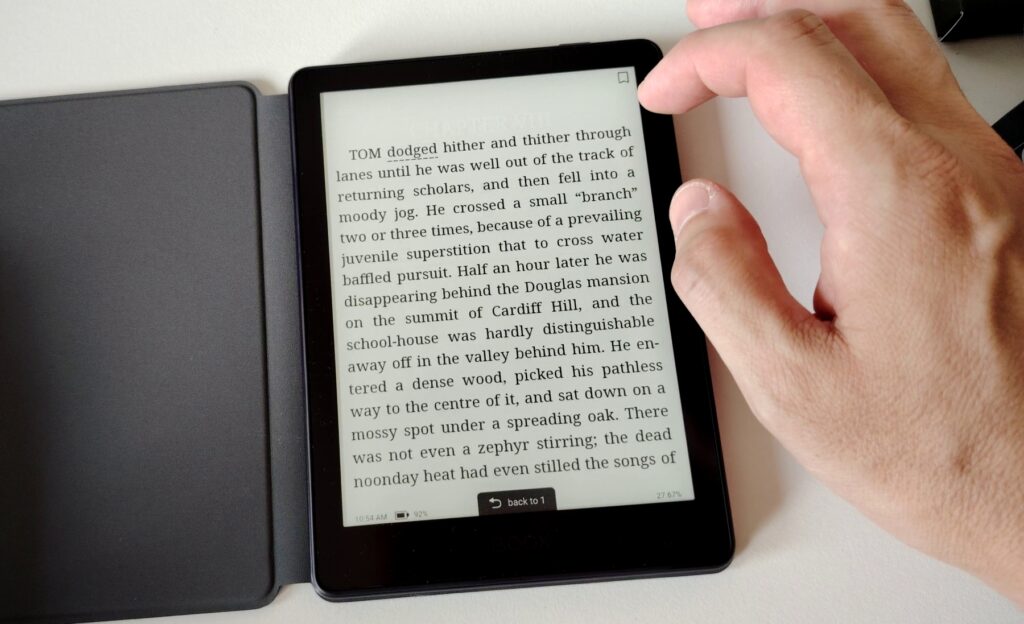
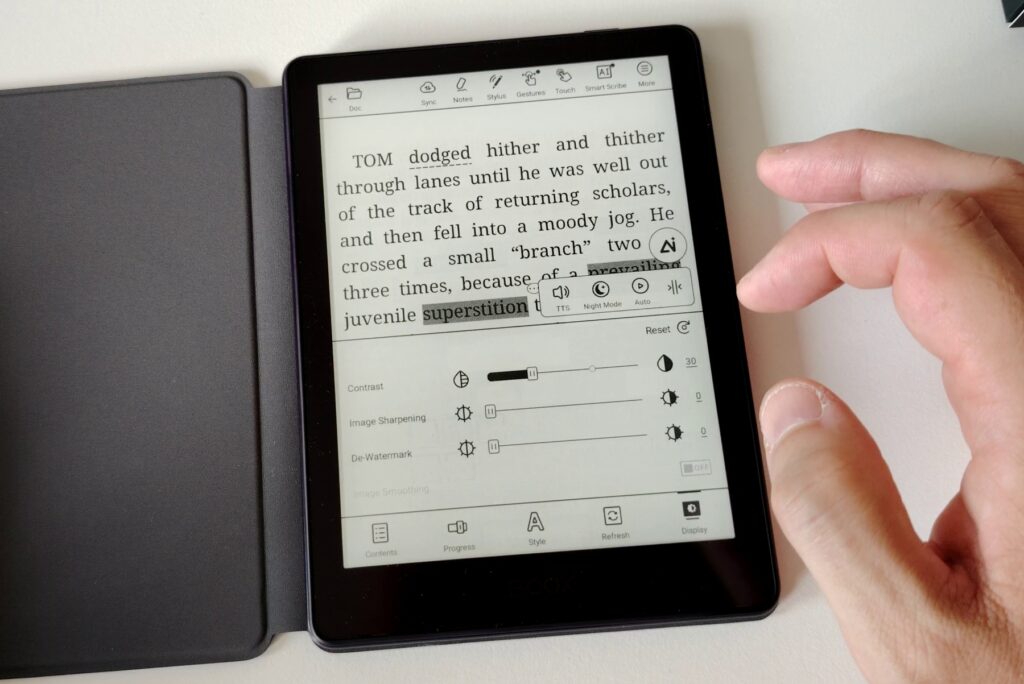
Since my review of the previous version two years ago, things have improved. The reading software is proprietary to Boox and can open a wide range of documents. I had no trouble with EPUBs, for example, and in case any problems come up, you can always install another ebook reader (thanks to Android and the Google Play Store being present).
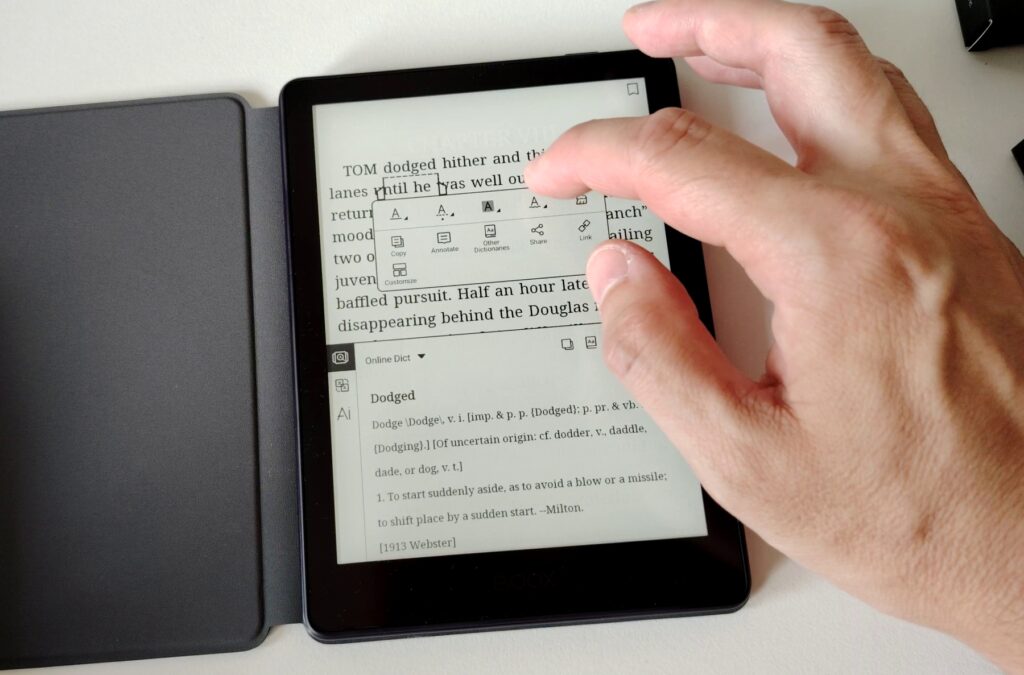
While reading, you now get lots of customization options, and even the default font selection is now broader. You can also install your own fonts if needed.
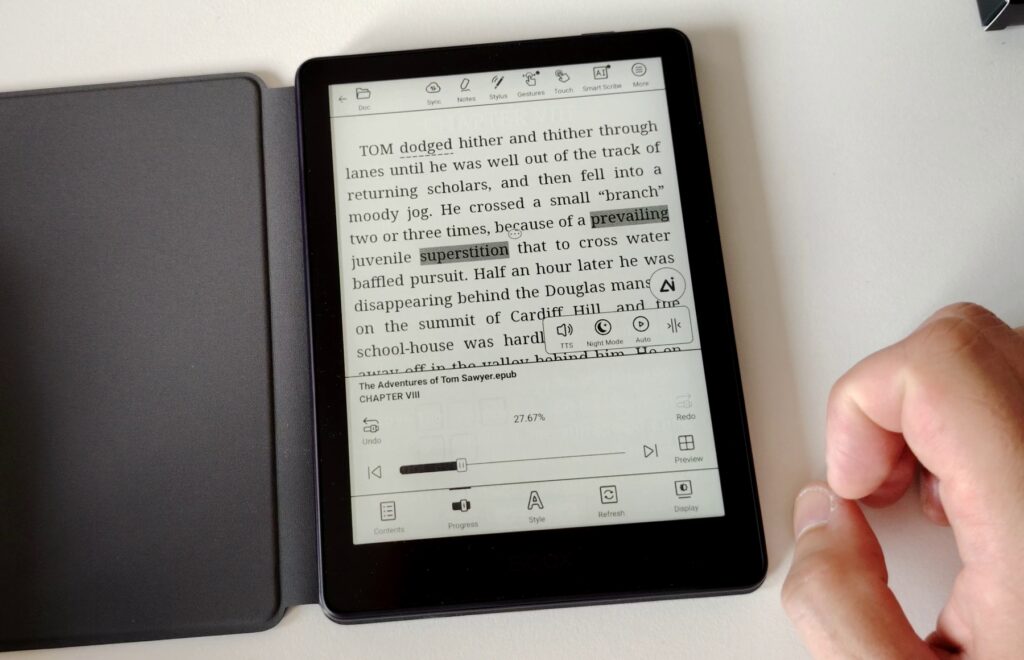
You also get everything you need to highlight, take notes, and so on.
The device is compatible with the BOOX InkSense Plus stylus, which I didn’t test. If you buy this accessory, you can turn this Boox Go 6 Gen II into a real note-taking tool comparable to a small reMarkable!
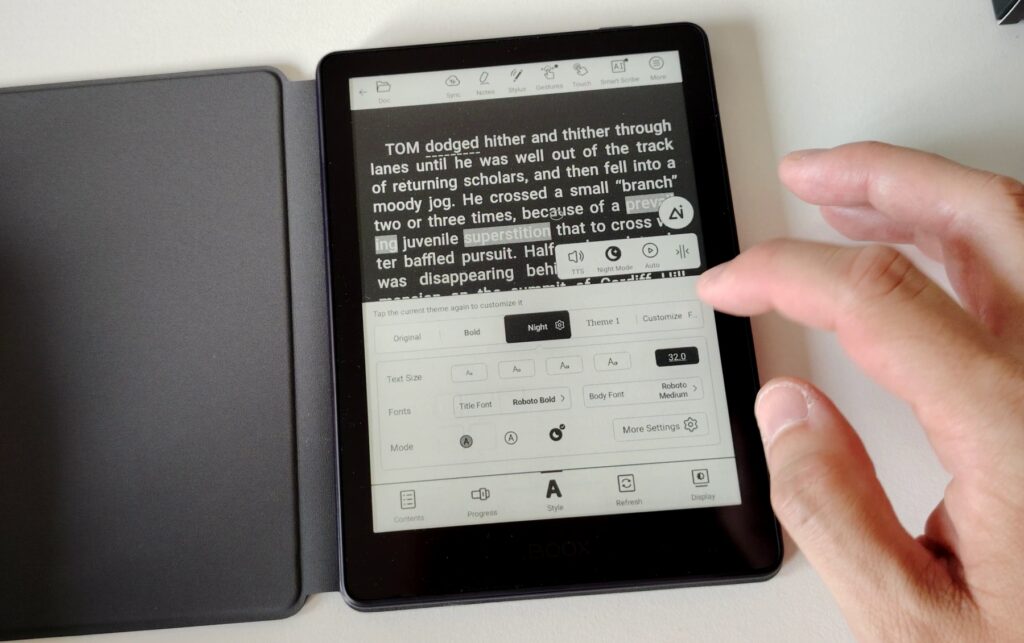
Google’s services on the e-reader also let you do text-to-speech: it reads aloud the EPUB book you’re viewing.
As for the dictionary, you’ll need to keep the device connected to the internet (over Wi-Fi) to use it. The dictionary is also surprisingly good, but that can be a constraint if you read away from home. In that case you can install extra dictionaries, but the process seems complex and hit-or-miss.
That’s, in my opinion, the only real downside of this device, and even then, it works fine with an internet connection. So for use at home, there won’t be any problem.
Another interesting thing for professional use: there’s an AI feature available while reading a book, which lets you select text to get explanations, run searches, or make a summary. It’s interesting, even if it feels a bit gimmicky for the average person who just wants to read a good book.
Software and interface
This e-reader runs a full Android 11 system, like the previous generation.
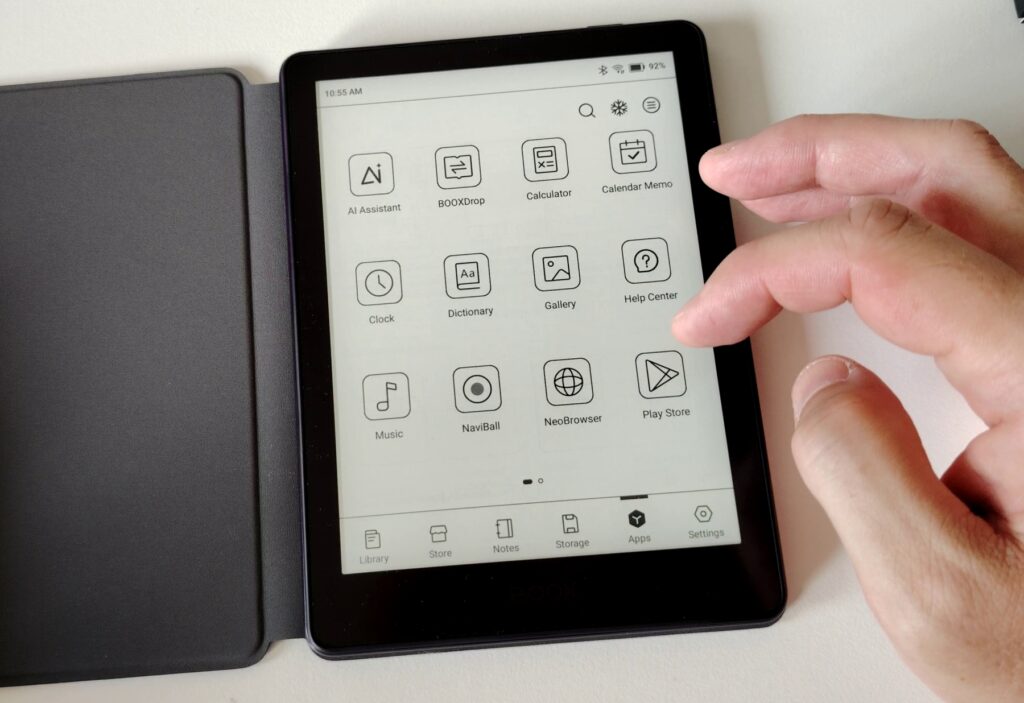
So you can install Android apps on it, like your favorite reading app (Kindle, Kobo, or Pocketbook), as well as productivity tools.
For anyone who has used an Android smartphone, you’ll find everything that makes that system powerful, but with a nice black-and-white E Ink screen: notifications, advanced customization, lots of settings, a real full web browser, and so on.
During my review I got a full system update that fixed some things and improved others: it’s good to see Boox updating these devices. So some points in this text could be completely different a few months from now.
The Boox Go 6 Gen II interface isn’t a classic Android home screen, since it was designed for reading, with your ebook library shown first.
Next there’s a store that mainly contains public-domain works.
Then comes the note-taking section, which requires a stylus to work (I don’t have one).
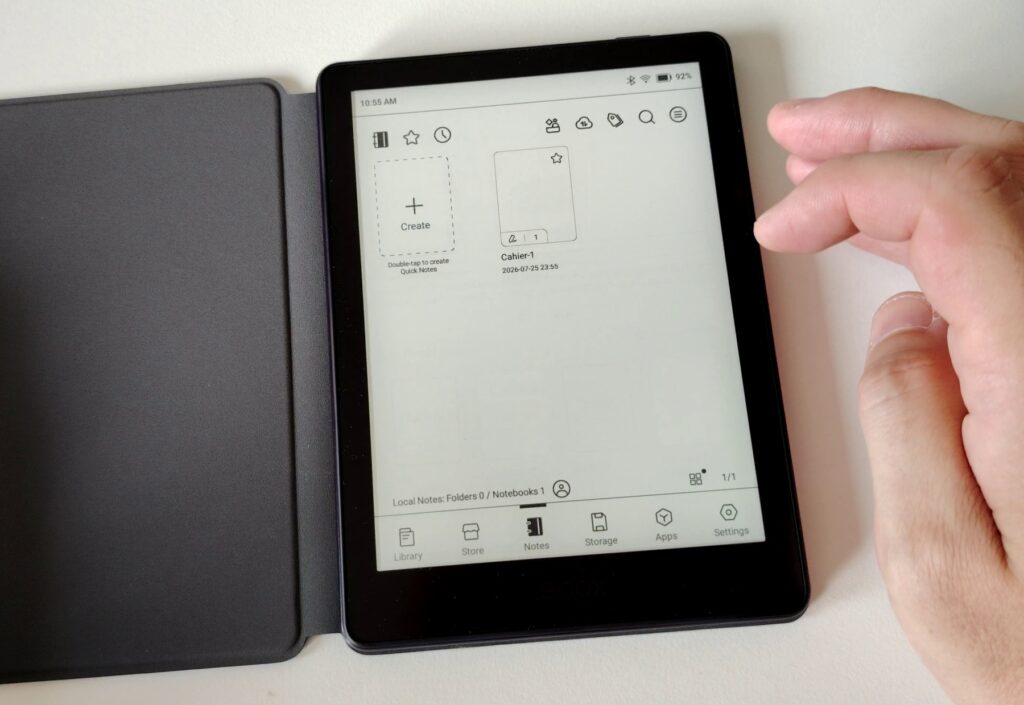
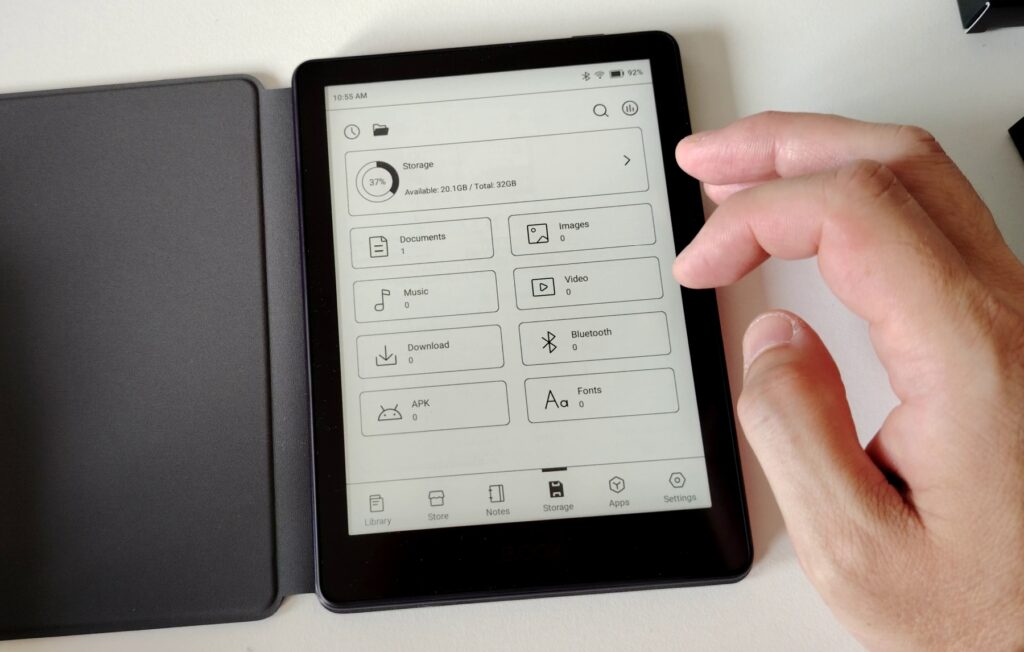
You also get device Settings, a storage tool that shows the space available on the Boox, and a screen with the icons of all the other available apps.
Among these apps you’ll find a mix of: an AI assistant (like ChatGPT), a calculator, a calendar, a dictionary, a screensaver, a gallery to view photos, a clock, a music player, a full web browser, the Google Play Store (to install new apps), and a tool to record sounds with the mic.
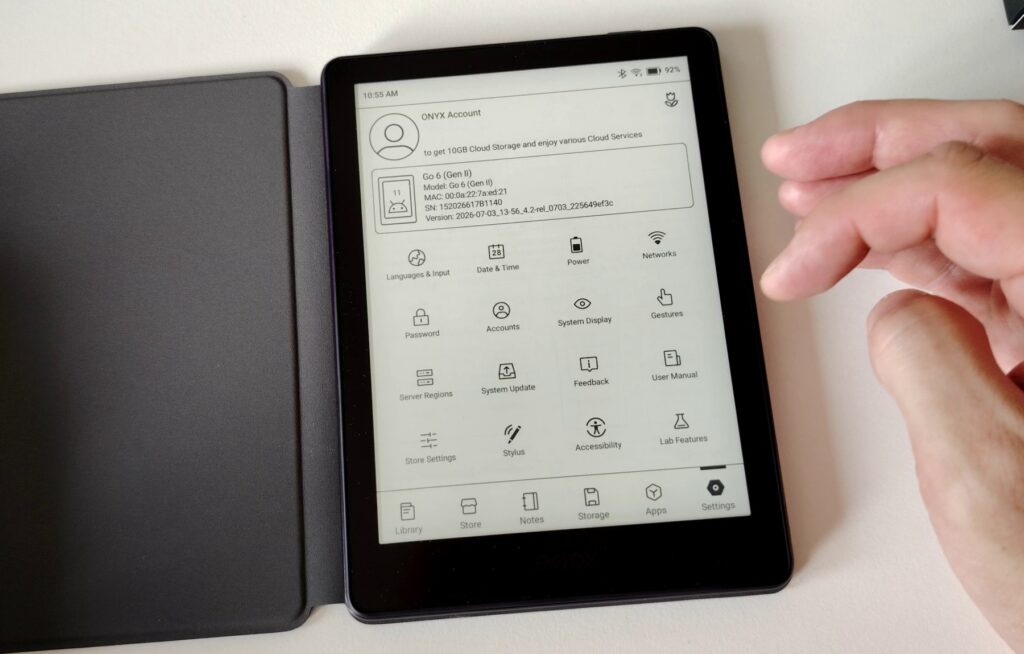
There’s also a little tool called “Navigation Ball” that shows a small ball floating on the screen that you can move around. When you tap it, it opens a menu with shortcuts to apps or device options. Personally, I turn this off, because I don’t want that ball permanently on screen when I’m devouring a book.
Reading manga, PDFs, and comics
This is a black-and-white screen at a reasonable 6-inch size. So it would be naive to think you’ll get an excellent reading experience with PDF documents or color comics.
But it’s worth pointing out that the software works very well and lets you zoom quickly into documents, which makes this Onyx e-reader a tool you can use to view all kinds of documents.
Where this device shines is its high-definition screen, which lets you read manga with a superb display. And even if the 6-inch screen is a bit tight, you can read a few manga without too much trouble, since the pinch-to-zoom feature is fast and easy to use.
But given the screen size, this Boox Go 6 Gen II is obviously built for reading novels, not manga.
Internet, video, and multimedia
Since this device is basically an Android tablet with an E Ink screen, I think it’s worth telling you what I think of it for multimedia use.
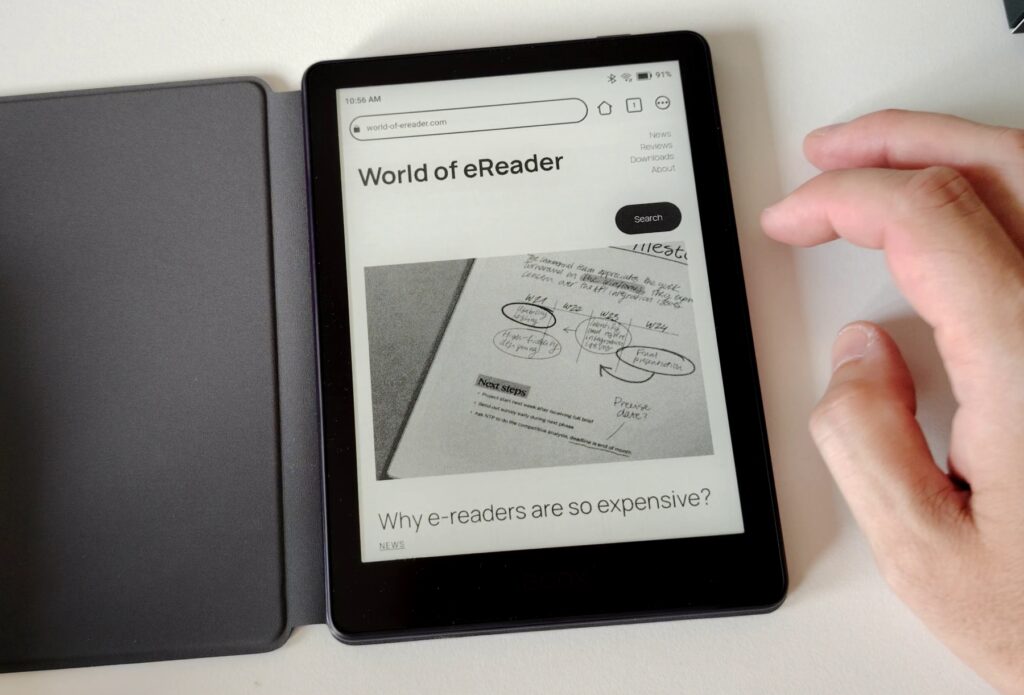
Web browsing works well with a full browser. But be aware, you’re still on a 6-inch diagonal, which is pretty small (the result is closer to a smartphone than an iPad).
YouTube works with Bluetooth earbuds, and video is smooth enough to be watchable.
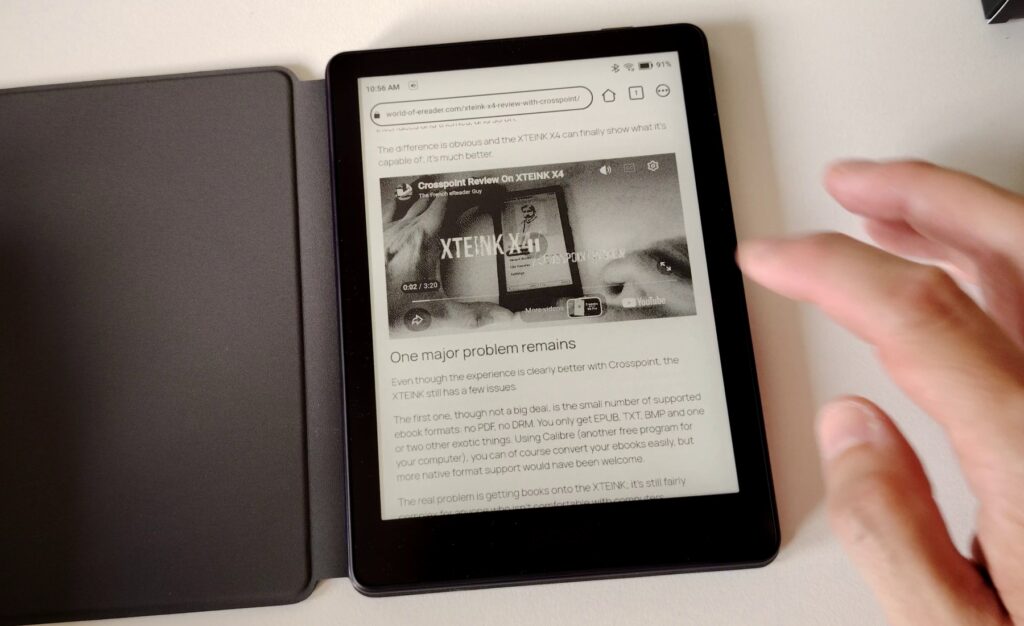
Reading PDF documents works well, but the screen is small and you often have to zoom.
Sites that offer Webtoons work well, but keep in mind the screen is black-and-white, so you lose quality (which makes sense).
Differences between the Boox Go 6 and the Boox Go 6 Gen II
Today the Boox Go 6 is no longer available, so you’ll have to go with the Gen II. And that’s fine, because I think there’s a real improvement, whether in design or in the device’s speed (it also has more RAM).
So if you don’t have an e-reader yet and you’re torn between the two, you’re better off going with the new version.
But if you already have a Boox Go 6, I don’t think the upgrade is necessary. The screen was already excellent on the previous version and the Android system is the same, so you won’t gain any extra features at the operating-system level.
Note that this new version weighs about ten grams more than the previous one.
Video review of the Boox Go 6 Gen II
Here’s a video :
Conclusion: the Boox Go 6 Gen II is still a top pick
I already really liked the previous Go 6, and this second version only improves things.
Not only is the screen still just as beautiful, but the interface is clearer and the reading features have been reworked for the better.
This is truly an e-reader for tech and customization fans who are comfortable with computers. It’ll suit them perfectly.
For others who are used to Android, it’ll work too.
But I wouldn’t recommend it to people who already have their whole library with Kindle (for example) and just want to open their e-reader and read without having to learn how it works.
The Boox Go 6 will also be excellent for people who already have a well-stocked EPUB library and use Calibre. With its 32 GB of storage and a price under $200, it’s still a good deal given what it offers.
Buy a Boox e-reader (from Onyx)
Onyx Boox on Amazon.com (click here)
Onyx Boox official website (click here)
Pros:
- Excellent black-and-white screen with exemplary sharpness and contrast
- Apps like a browser and an AI assistant
- Google Play to install new apps
- Add a stylus and you turn this device into a mini reMarkable
Cons:
- The slightly high price for a 6-inch e-reader (but justified by the options)
- Having to add a dictionary and fonts manually to work without internet
- The nearly useless Onyx/Boox bookstore
So I’m giving this Boox GO 6 Gen II e-reader a score of 4.5/5.
Pingback: E Ink Carta 1400: a revolutionary new black and white e-ink screen for 2027 – World of eReader
Pingback: The Boox Go 6 Gen II moves to Android 13 – World of eReader