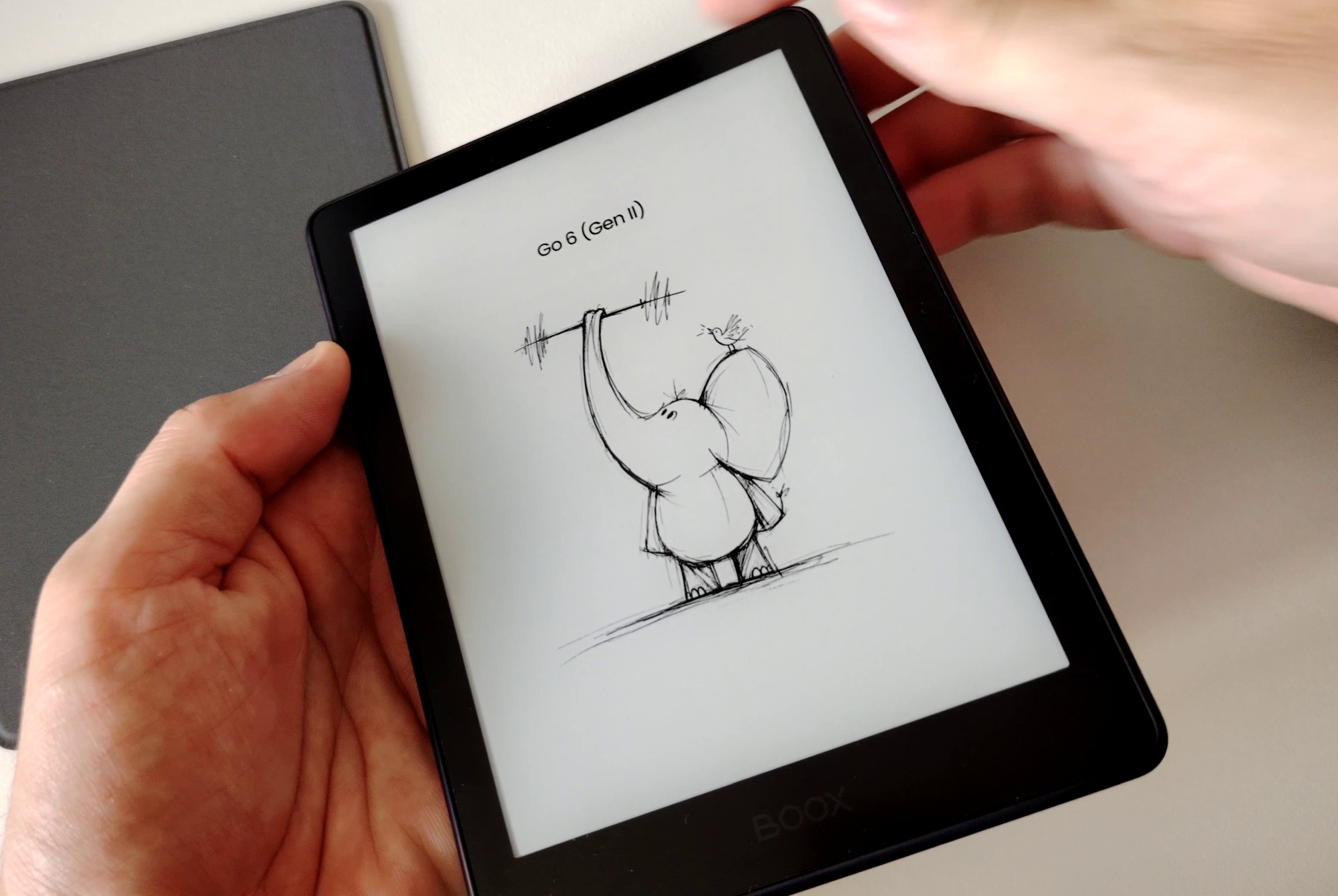
An important update for the Boox Go 6 Gen II e-reader has just been released and it brings interesting new features, including a move to version 13 of Android.
At launch, the Boox Go 6 Gen II (reviewed here) ran on Android 11, an old version on which some apps no longer work.
Aware of the problem, Boox decided to offer an update to Android 13 for better app compatibility and more security. Although it is not the latest version of Android, far from it, it is a step forward for users of this small device, which runs with a very nice 6-inch black and white e-ink screen.
One of the strengths of this new version is also better overall system security. Although the Android 13 system itself is not updated, compatible apps continue to be updated, such as recent web browsers like Edge or Chrome, which you can install from the Google Play Store.
Browsing the Internet is therefore safer, especially if you access sensitive information such as banking data. (which I actually recommend you do from a secure computer instead)
However, this is not just a change of Android version, since other features have been added:
- Improvements to handwritten note input
- Support for Google Calendar, Outlook and CalDAV calendars
- New templates for your notes
To install the update, you must connect to your Wi-Fi network and the Boox Go 6 will offer you the update as soon as it is available. The software version concerned is 4.2.2.