
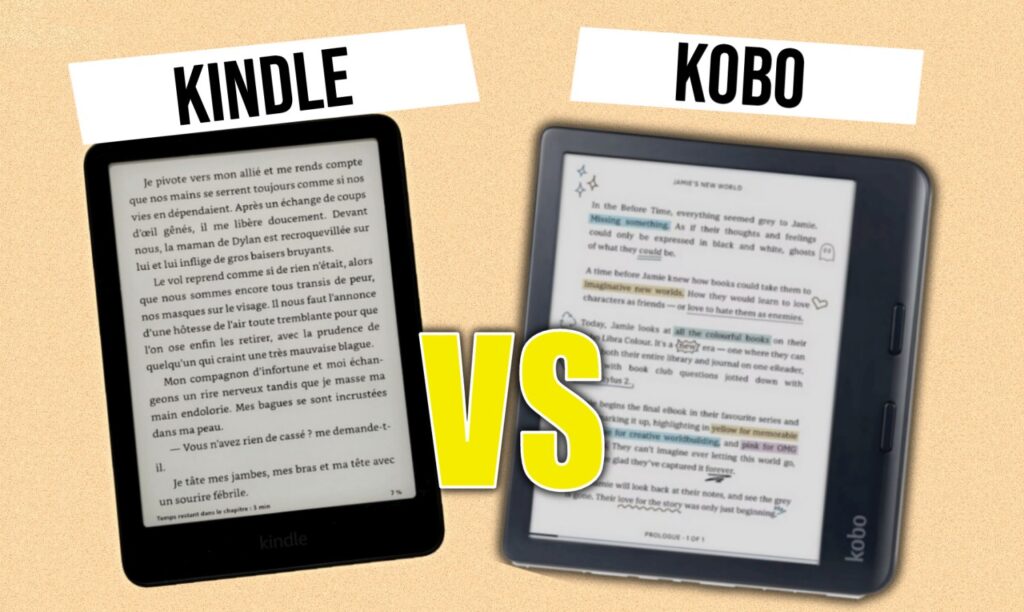
You’re probably wondering whether to buy a Kobo or a Kindle. In this article, you’ll see the pros and cons of each e-reader brand.
Kobo or Kindle: quick summary of pros and cons
Kindle vs Kobo — Comparison Table 2026
| Criteria | Kindle | Kobo |
|---|---|---|
| Display Technology | ||
| Screen type | E-ink | E-ink |
| Affordable colour model | ✗ | ✓ Kobo Clara Colour |
| Display speed | Very fast | Slightly slower |
| Price | ||
| Cheapest e-reader | ✓ Kindle | ✗ |
| Ads on lock screen | ✗ Yes (budget models) | ✓ None |
| Library & Content | ||
| Catalogue size | Very large | Large |
| Monthly subscription | Kindle Unlimited | Kobo+ |
| Amazon Prime integration | ✓ Prime Reading | ✗ |
| Native EPUB support | ✗ Requires Calibre | ✓ |
| Audiobooks | ✗ | ✓ |
| Ergonomics & Design | ||
| Physical navigation buttons | ✗ | ✓ (Libra Colour) |
| Build quality | Good | Good |
| Reading Tracking | ||
| Reading statistics | Basic | Advanced (badges, goals…) |
The origins of the Kobo and Kindle brands
Before diving into the devices themselves, let’s look at the history behind each brand. Understanding where a product comes from can genuinely help you make a better decision, and that’s especially true with e-readers.
History of Kindle e-readers

First, Kindle is a brand created by Amazon. The first Kindle e-reader launched in the US market nearly 20 years ago, back in 2007!
Since then, new Kindle versions have followed steadily, each one improving on the last. There are now 4 models in the lineup, ranging from about $110 to $290.
I’ve intentionally left out the Kindle Scribe, which I consider more of a work tool for note-taking than a true e-reader.
There’s a Kindle for every budget.
One key aspect of Kindle e-readers is how tightly they’re integrated with the Amazon ecosystem. Kindle was created to build a new digital reading offer alongside Amazon’s physical book store. As a result, Kindle e-readers only work with the Amazon store, though add-on services like Prime Reading and Kindle Unlimited are also available.
History of Kobo e-readers
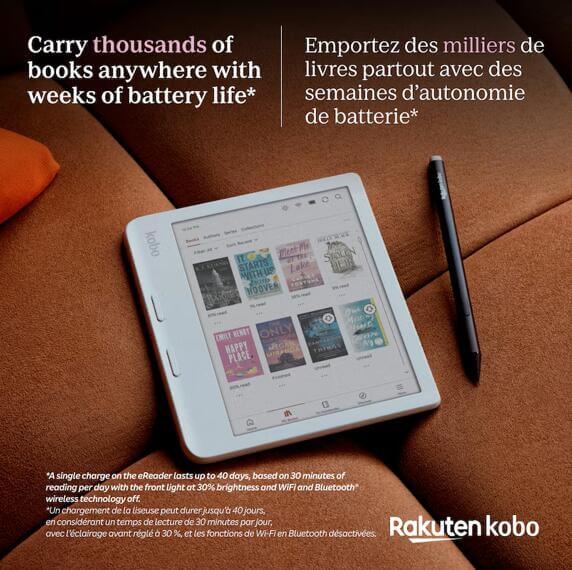
Kobo is a newer brand, having been active since 2009. It was founded in Canada and was later acquired by the Japanese group Rakuten in January 2012.
It’s also a very popular brand, with many models released and improvements made every year.
Kobo was created as an alternative to Kindle, aiming to compete head-to-head with comparable specs. But in recent years, Kobo has been innovating with features that set it apart from Kindle: waterproofing, larger screens, audiobook support, and more.
As you can see, the two brands’ histories are intertwined. Kobo is now part of a major e-commerce group (Rakuten, which also owns various online retail platforms), just like Kindle belongs to Amazon.
The Kindle lineup
Here is a comparison table of the Kindle e-readers available in 2026:
| Kindle (2024) | Kindle Paperwhite (2024) | Kindle Colorsoft (2024) | Kindle Scribe (2024) | |
|---|---|---|---|---|
| Size | 6 inches, touchscreen | 7 inches, touchscreen, lit | 7 inches, touchscreen, lit | 10.2 inches, touchscreen, lit |
| Resolution | 1448 x 1072 px | 1680 x 1264 px | 1680 x 1264 px (300ppi B&W, 150ppi color) | 1860 x 2480 px |
| Waterproof | No | Yes | Yes | No |
| Frontlight | Yes | Yes | Yes | Yes |
| Storage | 16 GB | 16 GB | 32 GB | 16-64 GB |
| Stylus | No | No | No | Yes |
| SD card | No | No | No | No |
| Supported formats | Kindle Format 8 (AZW3), Kindle (AZW), TXT, PDF, EPUB, MOBI (unprotected), PRC; HTML, DOC, DOCX, JPEG, GIF, PNG, BMP (converted) | Same as Kindle + EPUB (since late 2022) | Same as Kindle + EPUB (since late 2022) | Same as Kindle + EPUB (since late 2022) |
| Blue light filter | No | Yes | No | Yes |
| Notes | Available in black or blue, with touchscreen and frontlight. | The most refined screen; the latest in the lineup. | The most refined color screen; the latest color model. | Large-format device with stylus and blue light filter. For work and reading. |
| Comment | Affordable, great value for money. ⭐⭐⭐⭐⭐ | Excellent screen at a very attractive price for a 7-inch device. ⭐⭐⭐⭐⭐ | Beautiful screen on this 7-inch device but the price is a bit steep. ⭐⭐⭐ | The large screen is great for both reading and working, though the price may feel excessive. ⭐⭐⭐ |
| Price | $ | $$ | $$$ | $$$$ |
The Kobo lineup
Here is a comparison table of the Kobo e-readers available in 2026:
| Kobo Clara BW | Kobo Clara Colour | Kobo Libra Colour | Kobo Elipsa 2E | |
|---|---|---|---|---|
| Size | 6 inches, touchscreen, lit | 6 inches, touchscreen, lit | 7 inches, color, touchscreen, lit | 10.3 inches, touchscreen, lit |
| Resolution | 1448 x 1072 px | 1448 x 1072 px, 724 x 536 (color) | 1680 x 1264 px B&W, half that for color | 1872 x 1404 px |
| Waterproof | Yes | Yes | Yes | No |
| Color screen | No | Yes | Yes | No |
| Supported formats | EPUB, EPUB3, PDF, MOBI, JPEG, GIF, PNG, BMP, TIFF, TXT, HTML, RTF, CBZ, CBR | Same | Same | Same |
| Bluetooth (Kobo audiobooks) | Yes | Yes | Yes | Yes |
| Blue light filter | Yes | Yes | Yes | Yes |
| Notes | 16 GB storage, frontlight with blue light filter. | 16 GB storage, frontlight with blue light filter. | Kobo’s first color e-reader; very feature-complete. | Full notepad with cover and stylus – more than just an e-reader. |
| Comment | The best 6-inch e-reader right now, with the new Carta 1300 screen! ⭐⭐⭐⭐⭐ | The best 6-inch color e-reader right now, with the new Kaleido 3 screen! ⭐⭐⭐⭐ | Beautiful screen at a great price for a 7-inch color device with large storage. ⭐⭐⭐⭐ | Kobo’s flagship, with a very large screen for reading and working. ⭐⭐⭐⭐ |
| Price | $$$ | $$$ | $$$ |
What Kobo and Kindle have in common
Technical and screen differences between Kobo and Kindle
Let me be straightforward here: for the average person, the technical differences between the two are minimal.
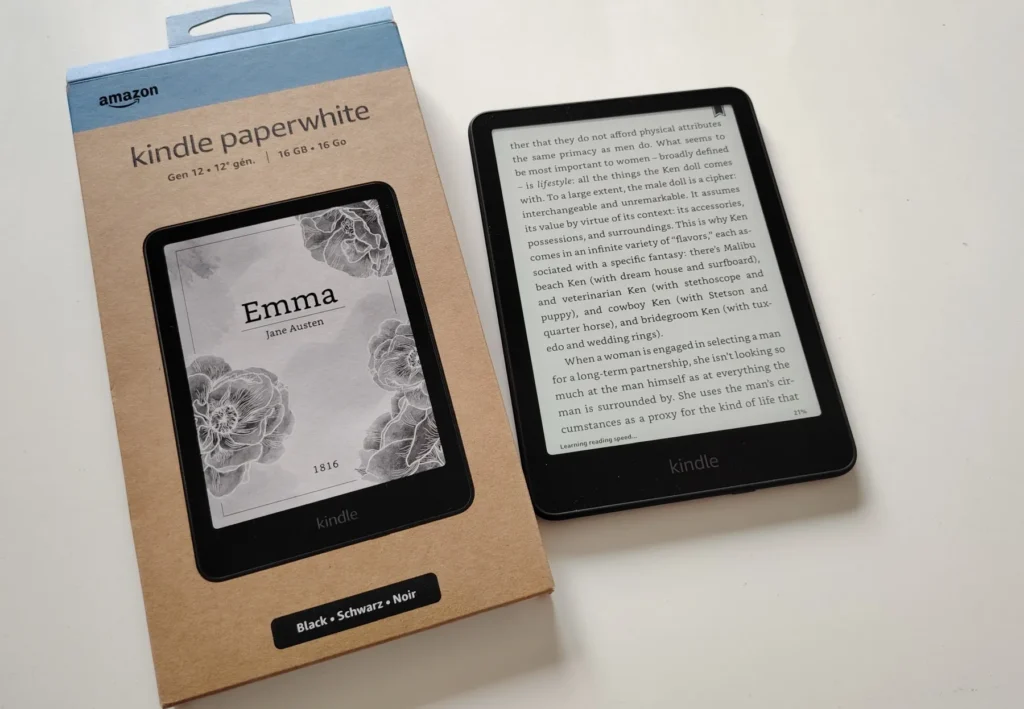
But the devil is in the details.
The E Ink displays used by both brands are manufactured by the same Asian company, E Ink Corporation. So the hardware is technically identical. Any display differences you might notice (and you’d need a trained eye) come from the software, which differs between brands.
Kindle and Kobo ebooks are not compatible with each other (EPUB and AZW)
First of all, both e-readers are locked to a specific online store that cannot be changed:
- Kindle is tied to Amazon’s ebook store
- Kobo is tied to Kobo’s ebook store (or Barnes & Noble, if you buy through a retail partnership)
In both cases, the files you purchase and download are protected by DRM (Digital Rights Management).
This digital lock prevents you from copying your ebook to someone else’s device.
Kindle e-readers use the AZW format (with Amazon DRM), while Kobo e-readers use the KEPUB format (with Adobe DRM).
In practice, this is rarely an issue. Even if you switch from Kobo to Kindle (or vice versa), both brands offer apps that let you read your books on a smartphone, tablet, PC, or Mac. So you can always revisit a book you bought on either platform.
More advanced users can remove DRM protections, but the process is technically tricky and doesn’t always work.
Natively, Kobo e-readers have one advantage: they read EPUB files, which is widely used by independent bookstores and freely available online. You can load an EPUB file directly onto a Kobo without any conversion.
With Kindle, it’s a bit more involved: you can email the EPUB to your Kindle’s dedicated address, which is actually fairly simple. Or you can use Calibre, a book conversion tool, to convert EPUB to AZW. This is well within reach for anyone comfortable using a computer.
After conversion, an EPUB becomes a MOBI or AZW file and is read perfectly by a Kindle.
If you have Amazon services like Prime or a Kindle Unlimited subscription (which gives you unlimited reading for under $10/month), a Kindle is basically required to get the full benefit. With Prime, you can also borrow one free ebook per month.
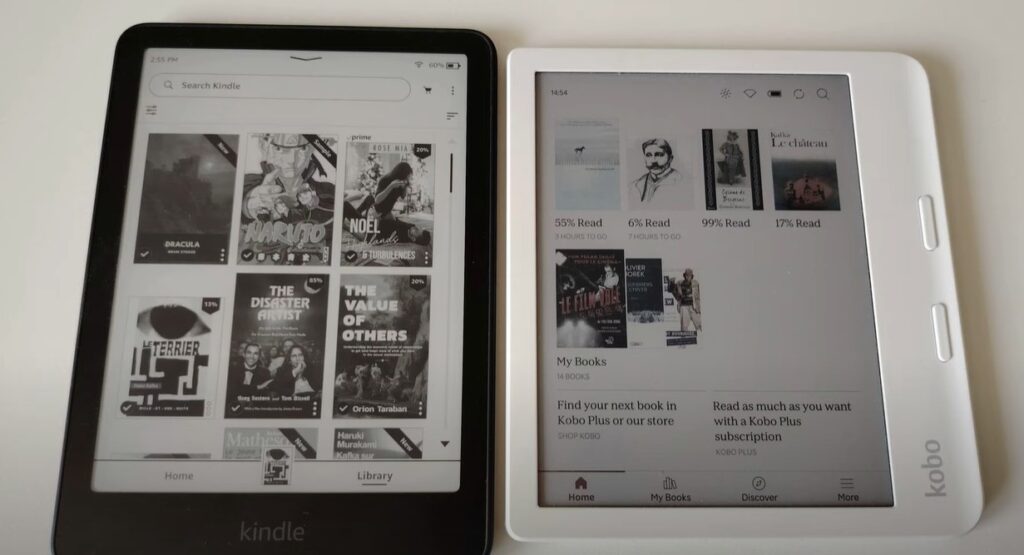
As for screens and display technology, both brands use the same E Ink hardware. There’s no quality difference at the hardware level. However, the software and fonts each brand uses can create visible differences in how text is rendered.
Reliability and durability of Kindle and Kobo
Based on my 15+ years of experience and having owned dozens of e-readers, both Kindle and Kobo are very reliable brands.
They make solid devices that last. You can easily keep a Kindle or Kobo for 5 to 7 years without issues, except perhaps for a battery that gradually holds less charge over time (as with any electronic device).
That said, all e-readers are vulnerable to physical damage:
- Dropping from a table
- The screen getting crushed in a backpack or bag
That’s why I recommend using a protective case if you want your device to last.
Ergonomics and handling
Both brands offer well-designed, high-quality devices that are comfortable to use.
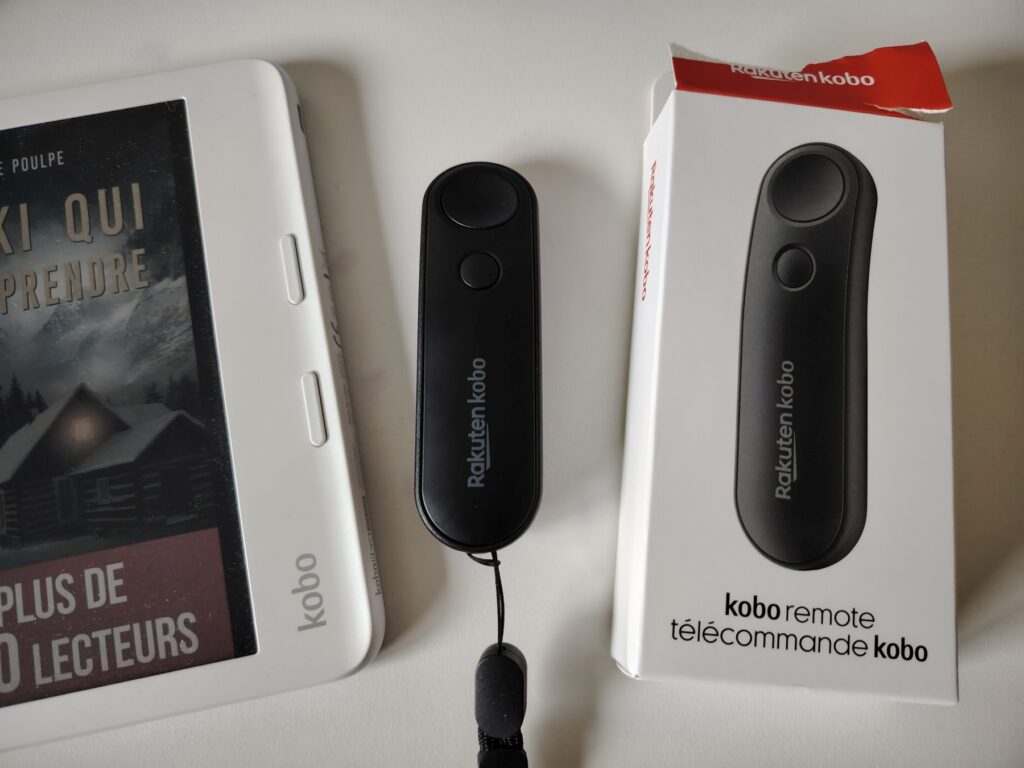
That said, the Kobo Libra Colour stands out from all other e-readers thanks to its design and physical page-turn buttons.
Advantages of Kindle e-readers
The Kindle brand has a few advantages over Kobo:
- The entry-level Kindle is the most affordable, at around $110
- The Kindle store has a larger catalog, including many indie authors who publish exclusively on Kindle, plus a wide selection of foreign-language books
- Kindle e-readers have the fastest display refresh rate on the market (Kobo is close behind)
- If you have a Prime subscription, you get access to Prime Reading, which gives you free access to a rotating selection of bestsellers
Buy a Kindle e-reader
Kindle on Amazon.com (click here)
Advantages of Kobo e-readers
The Kobo brand has a few advantages over Kindle:
- Several Kobo models let you listen to audiobooks via Bluetooth headphones or speaker
- The Kobo Clara Colour is the most affordable color e-ink e-reader on the market (and the Kobo Libra Colour is the cheapest 7-inch color option)
- Kobo has the most detailed reading stats, including a badge system that rewards long reading sessions
Buy a Kobo e-reader
Kobo on Amazon.com (click here)
Kobo official website (click here)
Disadvantages of Kindle e-readers
There are also some downsides to Kindle:
- The cheapest models display ads on the sleep screen (though I personally don’t find it that bothersome)
- Poor native EPUB support: you’ll need to use a conversion tool like Calibre or the “Send to Kindle” service to read EPUB files
Disadvantages of Kobo e-readers
There are also some downsides to Kobo:
- No budget model under $120
- The interface is slightly slower than Kindle’s
Kobo or Kindle in 2026: the book catalog
A legitimate question: which store has more books, Kobo or Kindle?
Publishers release their ebooks on both platforms simultaneously.
So you’ll find the same books (and therefore the same selection) on Kindle and Kobo.
There is one exception: if you read a lot of self-published books (without a publisher), especially in Spanish, you’ll find more choices on Kindle.
But honestly, that’s a minor point. For the vast majority of readers, the selection is essentially the same.
One more important thing: if you’re a fan of audiobooks, Kobo’s Libra Colour and Clara Colour let you listen via Bluetooth, making them truly versatile devices.
Kobo or Kindle: which is the better brand in 2026? (conclusion)
The conclusion is clear: there is no clear overall winner.
Each brand has its strengths and weaknesses.
To help you decide, here are some simple recommendations:
- For audiobooks: Kobo
- For ergonomics: Kobo
- For the best price/cheapest device: Kindle
- If you already have a Prime subscription: Kindle (for Prime Reading at no extra cost)
- For a color e-reader: Kobo
- For an affordable 7-inch device: Kindle Paperwhite
- If you already have a large EPUB library: Kobo
Kindle vs Kobo — Comparison Table 2026
| Criteria | Kindle | Kobo |
|---|---|---|
| Display Technology | ||
| Screen type | E-ink | E-ink |
| Affordable colour model | ✗ | ✓ Kobo Clara Colour |
| Display speed | Very fast | Slightly slower |
| Price | ||
| Cheapest e-reader | ✓ Kindle | ✗ |
| Ads on lock screen | ✗ Yes (budget models) | ✓ None |
| Library & Content | ||
| Catalogue size | Very large | Large |
| Monthly subscription | Kindle Unlimited | Kobo+ |
| Amazon Prime integration | ✓ Prime Reading | ✗ |
| Native EPUB support | ✗ Requires Calibre | ✓ |
| Audiobooks | ✗ | ✓ |
| Ergonomics & Design | ||
| Physical navigation buttons | ✗ | ✓ (Libra Colour) |
| Build quality | Good | Good |
| Reading Tracking | ||
| Reading statistics | Basic | Advanced (badges, goals…) |
Note: Article first published in 2018 and regularly updated. Last update: April 2026.