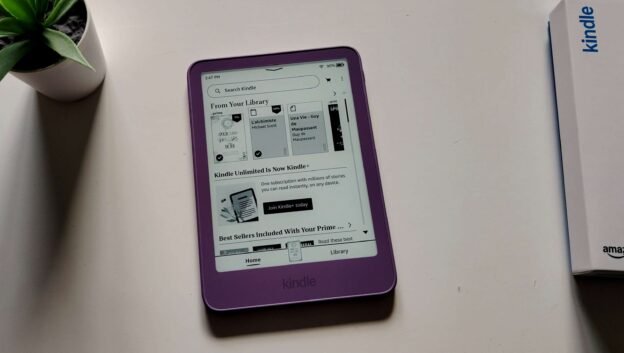
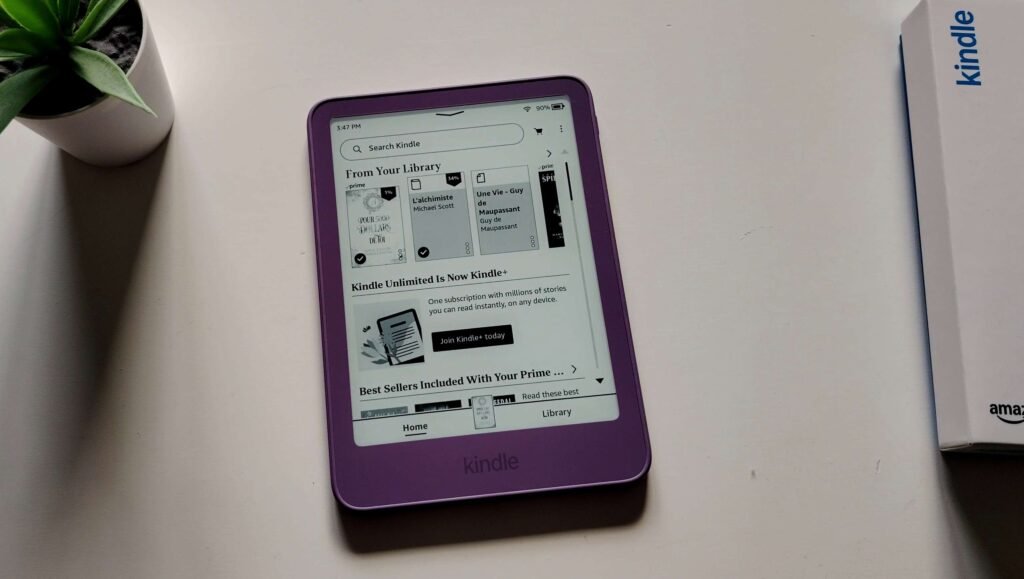
Two years after the previous model, Amazon is offering a new version of its least expensive Kindle e-reader with a new design that improves some points and… other things that are not as good! Here is the complete review of the Kindle e-reader released in 2026.
Note: I bought this e-reader, with my own money, to give you a proper review.
Video review of the new 2026 Kindle
Buy a Kindle e-reader
Kindle on Amazon.com (click here)
Packaging and technical specifications of the Kindle e-reader
This is the part that will be the most interesting for regular Kindle users. Amazon chose to change a lot of things with this new 2026 model.
It starts with a more compact but very good quality packaging that is barely bigger than the e-reader. And this e-reader is now more compact and lighter, which we will see later.
I really like the box, which also shows the color of the e-reader. However, as soon as you open it, it is a bit of a letdown…
At the time of writing, I paid $149.99 for the e-reader (with ads displayed) and for this price, you will not get a USB cable in the box!
In principle, this is probably not a problem since we probably already have at home one of the cables with a USB-C connector that can charge the e-reader. And it also avoids waste, so it is good for the environment.
But at this price, I find it really disappointing when you know that e-readers that cost much less come with this kind of cable in the box.
While investigating this cable issue, I think it is mainly related to a European law that requires the harmonization of charging systems for devices. In other words, it is strongly recommended to no longer provide a charger with devices. The goal is to have a single separate charger for all your gadgets.
The good news is that it is now possible to open the case of this Kindle e-reader to remove and replace its battery. It would therefore be possible to greatly improve the lifespan of the e-reader with this system.
I will test opening the Kindle e-reader later, in another article, to explain how to replace the battery of this e-reader.
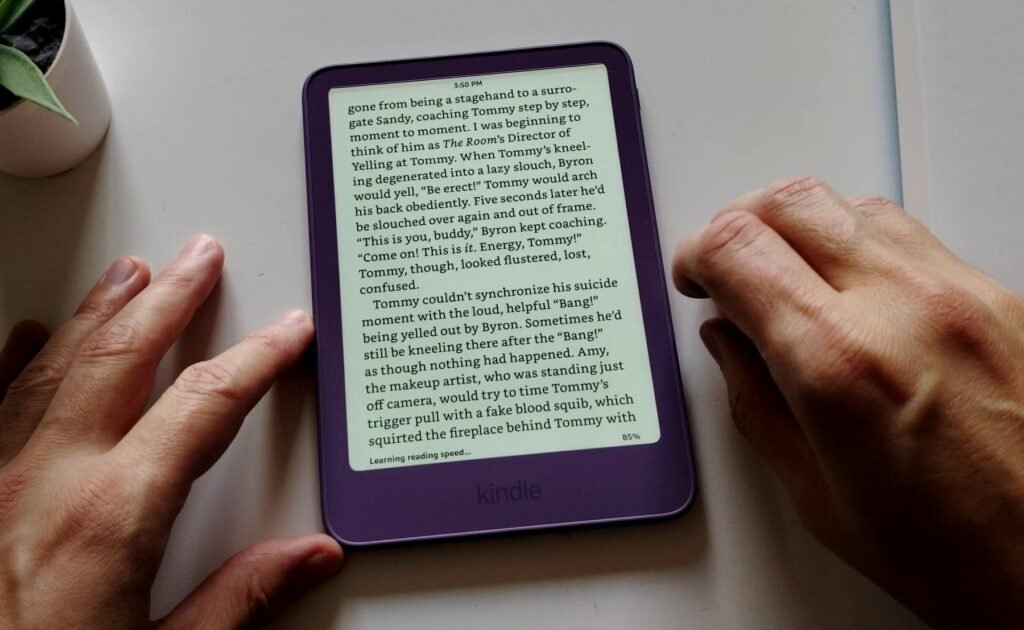
The Kindle is an e-reader with a 6-inch black and white, high-definition e-ink screen. The e-reader has a touchscreen and a front light, but no color temperature adjustment (what I sometimes call a “blue light filter”). On this point, there has been no change since 2022.
The e-reader is therefore more compact and available in different colors. The case is made of plastic in the version I chose, but some colors are only available with a more expensive aluminum case.
Amazon has fixed one of the most annoying points of its e-readers: the on/off switch is now much easier to reach, on the right edge of the Kindle.
The e-reader is also very light, probably the lightest e-reader along with the Pocketbook One / One-O.
After unboxing the Kindle, you can turn it on by pressing the button and the device starts up and initializes.
You need an Amazon account and must sign in to it to use this e-reader. But if you bought it from Amazon, you logically already have a user account.
Note that if you have a Prime membership, you have access to a library that contains many books to download and read on this e-reader.
Here are the technical specifications of this Kindle e-reader:
- E Ink screen, 300 ppi
- 16 GB of storage
- Front light with dark / night mode (white text on a black background)
- Ebook formats: Kindle Format 8 (AZW3), Kindle (AZW), TXT, PDF, EPUB (not native), unprotected MOBI, native PRC; HTML, DOC, DOCX, JPEG, GIF, PNG, BMP converted
- USB-C (fast charging with an adapter in 2 hours for about 6 weeks of battery life)
- Wi-Fi
- Dimensions: 6.01 × 4.25 × 0.27 inches
- Weight: 5.3 oz
Kindle: yes, the screen is good but…
The e-ink screen has been the same for years, but it is clearly an excellent screen that displays characters very precisely and with very good contrast.
For anyone who wants to enjoy Kindle ebooks with a nice display and a compact case, it is an excellent device.
The screen is a touchscreen and responds well, which is very important since there are no buttons under the screen or on the sides of the Kindle. You will therefore have to navigate the menus by tapping the screen.
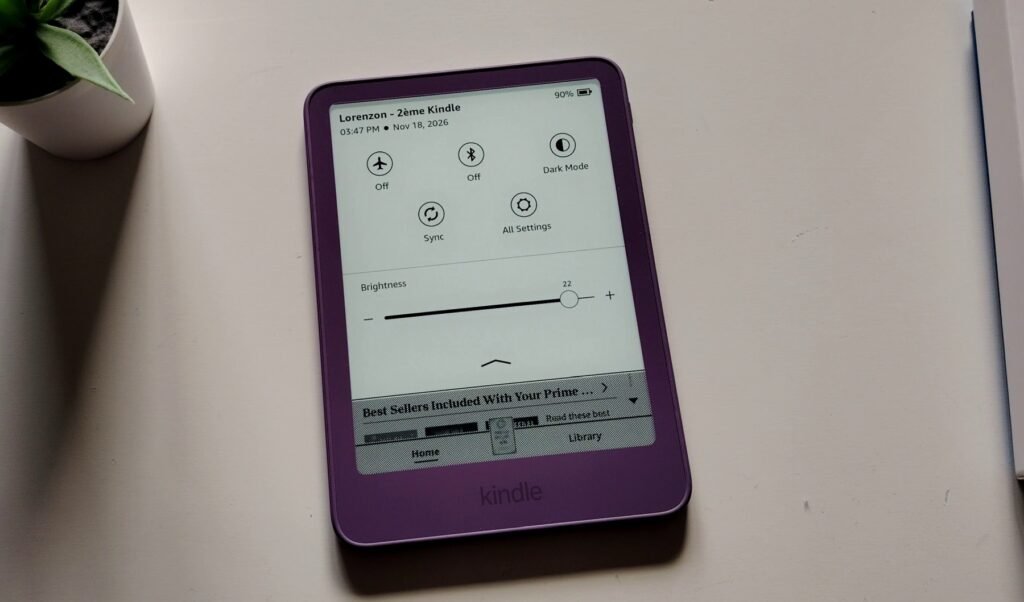
The real problem comes from the front light. While it works very well and is very even, it lacks color temperature adjustment.
This feature, available on the Kindle Paperwhite, Colorsoft, or from Pocketbook and Kobo, allows you to tint the light with a yellow and orange color. This makes your eyes less tired and can act as a blue light filter.
It is now a feature available on all other e-readers priced above $100, and it is really a major flaw of this Kindle e-reader!
To work around the problem, a dark mode is available on the e-reader and it displays white text on a black screen. And to avoid the harmful effects of blue light, you just need to set the light to the minimum. But it is still a disappointment for me, especially for an e-reader that costs almost $150!
Reading ebooks on the Kindle e-reader
Unsurprisingly, the screen displays characters very well and the Kindle is really very fast.
Amazon had communicated on this point and you can really feel it. It is now the fastest e-reader on the market, which is a very good point.
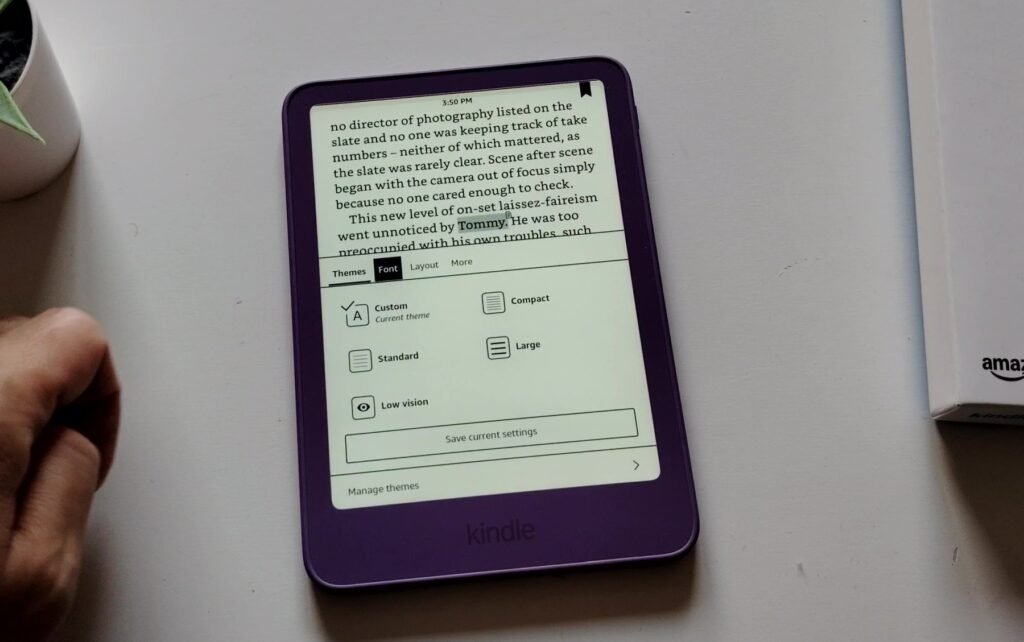
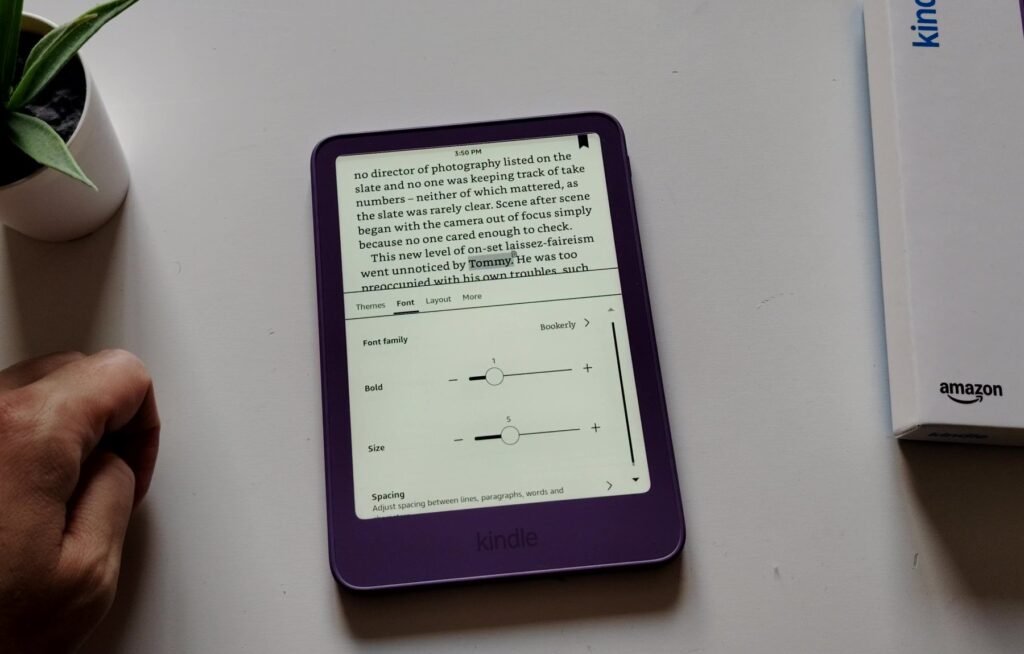
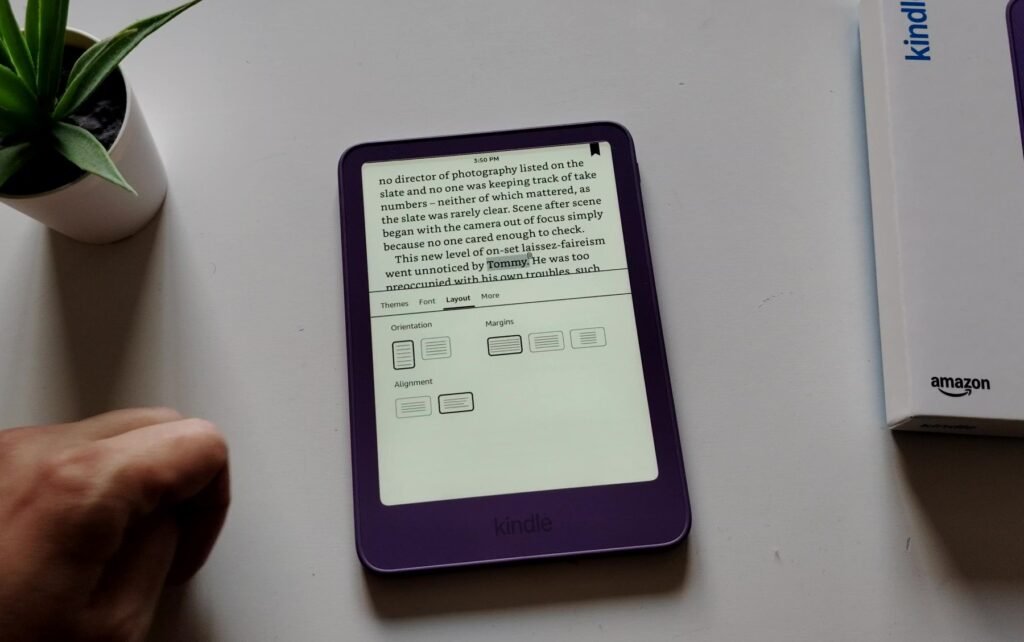
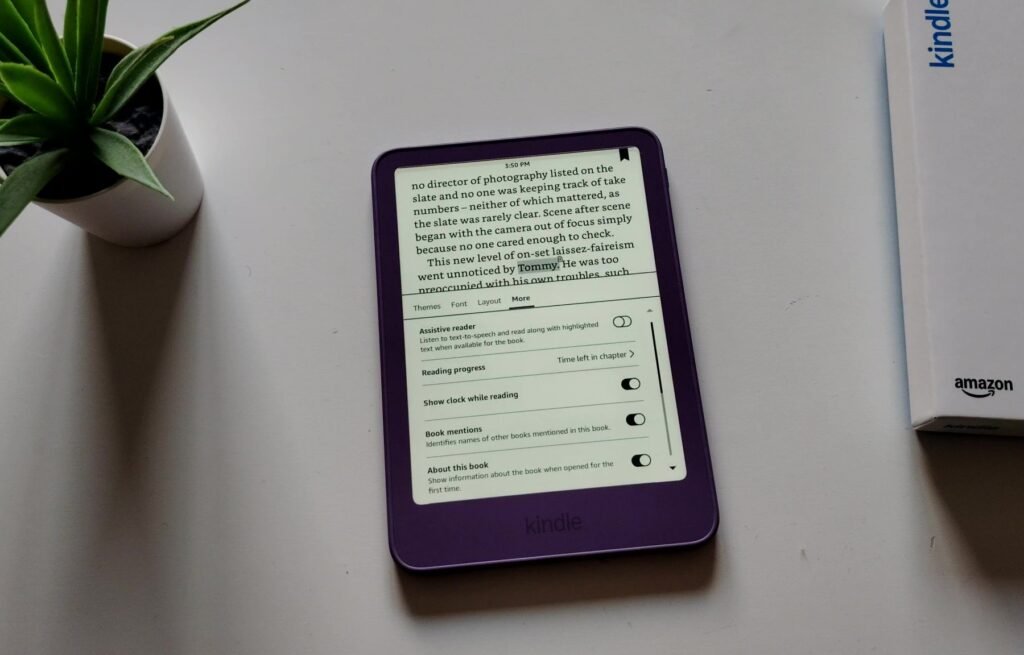
All the text customization options are available:
- Choice of font,
- Line spacing,
- Margin size,
- Font size,
- Etc.
There is the dark mode, which is very useful for reading at night: it displays a black screen and white characters.
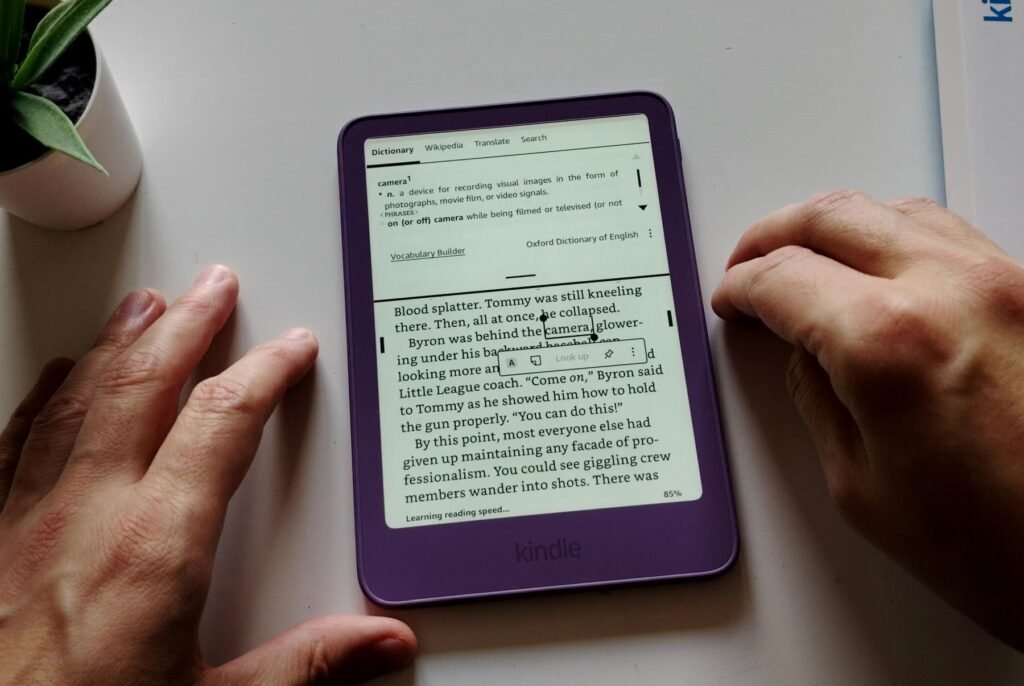
In addition, you have everything you need to better understand texts:
- Dictionary to get word definitions,
- Access to Wikipedia: you highlight a word and search for it on Wikipedia (requires an Internet connection with Wi-Fi),
- Translation of a word (also requires a Wi-Fi connection),
- You can also add bookmarks, highlight passages of text and add notes.
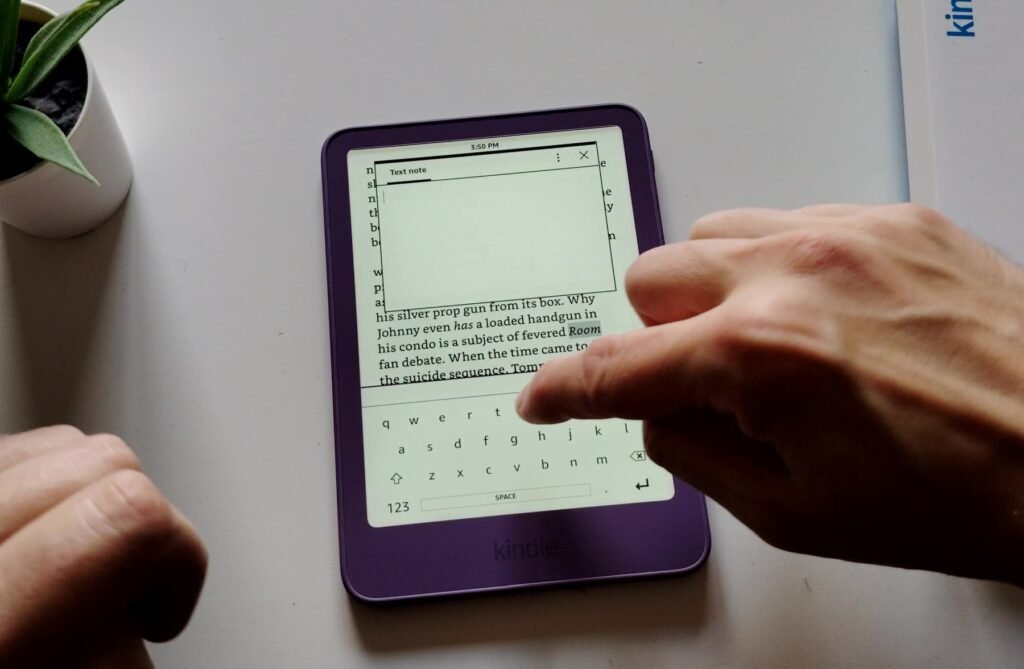
As always with Kindle, you can display statistics at the bottom of the page such as the reading time left in the chapter or in the book, which I find very convenient.
Reading is therefore flawless and the e-reader is of course compatible with Kindle Unlimited and Prime Reading.
How to put ebooks on this Kindle e-reader?
This e-reader was released in fall 2026 and the usual methods for adding books to this Kindle remain the same as the previous version.
First, you have a bookstore accessible directly from the e-reader with the Wi-Fi connection. There you can search the Kindle catalog to buy and download books. Some are free, some are available with Kindle Unlimited and others are accessible with Prime Reading.
The experience is intuitive and simple and for each book you are told whether you need to pay or not. You will find everything, in many languages, since the Kindle catalog is one of the largest in the world.
If you have an Amazon Prime membership, you already have access to thousands of books with the Prime Reading program.
Now, if you already have a collection of ebooks in EPUB format, you will need to use a tool to transfer them to your e-reader.
The first one is provided by Amazon and is called “Send to Kindle“, and it is on the website: https://link.amazon/A0h3rJWS9
You drop the books there and they arrive on your e-reader easily (your e-reader must be connected to Wi-Fi).
Another possible solution is to use software to manage your digital library such as Calibre to send your ebooks to the e-reader. I was able to test it and it works well with the latest version of Calibre. However, this system does not display covers, which is really its only flaw.
Interface, Wi-Fi, USB, Kindle Store
The reading experience is therefore very good, and this is mainly thanks to the high-definition e-ink screen, which displays good contrast and even lighting.
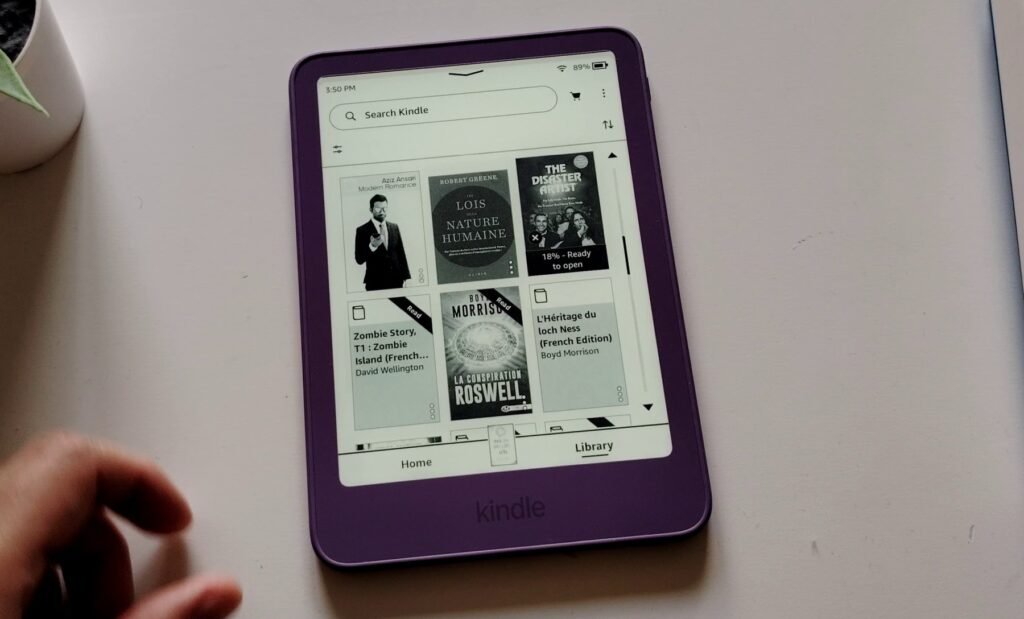
The software is also one of the easiest to use and you will be guided through the menus the first time you use it. Amazon’s philosophy for its e-readers is to offer nothing unnecessary and you can feel it: everything goes straight to the essentials.
The main screen is divided into two parts.
The first is a kind of home screen that mixes the books you are currently reading with a list of many recommendations (maybe still a bit too many for my taste).
The second part is your library, which allows you to quickly find your way among the different books you have bought, loaded or downloaded on the Kindle.
Note that the model I bought displays ads in order to reduce the purchase price. These ads are displayed on the lock screen and on the home screen and do not bother me that much, but if it is a deal-breaker, you will have to pay about $20 more to remove these ads…
You can also access many settings to adjust your e-reader as you like:
- Manage your account
- Wi-Fi
- Device options: updates, date, time, languages, dictionaries, storage, protecting the e-reader with a PIN code, sleep mode, power saving, reset and restart
- Display and brightness
The options are not the most complete I have seen (look at Pocketbook or Boox e-readers for that), but they have the merit of going straight to the essentials.
As with all e-readers, you will need to connect to a Wi-Fi network to access the bookstore and download books to your Kindle. An Amazon account is therefore required.
The e-reader charges with a USB-C cable and the battery life is average since I was able to read for one week while using 30% of the battery (Wi-Fi off and light at the minimum).
Reading PDFs, manga, comics and magazines
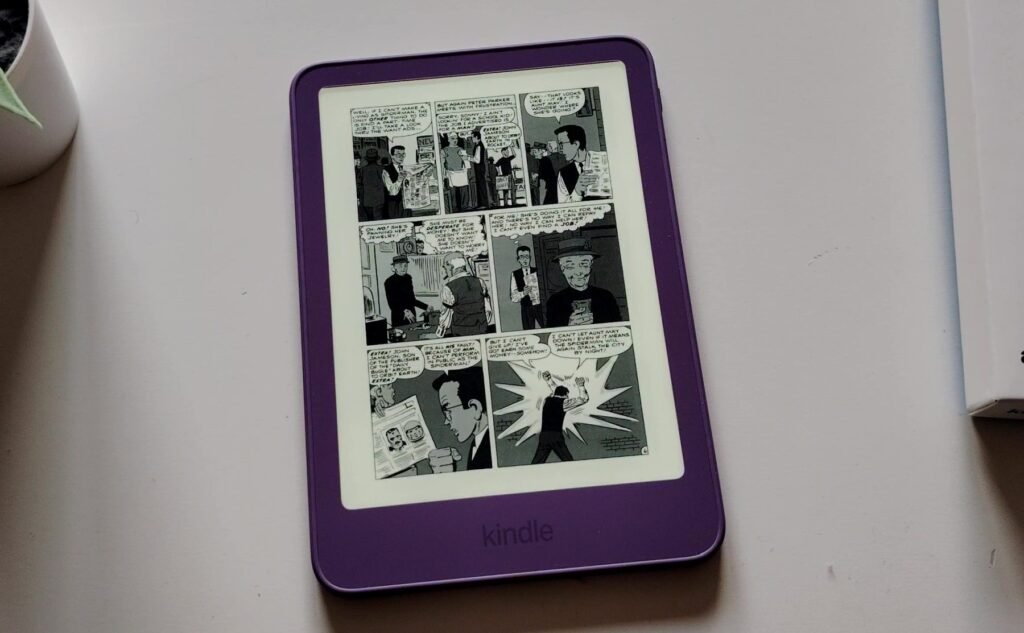
This Kindle offers a nice 6-inch black and white high-definition screen. And yet, it is quite difficult to enjoy formats other than novels and other nonfiction.
While it is still acceptable to read manga on this Kindle, for the rest its screen size is too small to fully enjoy magazines, comics and PDF documents. If you add to this that the screen does not display any color, some documents are difficult to read.
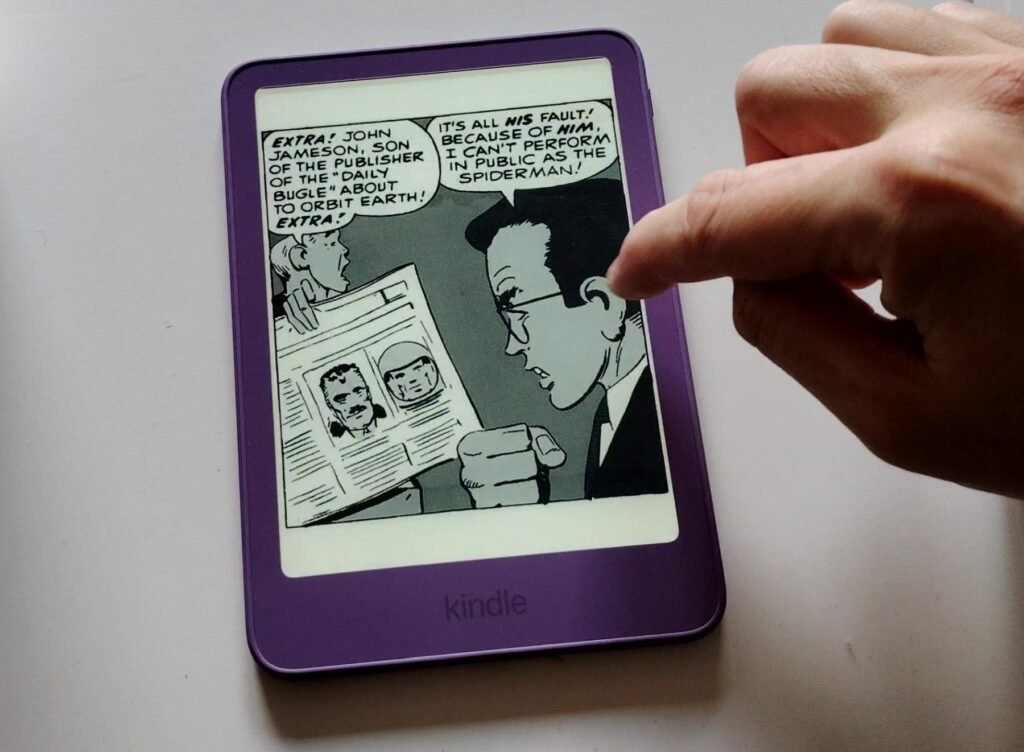
So, this is an e-reader that is mainly intended for reading text. And, why not, a few volumes of manga from time to time.
But if you are looking for an e-reader mainly dedicated to reading manga, you will need to choose a model with a screen size of at least 7 inches and possibly 7.8 or 8 inches for more comfort.
New Kindle e-reader review: a good e-reader but…
It is clear that this new Kindle e-reader is a good e-reader. First, because it displays text very well and it is really fast.
I would add that I really like the new design and the colored case seems to be unanimously appreciated around me (personally, I like it). It is also more compact and lighter.
But, given its price, the lack of a blue light filter on the front light becomes quite incomprehensible and frustrating. Its price is therefore no longer an advantage at all for this e-reader, since Pocketbook now does better for less!
This e-reader is still interesting for people who already have Amazon ebooks or who have an Amazon Prime membership, since they have access, without spending any extra money, to a nice selection of ebooks to read on their e-reader.
So there are good and less good things about this model. I give it a rating of 4/5 for its new design.
Buy a Kindle e-reader
Kindle on Amazon.com (click here)
Pros:
- Nice black and white HD e-ink screen
- Amazon ecosystem (Prime Reading)
- Compact, colorful and light design
Cons:
- Price too high
- No blue light filter on the front light