News

Ereader news from all over the world!

  • How to install CrossPoint on an Xteink e-reader (X3 / X4)?

    crosspoint for xteink ereaders

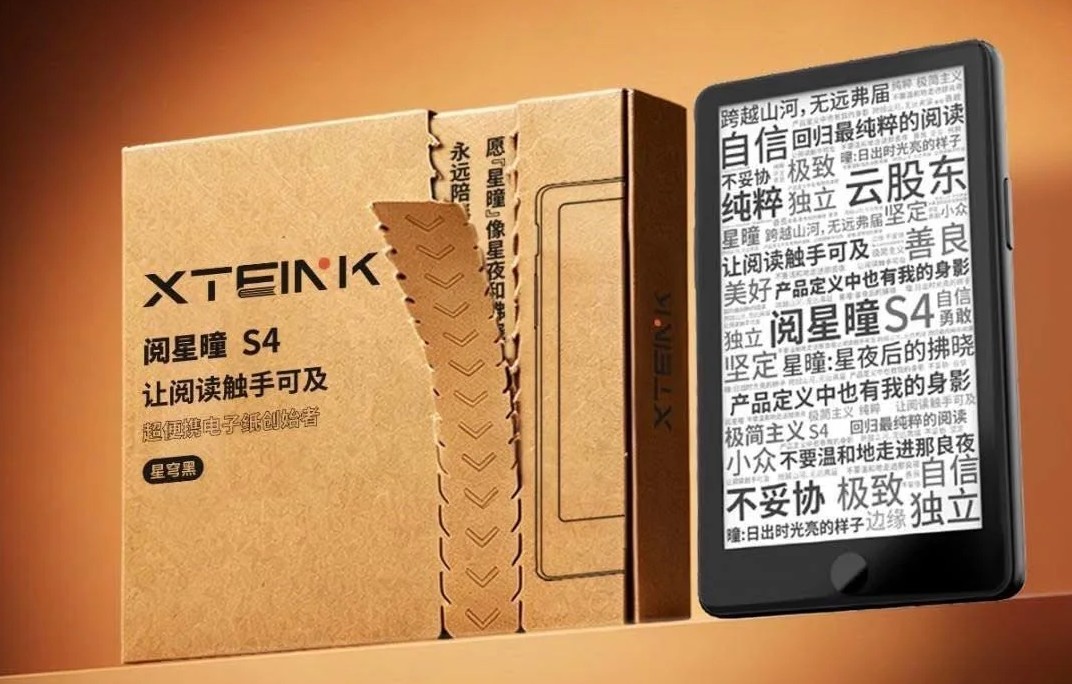
    TL;DR: CrossPoint is a free, open-source firmware that replaces the limited stock software on Xteink X3 and X4 e-readers. You install it from a computer over USB-C, straight from your browser (use Chrome or Edge). If you bought your device on AliExpress, it may be USB-locked, so you’ll need to unlock it first with the Xteink Unlocker tool; if you bought it from the official xteink.com site, you can flash CrossPoint right away. When it’s done, the e-reader restarts on CrossPoint, and you can always go back to the original system later.

    (more…)
  • How to translate ebooks fast?

    ebook translator tutorial

    Do you have a book in a foreign language that you’d like to read in English, but you’re not fluent in that language? No problem! Here’s an efficient way to translate your book in no time.

    (more…)
  • Christmas e-reader buying guide 2026

    best e-readers for christmass

    Christmas is just around the corner, and Christmas means presents. And what could be nicer than a good e-reader for a lover of literature and reading?

    The aim of this article is to help you find the best ereader to order from Santa!

    Simple, low-cost e-readers

    Kindle

    kindle e-reader

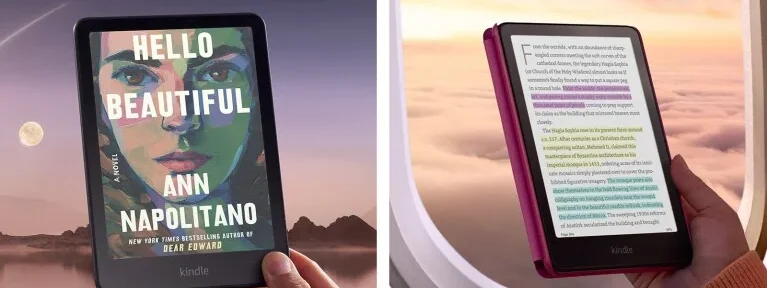
    The low-priced Kindle is the simplest and cheapest available.

    With its well-considered price, touch screen and lighting, it should suit most people without costing you too much money.

    The e-reader is also compatible with the “Prime Reading” bookshop, which offers thousands of free ebooks for reading as long as you have an Amazon Prime subscription.

    Pocketbook Verse

    pocketbook verse e-reader

    This Pocketbook Verse e-reader (review) is new for 2023 and features blue-light filtering.

    Although the screen is a little thinner than that of the Kindle (presented earlier), this e-reader boasts excellent technical specifications.

    It has everything you need for an easy start to digital reading with the Pocketbook Verse.

    Full-featured e-readers (top-of-the-range)

    Kobo Libra Colour

    kobo libra colour

    The Kobo Libra Colour is the king of Kobo e-readers for the end of 2024. It features a 7-inch color touchscreen with the latest generation display, offering excellent contrast and high resolution.

    In addition to the illuminated screen, this e-reader is waterproof and even allows for listening to Kobo audiobooks! A blue light filter is also included to help reduce eye strain when reading in the dark.

    Its ease of use and complete integration with the Kobo ecosystem make it very user-friendly. While it is priced a bit higher than other e-readers, I believe this is completely justified.

    One of the best e-reader on the market with a good color electronic screen (e-paper).

    See more info on the Kobo Libra Colour.

    Pocketbook Verse Pro Color

    Pocketbook Verse Pro Color

    The Pocketbook Verse Pro Color Color 6-inch e-reader is one of the most complete options, featuring a stunning next-generation color e-ink display. It supports audiobooks in all formats (Vivlio as well as MP3), has waterproof capabilities, and boasts excellent battery life.

    This is one of the latest innovations for fall 2024, and it offers the best 6-inch color screen available on the market.

    See the Pocketbook Verse Pro Color review.

    Pocketbook InkPad 4

    pocketbook inkpad 4 ereader

    Last but not least, it’s almost unthinkable not to feature an ereader with a large 7.8″ screen in this guide.

    Admittedly, this Pocketbook InkPad 4 (review) is a little expensive, but its price is totally justified if you’re looking for a very comfortable screen for reading at home.

    As an added bonus, you’ll get a convincing text-to-speech function that lets you listen to ebooks!

    How were these e-readers selected?

    I identified these e-readers according to several criteria:

    • build quality
    • reviews on certain models
    • brand reputation
    • after-sales service and customer service
    • ease of use
    • accessories available
    • value for money

    Of course, you have the right to disagree with this selection. I invite you to contact me if you do.

    Why give a e-reader for Christmas 2026?

    This year, there are many new e-readers to choose from, like the Kobo Libra Colour, Kobo Clara Colour, new Kindle, Pocketbook InkPad 4, and Pocketbook Verse!

    Some e-readers, like the Kobo Libra Colour, have larger screens, making them even more enjoyable to use. For example, the new Kindle Paperwhite has a big touch screen with a light, and costs under $160.

    E-readers are perfect for book lovers and travelers because they are lightweight and easy to carry. Most e-readers weigh only 180 to 250 grams, so you can easily fit one in a small bag.

    Plus, eBooks are usually cheaper than physical books. You can download them directly to the e-reader in just a couple of minutes, without needing to go to a store.

    If you already read on a tablet, switching to an e-reader can be more comfortable. They use special screens with electronic ink that make reading easier on the eyes, so you can read longer without getting tired.

  • How to Browse the Web with Your E-Reader? (TUTORIAL)

    Kobo web browser

    Today, most e-readers with e-ink screens come with a software that allows you to browse the web. In this article, we will explain how to do so.

    (more…)
  • The F-Droid apps to use on your Android e-reader

    f-droid best apps for ereader

    If you own an e-ink device from Boox or Bigme, you can install new apps on it. Of course, you can use Google’s service, the Play Store, to access the usual favorites. But here’s an alternative based on F-Droid, another Android app store.

    (more…)
  • How to split an EPUB file?

    Maybe you downloaded a giant fantasy saga or a comprehensive textbook. While these tomes offer hours of reading material, navigating them on your e-reader can be cumbersome. In this tutorial, we will see how to split an EPUB file into multiple chunks.

    (more…)
  • Share your library online with Calibre

    To continue our series of articles on the Calibre software, we’re going to see how to share your Calibre library online and put your digital books on a local network (or even the wider internet).

    (more…)
  • Which e-reader to choose in 2026 for the summer vacation?

    pocketbook era lite e-reader

    With summer approaching, it’s time to think about relaxing. And what’s better than reading a good book while soaking up the sun? In that case, an e-reader is worth considering. Let’s look at why.

    (more…)
  • The 15 best Calibre plugins in 2026

    best calibre plugins

    Calibre is a great program that lets you manage your digital library, convert files into different formats and send ebooks to your e-reader. But you can also add functionality to Calibre with plugins.

    (more…)
  • How to merge multiple ebooks into one single file?

    Ever downloaded multiple ebooks of the same story, but wished you had them all in one file? Or maybe you have short stories you’d love to combine into a neat anthology.

    (more…)