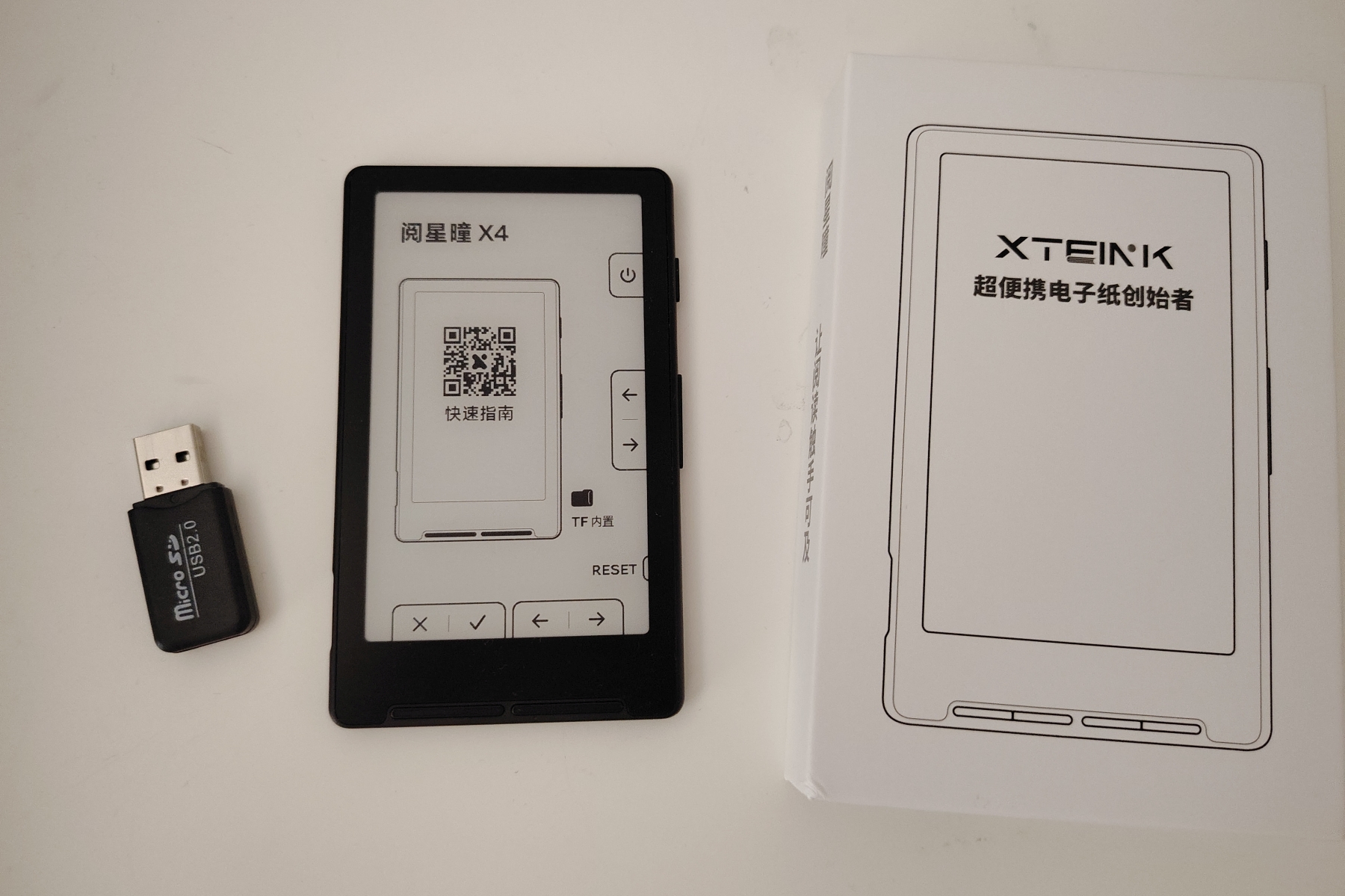
The XTEINK X4 has been all over internet forums in 2026, so it was only natural that I gave in and picked one up to report back. So how good is the most talked-about 4-inch e-reader of the moment? Well, it’s complicated, and this full review will explain why.
First things first: I ordered the cheapest version of this e-reader on AliExpress and had to wait about two weeks for delivery. The machine costs roughly $60, shipping included.
I went for the 4-inch version, but a 3-inch model exists as well. A 4-inch version with a front light is in the works.
TL;DR
The XTEINK X4 is a 4-inch e-ink reader that costs about $60 shipped from AliExpress, and the internet cannot stop recommending it. Out of the box, though, it is a frustrating little machine: the software boots up entirely in Chinese, there is no way to copy books over USB (you have to pull the micro-SD card out and use the bundled adapter), and the text customization options are almost nonexistent. The good news is that the screen is genuinely nice, page turns are lightning fast, and the hardware feels well built. The reason forums love it is that most owners replace the stock firmware with a community project called Crosspoint, which unlocks far more features. As it ships, I cannot recommend it; spend $100 to $120 instead and get a proper entry-level e-reader that just works. A follow-up review with the modified software is coming soon. See on Amazon.com : https://amzn.to/4pqqJpW
Presentation and packaging of the XTEINK X4
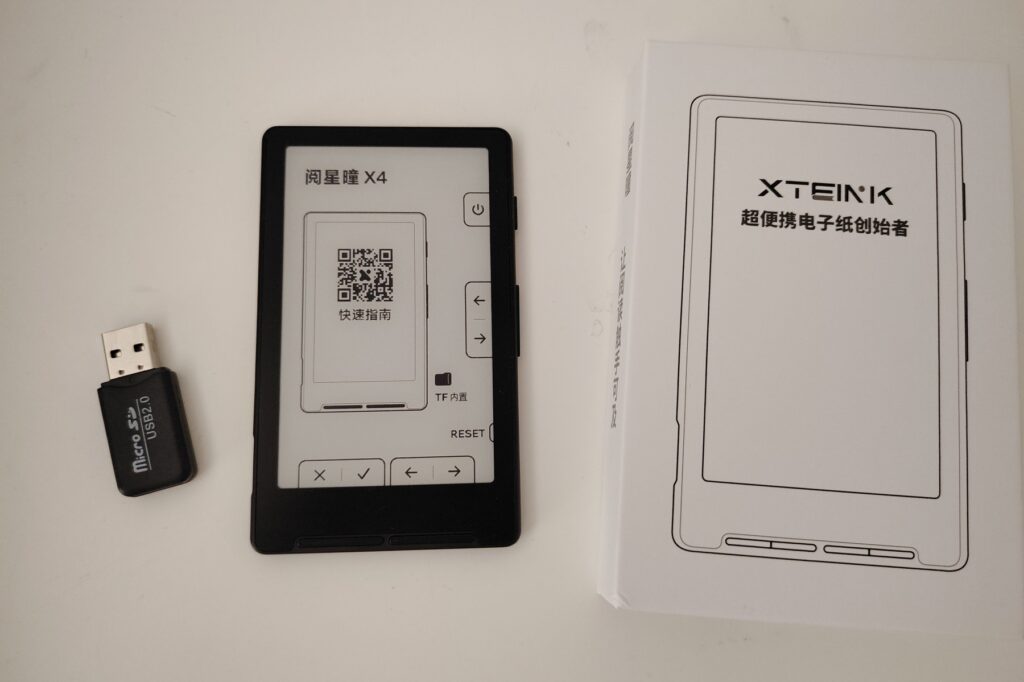
The XTEINK X4 arrives in a small cardboard box containing the e-reader and a short quick-start manual.
More surprising, a tiny extra box comes along with it. Inside is a micro-SD to USB adapter. Not a great sign, because it means you are going to need it, as we’ll see later.
Overall the e-reader is well protected, and the device itself feels solid and nicely built.
The design is fairly unique and extremely compact. Alongside the 4-inch black and white e-ink screen, there are four buttons underneath (two groups of two). Those buttons are used to move around the menus, since the screen is not a touchscreen.
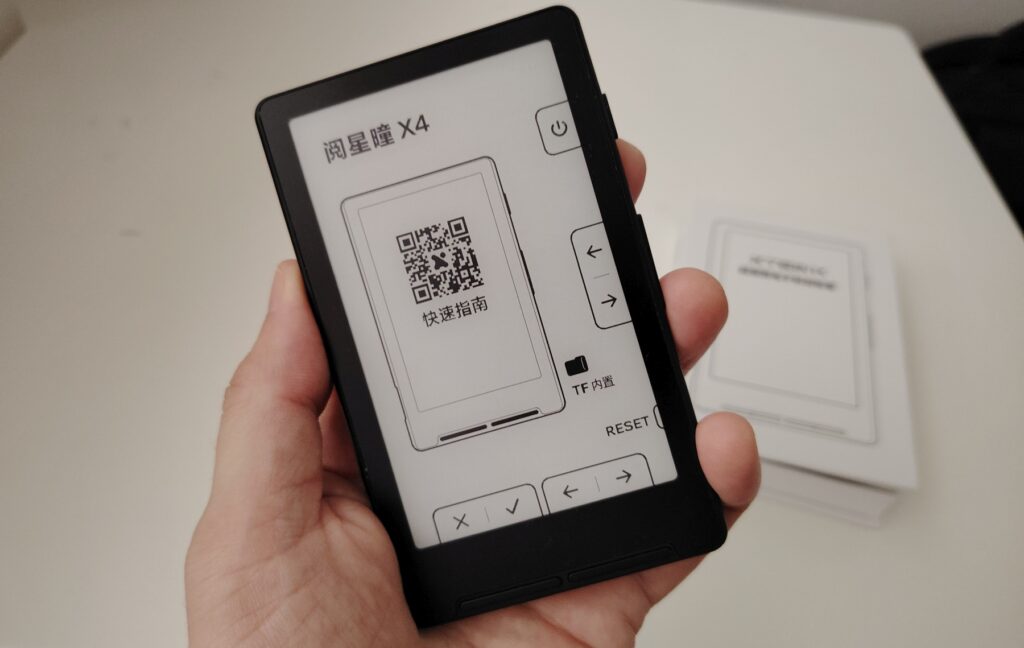
On the side you also get a power button and two more buttons for turning pages.
That same edge holds a reset button and the micro-SD card slot.
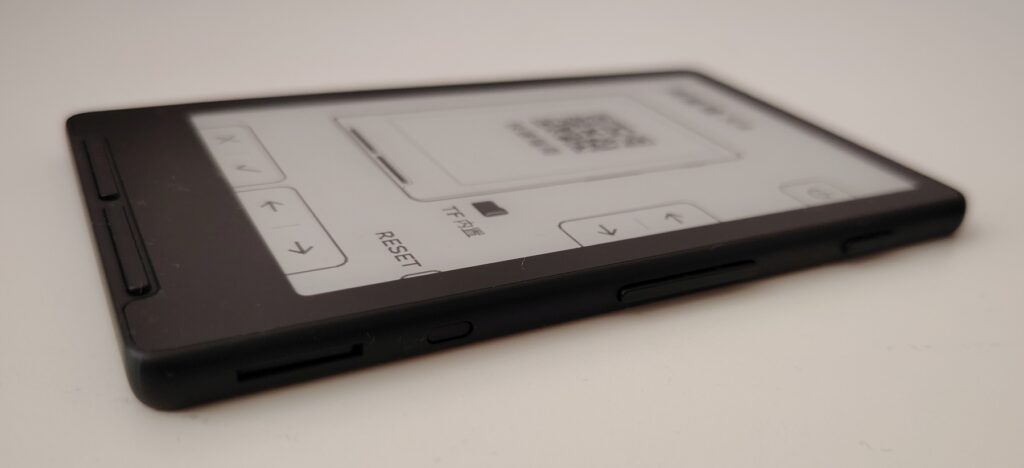
In the bottom-left corner there is a USB-C port and a small hole for a wrist strap.
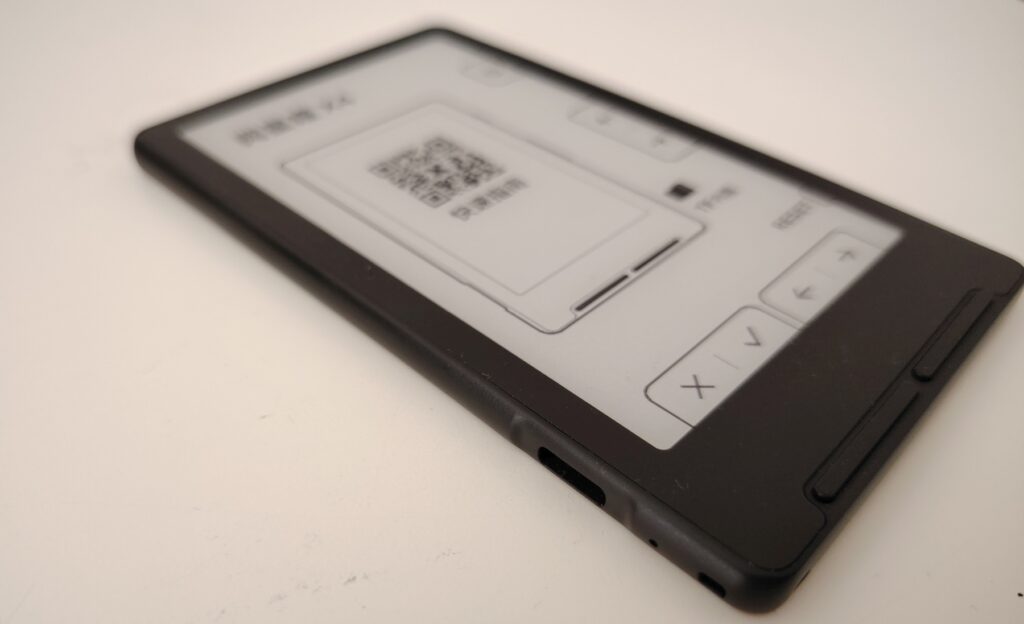
It’s worth pointing out that the XTEINK X4 really does fit in the palm of your hand, it’s quite comfortable to hold, and it’s very light.
Time to power it on and see what we’re dealing with.
Screen and interface of the XTEINK X4
You turn the e-reader on by holding the power button for a few seconds.
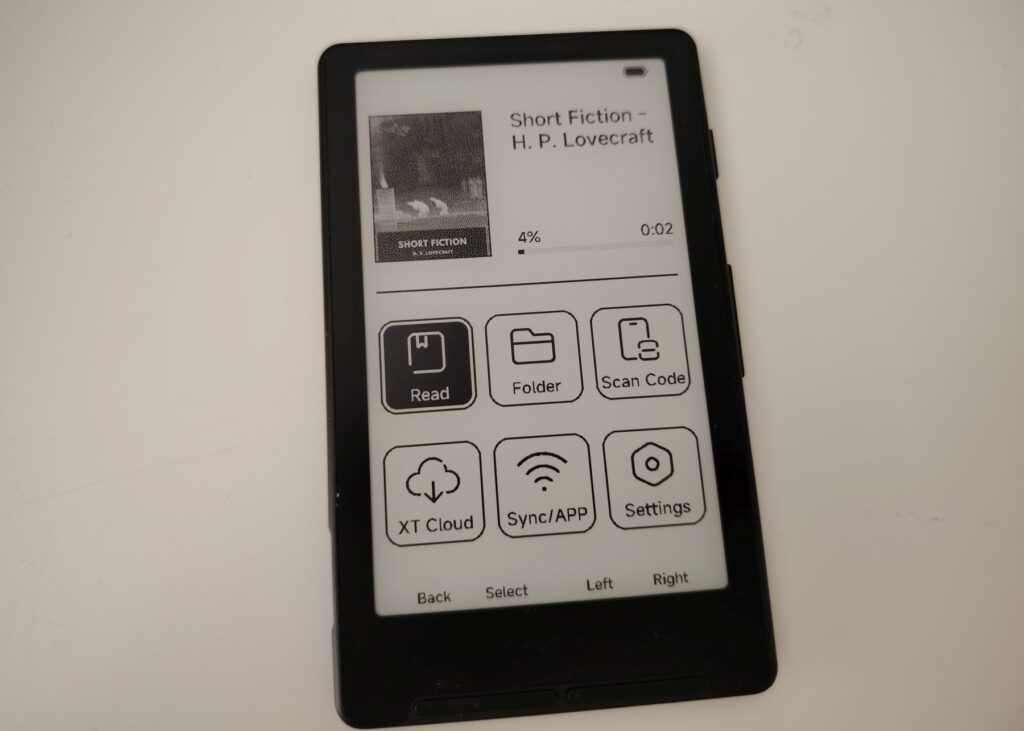
And there are two surprises:
- The black and white e-ink screen looks genuinely good
- Everything is in Chinese
On the first point, a quick side-by-side with other readers of the same type (a 2.7-inch mini e-reader and the 4.7-inch Woxter E-Book Scriba 195 S) confirms it.
The screen is a success despite a fairly low resolution: characters are perfectly legible and it handles light very well without much glare, which is a real plus.
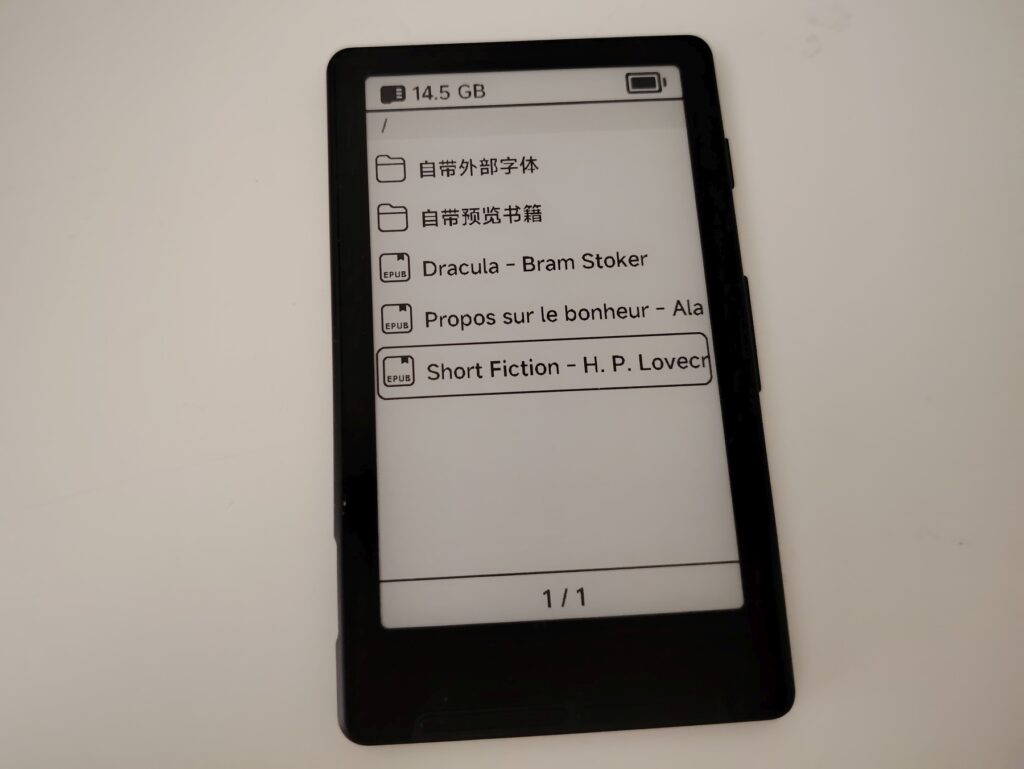
So the display is genuinely usable and you can read ebooks on it, small as it is.
As for the Chinese, a few quick button presses switch the whole interface over to English. You have to go into the settings menu at the bottom right and press the second button to cycle through the languages. The process is not intuitive, but once it’s done the interface stays in English.
And the ebooks? Well, first you have to figure out how to get books onto it, because everything already on there is in Chinese.
How do you transfer ebooks to this e-reader?
Intuitively, you’d assume you can transfer ebooks by plugging a USB cable into the machine and connecting it to your computer.
Nope, that doesn’t work. The cable appears to be there purely for charging.
This is where the bundled accessory becomes important: you have to remove the micro-SD card and put it into the supplied USB adapter to copy ebooks onto it.
Your computer reads the card like a USB stick, and you can drop EPUB files onto it.
It’s pretty annoying and it feels like a trip back 20 years, to the era of the first cell phones.
Thankfully, you can install an app on your smartphone (Android or iPhone) to send your ebooks to the XTEINK X4 from your phone. But the app’s interface turned out to be in Chinese as well, so I gave up.
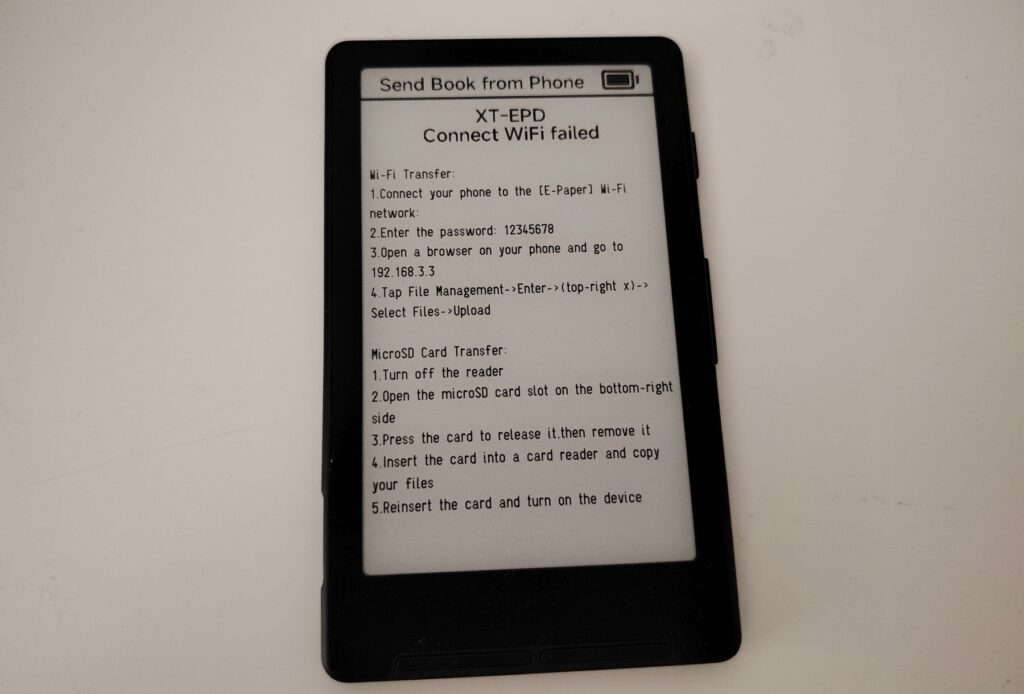
You can also transfer files by connecting your phone to the Wi-Fi network the e-reader creates and using the web interface it serves up.
Reading ebooks: not bad at all!
Now that we can actually read ebooks, it has to be said that the screen renders text nicely.
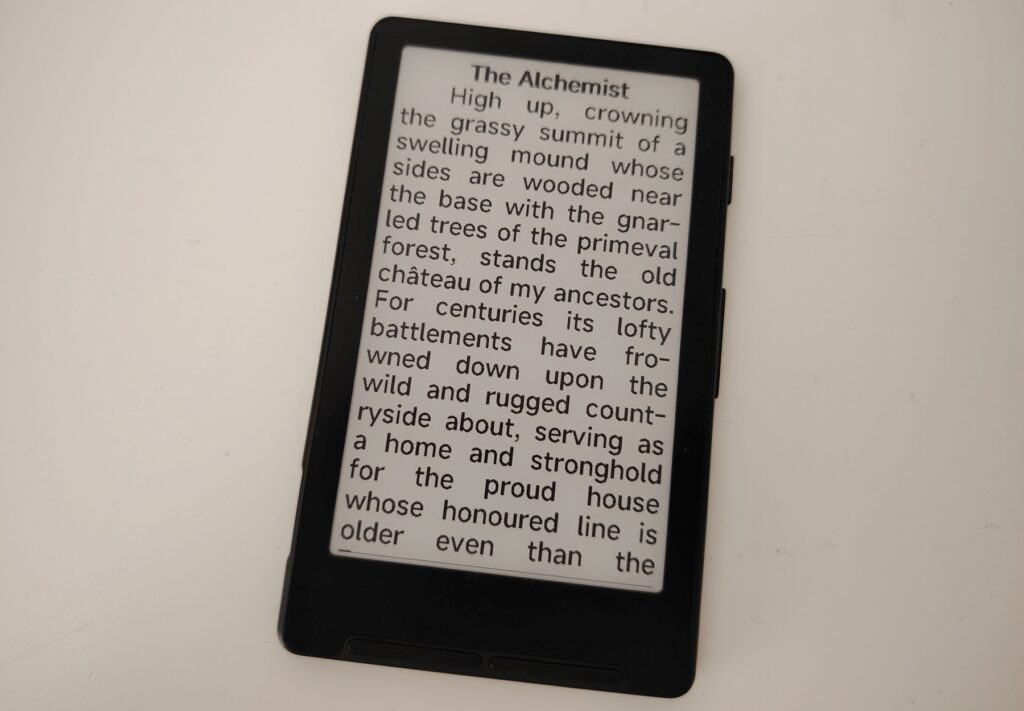
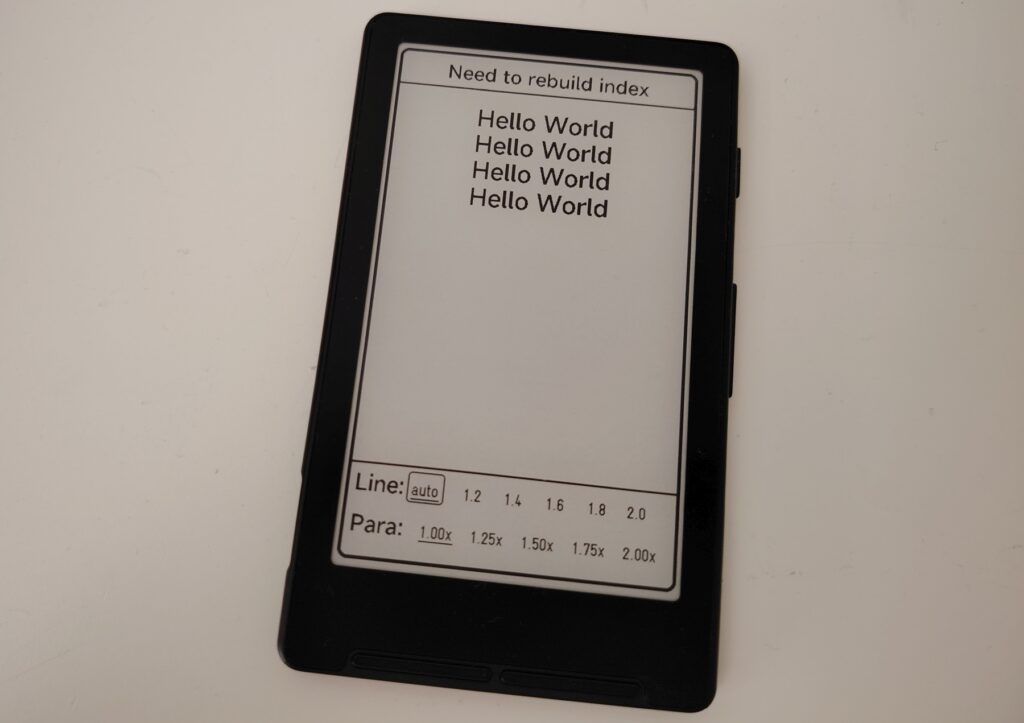
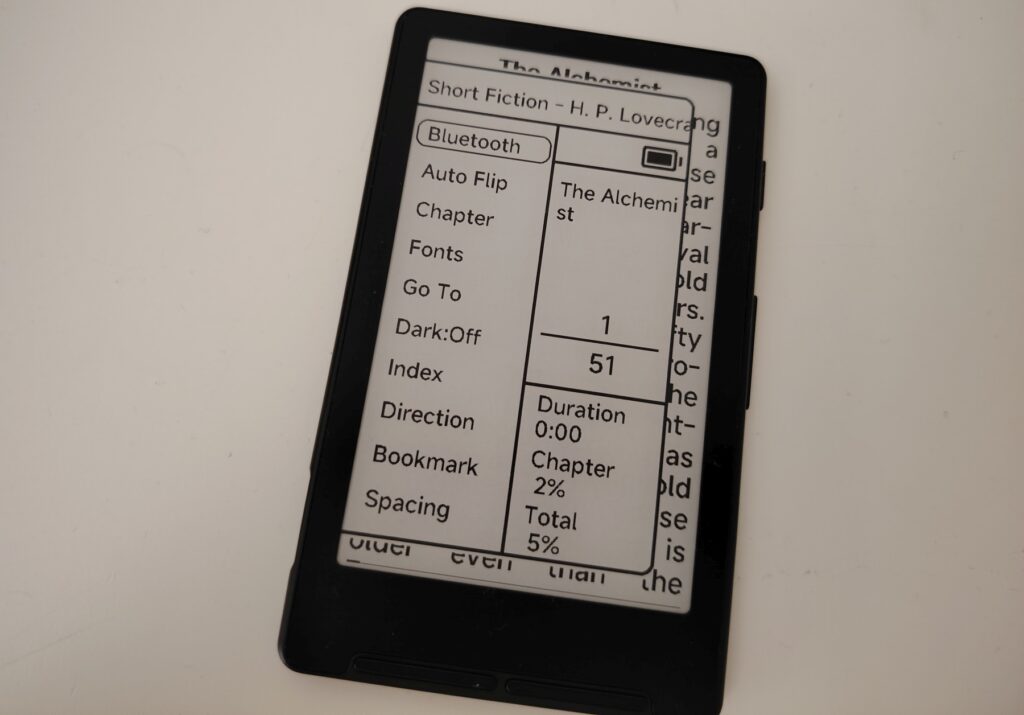
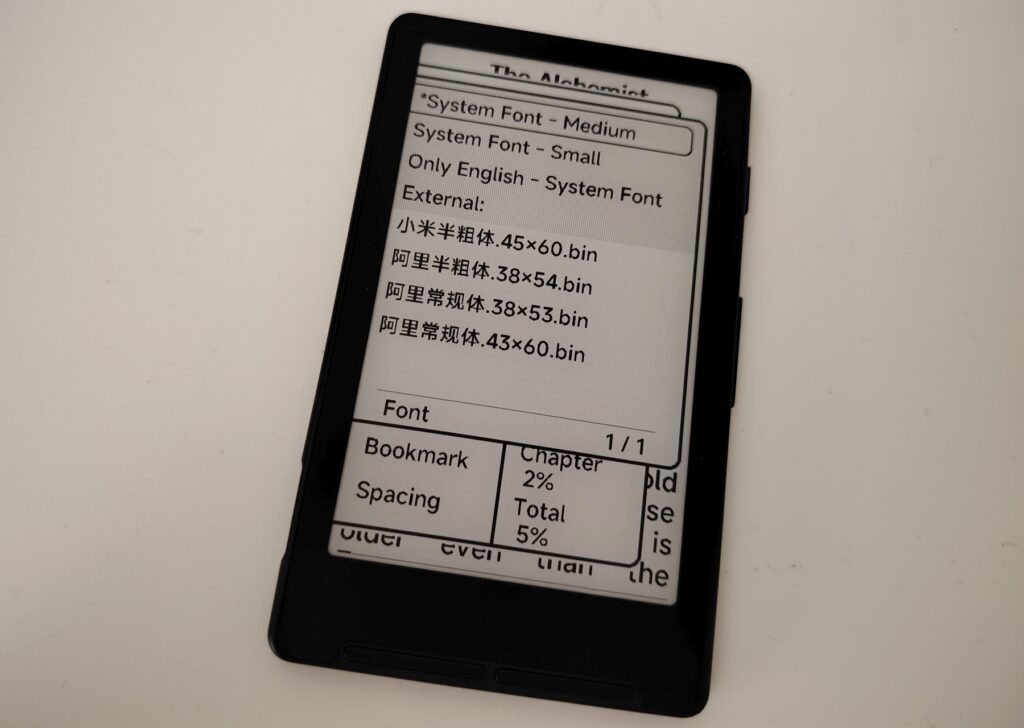
Text customization options are extremely bare-bones on the XTEINK X4, but the characters display well.
The most surprising part is how fast pages refresh. It’s probably the quickest e-reader I’ve ever held; it’s at least as fast as a Kindle Paperwhite.
There’s also a dark mode that shows white text on a black background, always a handy option to have.
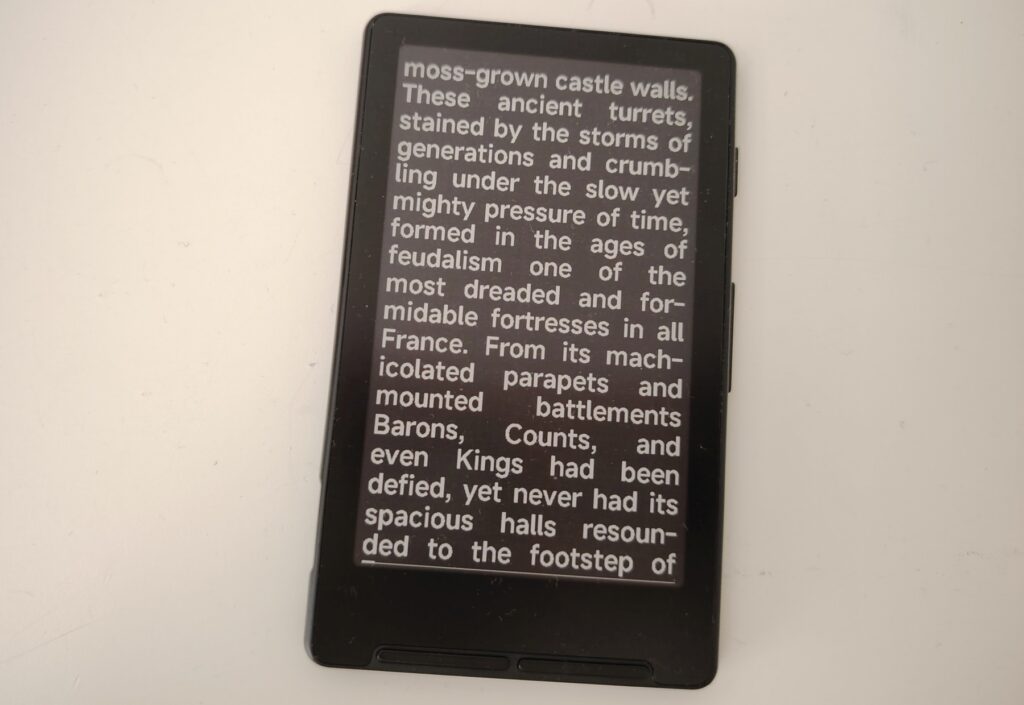
If you read in portrait mode, you’ll see a lot of hyphenation. Words get broken up constantly because there’s so little room to fit each line of text.
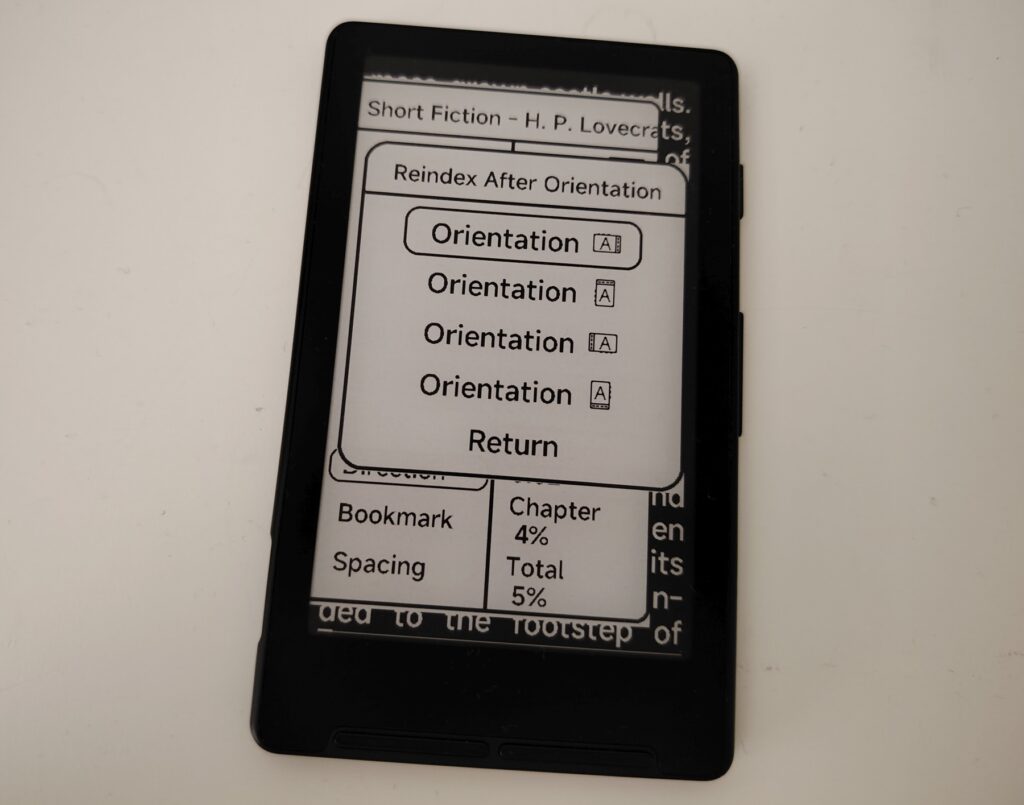
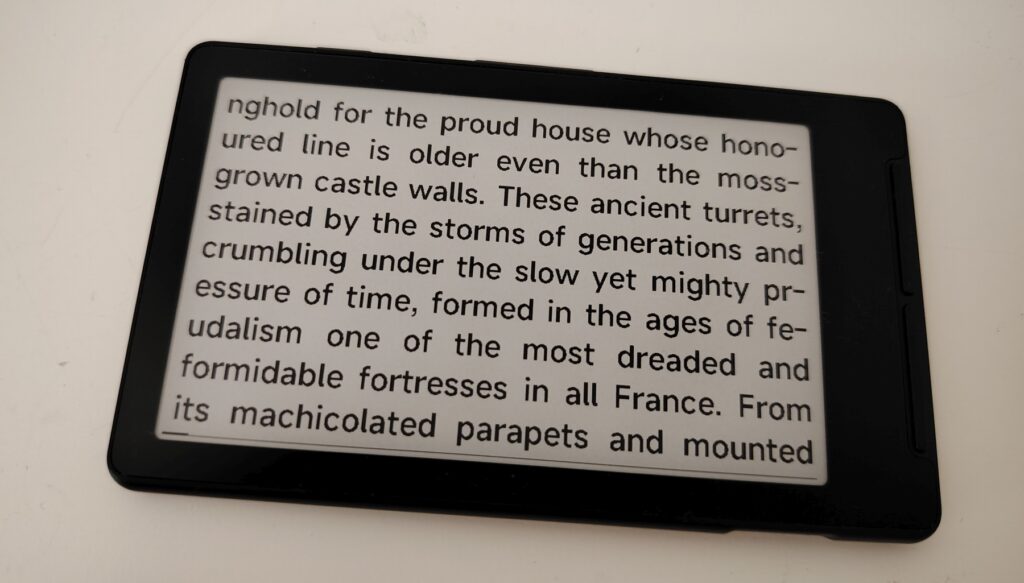
But in landscape mode the problem is far less noticeable, since the screen has more width. In my opinion, that’s the reading mode to stick with.
Options for changing the font, line spacing, or character spacing simply don’t exist.
But why does the internet love this XTEINK X4?
We’re now reaching the end of this XTEINK X4 review.
As it stands, this machine is far from a success. The main problem is how hard it is to use, especially when it comes to getting ebooks onto it.
And yet this XTEINK X4 keeps getting recommended on plenty of forums, and even in the comments under my videos. So why?
The reason is simple: owners of this machine run a modified version where the stock software has been swapped out for new software that offers far more features.
That software is called Crosspoint and it’s available here: https://github.com/crosspoint-reader/crosspoint-reader
A new review, along with a tutorial explaining how to install Crosspoint on this machine, will be published in the coming weeks. Update : read the review here with Crosspoint on the XTEINK X4.
That way there will be two reviews of the XTEINK X4: the one you’re reading, for people who don’t want to mess with the software, and the next one, with the modifications.
Conclusion and video: avoid it without the software mod
As I’ve just explained, I can’t recommend the XTEINK X4 as it ships, without modifying its software.
Because when you receive this e-reader, it has too many flaws to make a good reading device, even at $60. You’re better off spending a bit more, somewhere around $100 to $120, for a turnkey entry-level e-reader.
So see you in a few days or weeks for a new review with the modified software. Update : read the review here with Crosspoint on the XTEINK X4.
See on Amazon.com : https://amzn.to/4pqqJpW
You can watch my video review below:
Pingback: XTEINK X4: review with Crosspoint – World of eReader
Pingback: How to install CrossPoint on an Xteink e-reader (X3 / X4)? – World of eReader
Pingback: XTEINK X4 Pro: touchscreen and front light now on board – World of eReader
Pingback: XTEINK X4 Classic: an unexpected comeback for social media’s favorite e-reader – World of eReader
Pingback: Boox Picco: the mini Boox e-reader takes shape – World of eReader
Pingback: XTEINK S4: the first Android mini e-reader, released too quickly – World of eReader