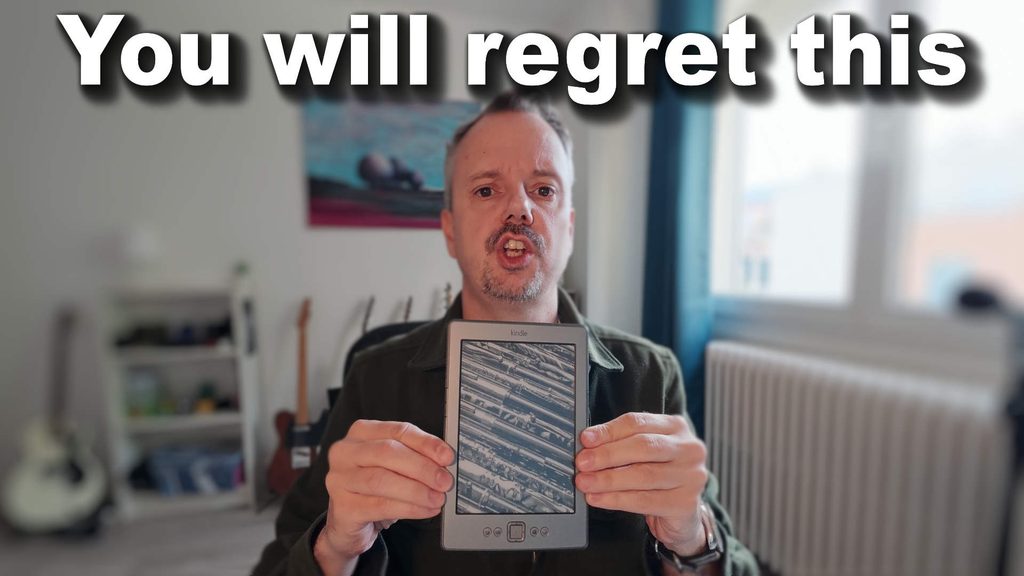
In this article, I explain what jailbreaking a Kindle is, what the real risks are, and what I recommend doing instead. And if you still want to go ahead, I show you what the procedure looks like.
Here is the video with all the information:
What is jailbreaking a Kindle?
Jailbreaking your Kindle means performing a software manipulation on the e-reader so that you can then install programs other than Amazon’s. It can be another reading app, small tools or hidden features.
The best-known software is KOReader. I already talked about it in an article on the site about Kobo, where the installation is much easier. These extra features may interest some people. But in my experience, most readers do not need them.
For my part, I tried a Kindle jailbreak a long time ago and I did not like it at all: I found it far too complicated for, in the end, few benefits.
The 5 Kindle jailbreak risks you need to know
Before you start, here are the problems you may run into.
- Risk of “bricking”: if the operation goes wrong, the e-reader can remain stuck in an in-between state: the software no longer really works. This is called “bricking” your Kindle. In many cases, it cannot be recovered and ends up in the trash.
- Goodbye warranty: Amazon honors its warranty very well, and if there is a problem, they often send you a new e-reader without too many questions. But on a jailbroken Kindle, Amazon can refuse, because it is no longer their software running on it. And honestly, they would not be entirely wrong…
- More complicated updates: a normal Kindle updates itself over Wi-Fi. After a jailbreak, you often have to manage the updates for KOReader and the other tools yourself, and it is not always simple.
- No more access to the Amazon store: in general, once the e-reader is jailbroken, you lose access to the built-in Kindle Store. There are special cases, but I am sticking to the general case.
- Battery life may decrease: the battery may last less long after a jailbreak.
In short, jailbreaking is not the miracle solution that some people describe.
My advice: use Calibre instead of jailbreaking
If someone shows me a Kindle, even an old one like mine that dates from 2012 or 2013 and still works, I recommend installing the free Calibre software on your computer.
With Calibre, you can send your own ebooks to the Kindle and convert almost all file formats. For example, if you like manga, you can convert your CBZ or CBR files to read them on your e-reader. For me, this already solves many of the problems people blame the Kindle for.
To find something to read, I have gathered on my site, in the “Free ebooks” section, more than fifty links to download free books.
How does a Kindle jailbreak work?
If, despite all this, you want to jailbreak your Kindle, that is your right. I advise against it, unless you are very comfortable with computers. Everything happens on a specialized community website. I am deliberately not including the link, because I do not want to push you to do it (but you can see it in the video earlier in the article).
Broadly, here are the steps:
- Read the explanations on the site, including how to remove the jailbreak if needed.
- Use the assistant to find the right jailbreak. For this, you need the beginning of the Kindle’s serial number (in the settings) and the software version. For my old Kindle, it found a 4th generation on version 4.1.3.
- Download the suggested file, extract it and copy the files onto the Kindle connected to the computer.
- Unplug the Kindle and restart it from the menu.
- Check that a book called “You are jailbroken” appears in the library. But this can depend on your type of jailbreak…
You may be thinking that it is not that complicated. Except that this is only the beginning! Once the e-reader is unlocked, you still have to download and install each piece of software, with a new procedure each time. And you need to know your model well.
My final opinion on the Kindle jailbreak
As you have understood: I do not recommend jailbreaking the Kindle.
Between the risk of breaking your e-reader, the loss of the warranty and the complexity, it is not worth it for the majority of readers. With Calibre, you can already do a great deal.
But I do not claim to know everything. If you have jailbroken your Kindle, if you have other tips or a better method, leave me a comment.
Original post: https://www.liseuses.net/jailbreak-kindle-les-vrais-risques-avant-de-debloquer-sa-liseuse/

Leave a Reply